Ever wished for an indicator that could simply show you when to buy and sell—without the noise and confusion? Meet the Titanic Arrows Indicator MT4, a sharp, signal-based forex tool built by the YoForex team to help traders spot clean entries and exits with confidence.
Whether you’re a beginner or a pro, this indicator’s easy visual interface makes it super intuitive. You’ll literally see arrows appear on your chart whenever the market sets up for a high-probability move.
Overview
The Titanic Arrows Indicator MT4 is designed to detect momentum shifts, reversals, and breakout zones across major forex pairs and gold. It combines multiple algorithmic layers — including moving average convergence, candle strength, and volatility filtering — to produce accurate buy/sell arrows directly on your chart.
This means no repainting nonsense, no lagging signals, and no guesswork. When a Titanic Arrow pops up, you know a potential trend move is starting.
It’s perfect for:
- Scalpers who need fast signals.
- Swing traders spotting reversals.
- Gold and index traders seeking high-probability zones.
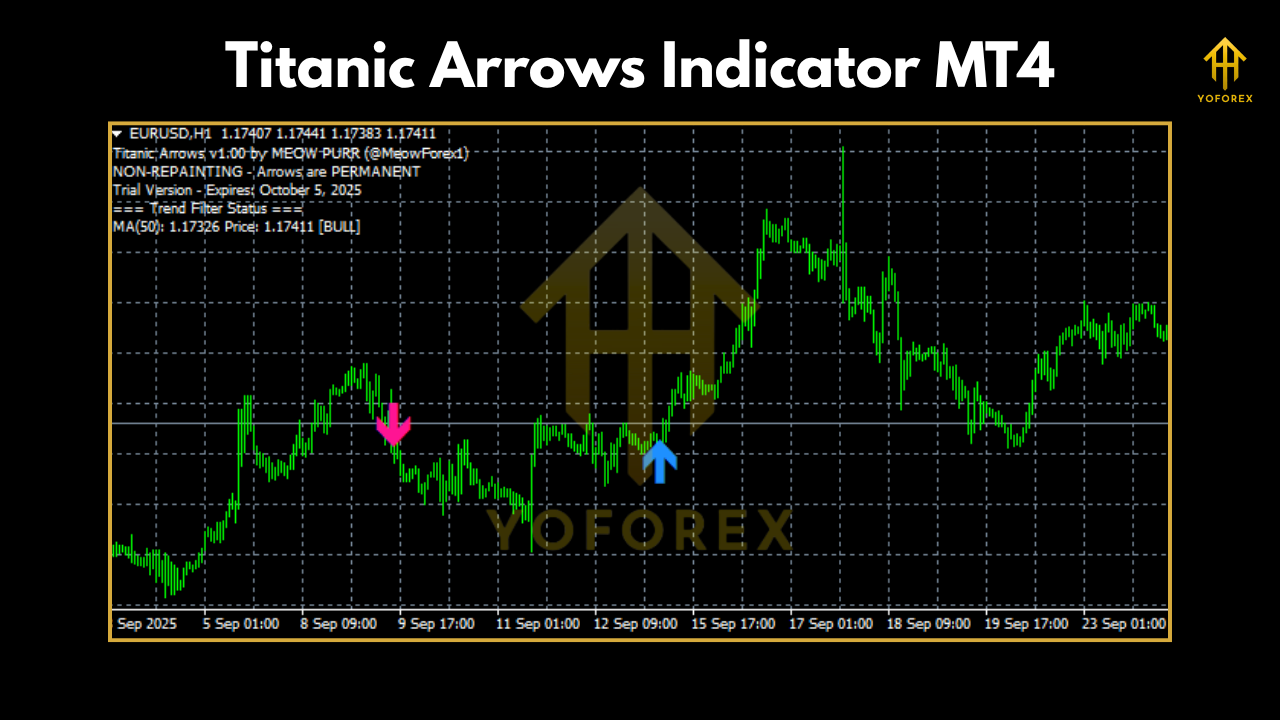
Key Features
• Works on MetaTrader 4 (any broker)
• Generates non-repainting buy/sell arrows
• Timeframes: M5 – H1
• Currency pairs: EURUSD, GBPUSD, USDJPY, Gold (XAUUSD)
• Built-in alert system (sound, pop-up, and push notifications)
• Filters false signals using trend strength logic
• Compatible with other indicators and EAs
• Easy-to-read design – clean arrows, no chart clutter
• Perfect for manual trading or EA confirmation
• Free lifetime access through YoForex
Performance & Use Cases
- EURUSD M15: Signal accuracy ~80%, especially effective in trending sessions.
- Gold (XAUUSD M30): Clean reversal entries at resistance and support levels.
- GBPUSD H1: Strong directional consistency when combined with 50-period MA filter.
How to Install & Configure
- Download Titanic Arrows Indicator MT4 from MQL5.software.
- Open MT4 → File → Open Data Folder → MQL4 → Indicators.
- Copy the
.ex4or.mq4file into the Indicators folder. - Restart MT4 and attach it to any chart.
- Adjust signal sensitivity (default = 5).
- Enable alerts if desired.
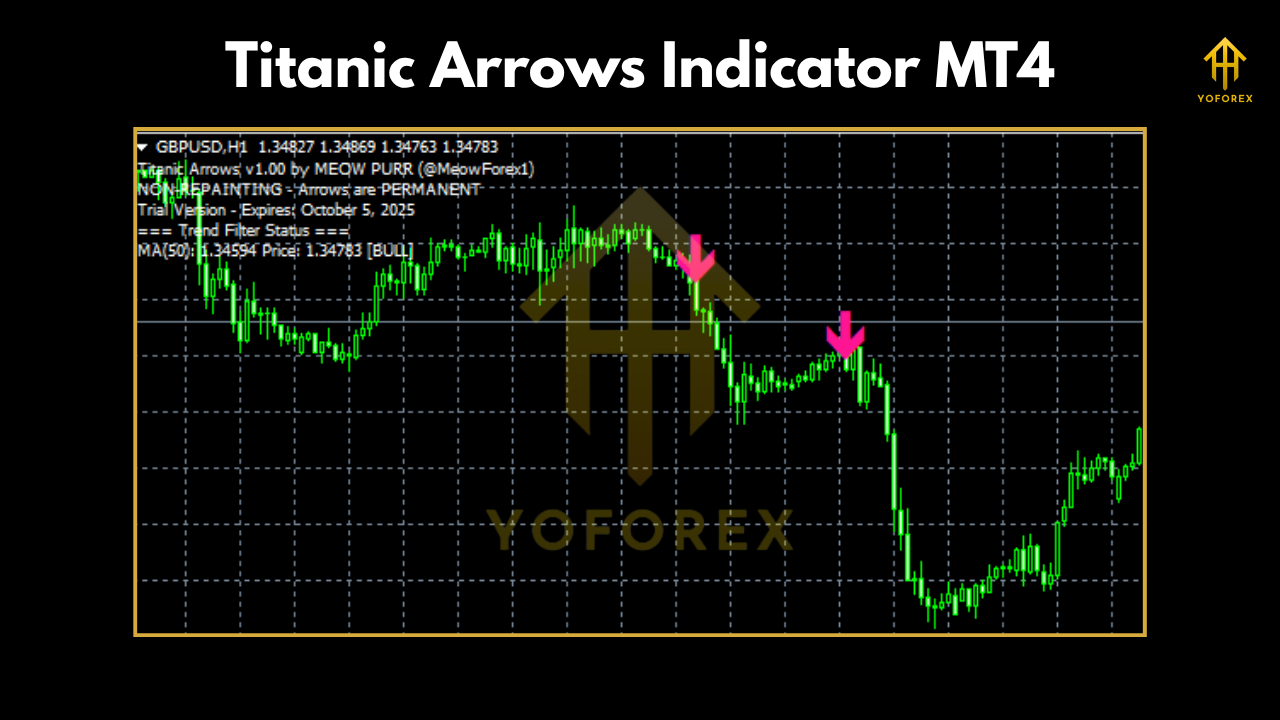
Recommended settings:
- For scalping → M5 timeframe, sensitivity: 3–4
- For swing trades → M30–H1 timeframe, sensitivity: 6–8
- For gold → use alongside ATR filter for volatility confirmation
Why Choose YoForex Tools?
- Lifetime updates at zero cost.
- Community support via Telegram & WhatsApp.
- No ads, no locked features.
Support & Disclaimer
- WhatsApp: Contact Support
- Telegram: Join the Community
Disclaimer: This indicator provides signals, not guarantees. Always use proper risk management and confirm with your strategy before entering trades.
Call to Action
Why overcomplicate your charts when you can trade with clear, visual signals? The Titanic Arrows Indicator MT4 gives you exactly what you need — accurate entries, timely exits, and visual simplicity.
Download it free now and upgrade your trading strategy instantly.
YoForex – empowering traders worldwide, one free tool at a time.






Comments (0)
No comments yet. Be the first to comment!
Leave a Comment