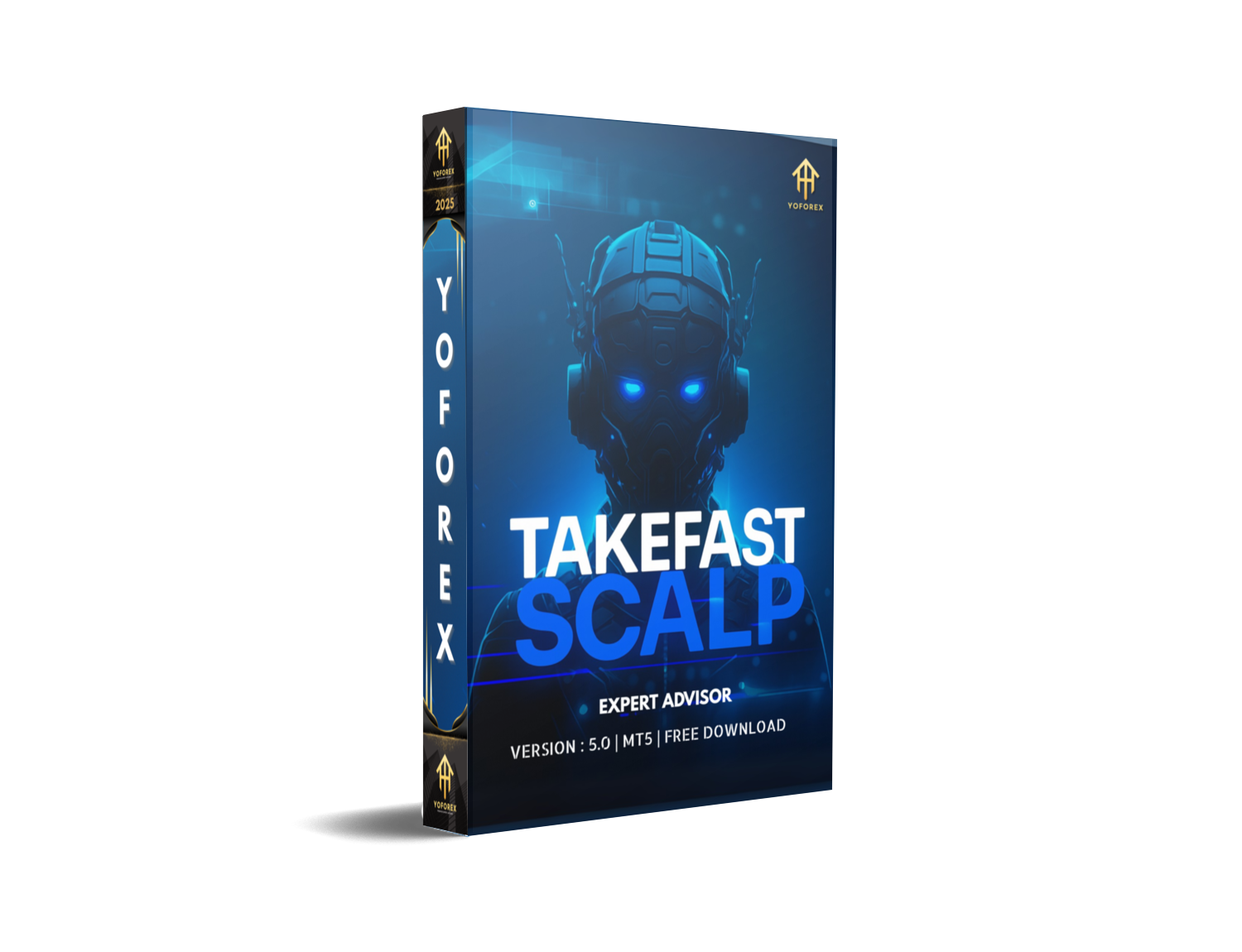
TAKEFAST EA V5.0 MT5: The AI-Powered Scalping Bot for US30
In the competitive world of forex and indices trading, finding an automated system that can consistently deliver strong performance on volatile assets is a constant pursuit for traders. TAKEFAST EA V5.0 MT5 has emerged as one such solution — a modern scalping Expert Advisor that brings together artificial intelligence, technical accuracy, and speed. Tailored specifically for US30 on the MetaTrader 5 platform, this EA is designed for high-frequency, short-term trading and appeals to traders looking to capitalize on rapid price movements.
This blog post covers everything you need to know about TAKEFAST EA V5.0 MT5, including its features, strategy, setup requirements, pros and cons, and how to make the most of it.
What is TAKEFAST EA V5.0?
TAKEFAST EA V5.0 is an advanced scalping bot that runs on MetaTrader 5 and is engineered for trading the Dow Jones index, also known as US30. This EA is unique in its integration of AI technology, particularly neural network models such as LSTM (Long Short-Term Memory), which allow it to recognize short-term patterns in price movements. Unlike many traditional Expert Advisors that rely on static indicator-based logic, TAKEFAST EA utilizes dynamic forecasting models to adapt its strategy in real time.
The EA operates best on the one-minute (M1) timeframe and is capable of executing multiple trades per day, taking advantage of micro-trends within the US30 market. Its goal is to secure fast profits while minimizing risk exposure.
Strategy and Trading Logic
At the core of TAKEFAST EA V5.0 is a hybrid strategy that blends technical indicator-based entry signals with AI-driven forecasting. The Expert Advisor constantly scans for short bursts of market inefficiencies or momentum surges and then opens trades accordingly. Its internal risk filters aim to reduce false signals and avoid poor entry points, which is crucial in the high-volatility environment of US30.
The EA employs a scalping methodology, which means trades are typically held for short durations. This allows it to lock in profits quickly and avoid overnight risks. Scalping also requires precision and execution speed, which TAKEFAST EA is built to handle through its optimized coding and fast decision-making logic.

Installation and Setup
Installing TAKEFAST EA V5.0 MT5 involves a few key steps that must be followed carefully. First, users need to place the EA file in the Experts directory of the MetaTrader 5 platform. The EA also comes bundled with a DLL file, specifically named msimg32.dll, which enhances its capabilities. This DLL must be placed in the terminal's root folder, and users will need to add it to their antivirus exclusions to prevent it from being blocked.
Once the files are in place, the EA can be attached to the M1 chart of US30. It’s important to enable DLL imports in the terminal settings and ensure that auto-trading is turned on. Some versions of the EA require a specific MT5 build, such as build 4424 or higher, so it’s recommended to disable auto-updates for MT5 to maintain compatibility.
A VPS with low latency is strongly recommended for uninterrupted trading. The EA’s strategy relies on timely execution, and even minor delays can impact performance. The minimum deposit requirement is generally around $500 to $1000, and a leverage of 1:500 is considered ideal for optimal results.
Performance and Results
Multiple sources and sellers of TAKEFAST EA V5.0 claim that it has delivered significant performance metrics in both demo and real trading accounts. Some reports highlight a return of over 2000 percent with a relatively low drawdown of around 8 percent. Other results show monthly profits ranging from 50 to 170 percent depending on market conditions and broker execution speed.
While these numbers are impressive, traders are strongly encouraged to verify performance on platforms like MyFXBook or FXBlue before committing to a live account. It is always recommended to test the EA on a demo account to get familiar with its behavior and performance.
Compatibility and Broker Requirements
To achieve the best results, TAKEFAST EA requires an ECN or raw spread broker that allows scalping. Brokers with high spreads, frequent requotes, or slow order execution may negatively impact the performance of this EA. Since the strategy depends on executing multiple trades in quick succession, any delay or price deviation can significantly reduce profitability.
The EA also requires consistent internet connectivity, which is why hosting it on a reliable VPS is essential. A Windows-based VPS is preferred due to compatibility with MetaTrader 5 and the DLL integration required by this EA.
Risks and Considerations
While the performance potential of TAKEFAST EA is high, there are also some risks and considerations to be aware of. The use of a DLL file can trigger antivirus warnings or be flagged by Windows Defender. Users must be confident in managing these system-level permissions to ensure smooth functionality.
Another concern is that many versions of the EA available online are sold by third-party vendors. These vendors may not provide official support or updates, which could become problematic if MetaTrader 5 releases a major platform update. Users should always ensure they are purchasing from a credible source or have access to a stable and compatible MT5 build.
Additionally, scalping strategies tend to perform inconsistently in high-impact news periods or during low liquidity sessions. It is advisable to use a news filter or disable the EA during scheduled events like NFP or FOMC announcements.

Final Thoughts
TAKEFAST EA V5.0 MT5 represents a powerful option for traders interested in short-term, high-frequency trading on the US30 index. Its unique integration of AI technology with traditional trading logic gives it an edge in identifying profitable micro-movements in the market. When configured properly and hosted in the right trading environment, this EA can deliver rapid returns with controlled risk.
However, users must approach it with technical awareness and a clear understanding of its requirements. From managing DLLs to selecting the right broker, every detail plays a role in determining success. For those willing to invest the time in testing and setup, TAKEFAST EA can be a valuable tool in a trader’s arsenal.






Comments (0)
No comments yet. Be the first to comment!
Leave a Comment