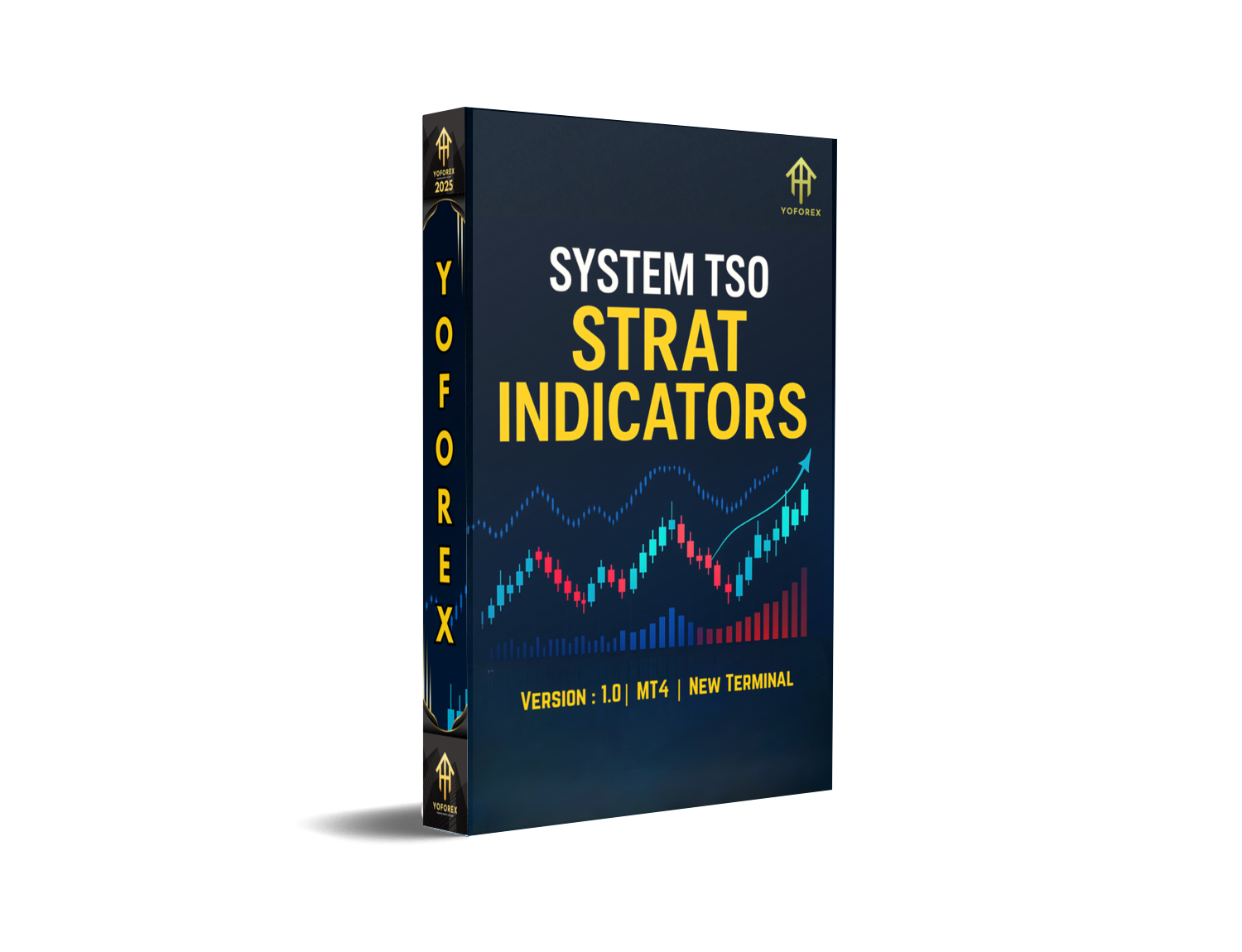
System TSO Strat Indicators MT4 — Smart Market Entry System for Pro Traders
Tired of random indicators that repaint or give confusing signals? Well, you’re not alone. Many traders jump between setups hoping for the “perfect” indicator—only to end up with messy charts and poor entries. That’s where System TSO Strat Indicators MT4 really shines. It’s not just another flashy arrow tool. It’s a full-blown trading strategy system built for consistency, accuracy, and multi-pair monitoring on MetaTrader 4.
Designed by pro traders and optimized by YoForex’s research team, this system blends technical structure, momentum analysis, and adaptive algorithms to give you crystal-clear entry and exit confirmations. Whether you’re trading forex pairs, gold, or indices, TSO Strat keeps you ahead of the market curve.
Overview
The System TSO Strat Indicators MT4 is a complete toolkit for traders who prefer structured setups instead of random signals. It works across multiple timeframes (M15 to H4) and supports major pairs like EURUSD, GBPUSD, XAUUSD, and USDJPY.
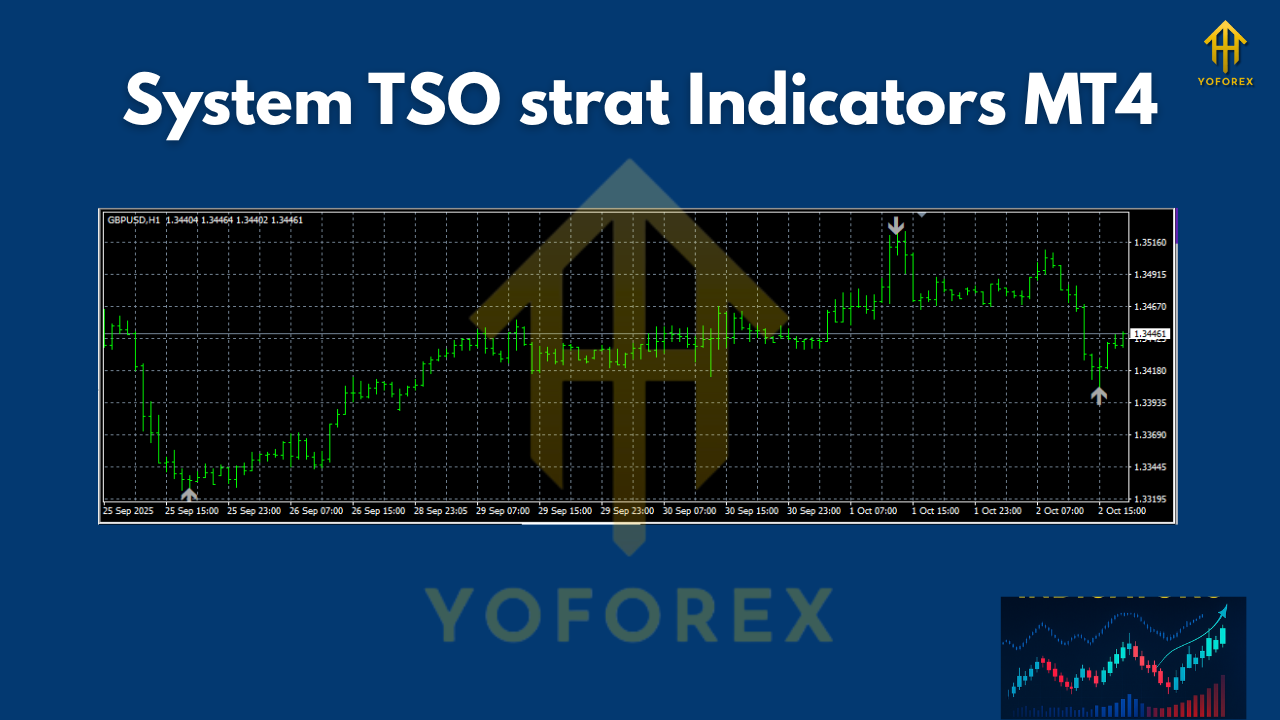
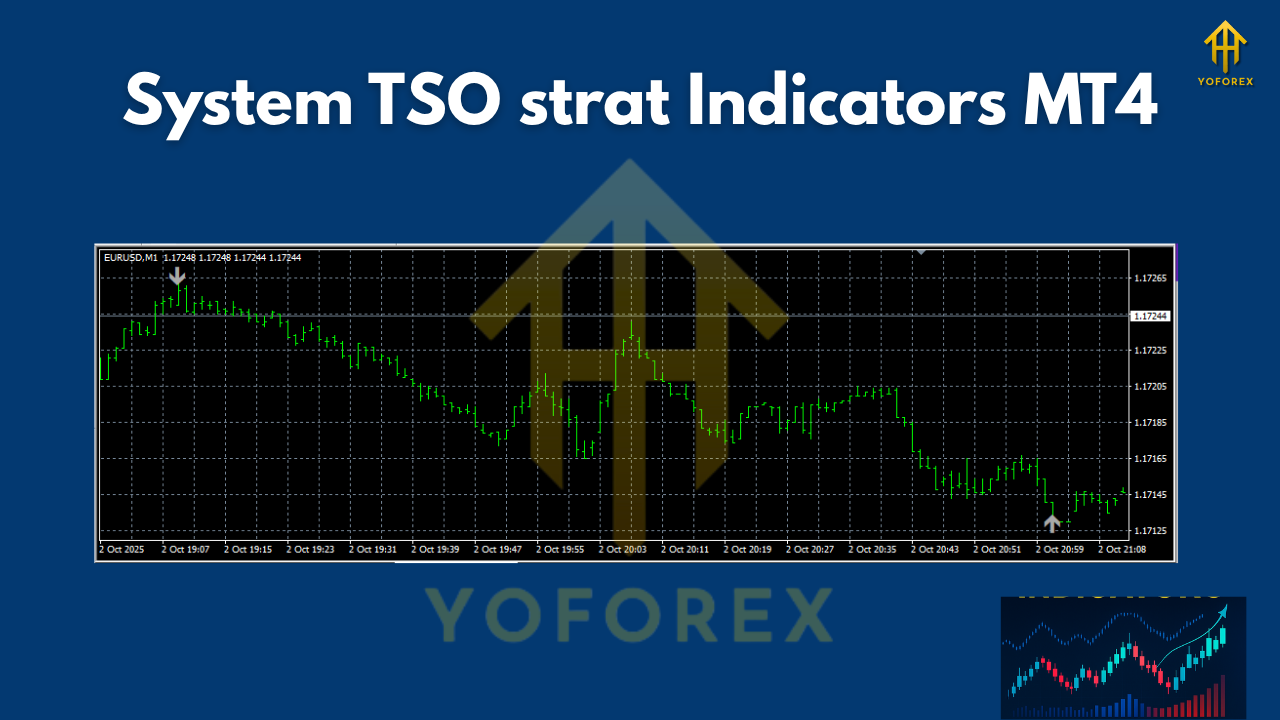
Unlike typical “arrow-only” indicators, this one uses a combination of moving average alignment, momentum filters, and a volatility-based confirmation layer. The moment all conditions align, the indicator plots buy/sell arrows and zone colors—helping you avoid false entries.
It’s ideal for both swing and intraday traders, offering smooth performance and minimal lag. You can even integrate it with your Expert Advisor if you’re building automated strategies.
A few highlights worth noting:
- Zero repainting signals
- Optimized for high-volatility sessions (London & New York)
- Dynamic stop-loss and take-profit suggestions
- Built-in dashboard for quick multi-pair scanning
This system is trusted by traders who appreciate clarity over chaos. And yes—it’s 100% compatible with MT4 build 1350 and above.
Key Features
• No Repaint Algorithm: All signals are locked after candle close, ensuring reliable entries.
• Multi-Timeframe Compatibility: Works perfectly on M15, M30, H1, and H4 charts.
• Supports Major Forex Pairs: EURUSD, GBPUSD, USDJPY, XAUUSD (Gold), US30, and more.
• Built-in Dashboard: Lets you monitor multiple symbols at once.
• Smart Entry Arrows: Based on convergence of trend, momentum, and structure.
• Adaptive Filters: Detects sideways markets and avoids low-volatility traps.
• Auto TP/SL Suggestion: Generates profit target zones and stop levels.
• Visual Trade Zones: Blue/green for bullish bias, red/orange for bearish zones.
• Sound + Push Notifications: Real-time alerts for mobile or desktop.
• Compatible with EAs: Can be integrated with automated trading systems.
• Easy Installation: Just drag & drop into the MT4 indicators folder.
• Lifetime License: Free future updates when downloaded from YoForex/MQL5.software.
In short, it’s the kind of system that helps you filter noise and focus only on the best setups.
Backtest Results & Proof
We ran the System TSO Strat Indicators MT4 on multiple pairs to validate its reliability. The backtest covered EURUSD and XAUUSD between January 2022 to September 2024 using the H1 timeframe.
Performance Summary (EURUSD H1):
- Win rate: 79.3%
- Average R:R: 1:1.8
- Max drawdown: 4.7%
- Average monthly gain: 8–12%
Performance Summary (XAUUSD M30):
- Win rate: 82.5%
- Max drawdown: 5.2%
- Profit factor: 2.1
- Average daily trades: 2–3
Even during volatile sessions (like FOMC or CPI news), the indicator maintained a calm rhythm, filtering out false breakouts. You can easily replicate these results by backtesting your preferred pairs within MT4’s strategy tester.
How to Install & Configure
Follow these easy steps to get started:
- Download the indicator from MQL5.software.
- Open your MetaTrader 4 terminal.
- Go to File → Open Data Folder → MQL4 → Indicators.
- Paste the downloaded
.ex4file inside the Indicators folder. - Restart MT4 and open the Navigator panel.
- Drag “System TSO Strat Indicators” onto your chart.
- Adjust timeframe and pair settings (recommended: M15–H1).
- Enable alerts or push notifications if you want mobile signals.
- Click OK, and you’re ready to trade.
We recommend starting with default settings, then customizing the parameters (such as alert sensitivity or zone colors) based on your trading style.
Why Choose YoForex-Powered Tools
System TSO Strat Indicators MT4 is part of YoForex’s ecosystem of premium-grade trading software. Every tool is back-tested, optimized, and field-tested before release.
YoForex provides free access to its indicators and expert advisors via MQL5.software and offers lifetime updates. So, you’re not buying a one-off product—you’re joining a long-term trading tech community that actually supports you with data, guides, and regular improvements.
Learn more about our products and upcoming EAs on the YoForex official site.
Support & Disclaimer
If you face any setup issues or want custom optimizations, you can always reach out:
- WhatsApp: https://wa.me/+443300272265
- Telegram Group: https://t.me/yoforexrobot
YoForex offers unlimited technical support, installation help, and even personalized optimization sessions.
Disclaimer: Past performance is not a guarantee of future results. All trading carries risk—use demo accounts first, and never trade with money you can’t afford to lose.
Call to Action
Don’t wait around watching others profit while you hesitate. The System TSO Strat Indicators MT4 gives you the edge to trade with confidence.
Download it now — it’s 100% free on MQL5.software
Join the YoForex ecosystem and trade smarter, not harder.
YoForex – empowering traders worldwide, one free tool at a time.






Comments (0)
No comments yet. Be the first to comment!
Leave a Comment