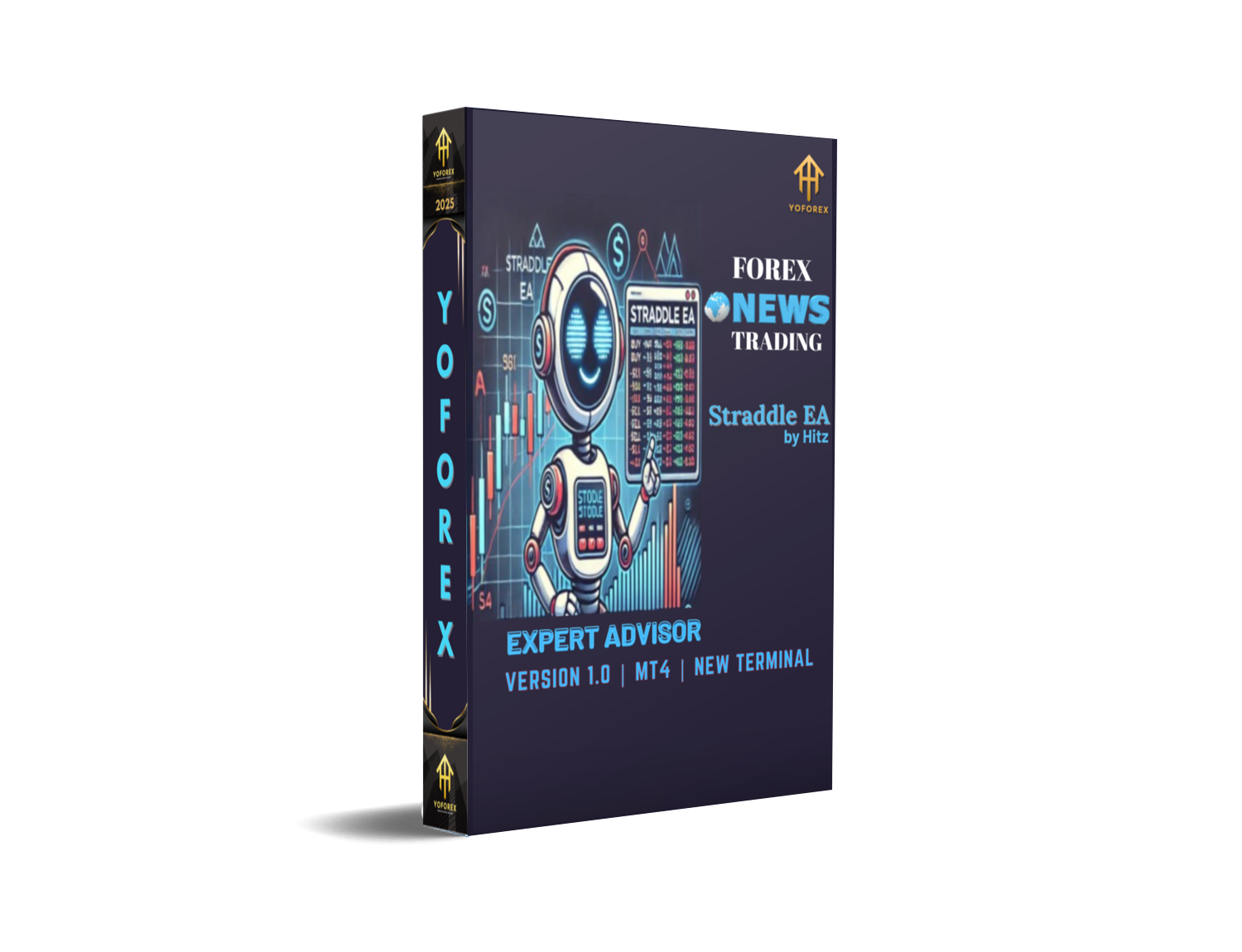
Straddle EA V1.0 MT4 – Master News Trading with Smart Pending Orders
Ever noticed how the forex market goes wild during big news events? You’re not alone. Many traders either stay out of the chaos or try to catch those fast moves… but usually too late. That’s where Straddle EA V1.0 MT4 steps in — a clever automated trading tool designed specifically for high-volatility moments around major economic news.
This Expert Advisor doesn’t rely on predictions or trend-following strategies. Instead, it takes advantage of both possible price directions, setting up pending Buy Stop and Sell Stop orders right before the news hits — ensuring it captures whichever side the market explodes toward.
In this blog, we’ll break down how Straddle EA works, its features, settings, and why it’s a must-have for traders who love volatility-driven profits.
Overview
The Straddle EA V1.0 for MT4 is designed for one thing — precision news trading. The EA automatically places two pending orders (Buy Stop and Sell Stop) just before major news events, like Non-Farm Payroll (NFP), FOMC meetings, CPI releases, or interest rate decisions.
When volatility spikes, the price typically makes a sharp move in one direction. The Straddle EA ensures that whichever way the market goes, one of your trades gets triggered, allowing you to catch big moves within seconds.
You can define:
- How many seconds before the news to start,
- When the trade expires,
- Your preferred lot size, take profit, and stop loss levels.
Once you attach it to your chart, the EA automatically displays:
• Type of trade that’ll open at activation
• Lot size, TP & SL
• Trailing stop settings
• Activation & expiration time
• Current EA status (Waiting, Passed, or Expired)
It’s a clean, efficient setup that keeps you informed without confusion.
Key Features
Here’s why traders love Straddle EA V1.0 MT4:
• Smart News Trading Logic – Designed specifically for high-impact news releases.
• Dual Pending Orders – Places both Buy Stop and Sell Stop orders, capturing price movement in any direction.
• Adjustable Start & Expiry Time – You can choose exactly how many seconds before and after the news the EA should operate.
• Multiple Trading Modes – Choose between Buy only, Sell only, or Both.
• Custom Lot Sizing – Define your position size easily to match your risk appetite.
• Configurable Gaps – Set the gap distance in points for both buy and sell trades.
• Clear Visualization – Displays real-time status, gaps, and trade levels on the MT4 chart.
• Take Profit & Stop Loss Control – Built-in risk management to lock in gains and protect your capital.
• Trailing Stop Feature – Let your winners run while cutting losing trades automatically.
• Magic Number for Each Trade – Keeps trades organized, especially when running multiple EAs.
• Auto Status Tracking – Shows whether the EA is in Waiting, Passed, or Expired state.
• Compatible with All Brokers – Works seamlessly with 4- or 5-digit brokers, ECN accounts, and news-optimized servers.
Backtest & Real-Market Performance
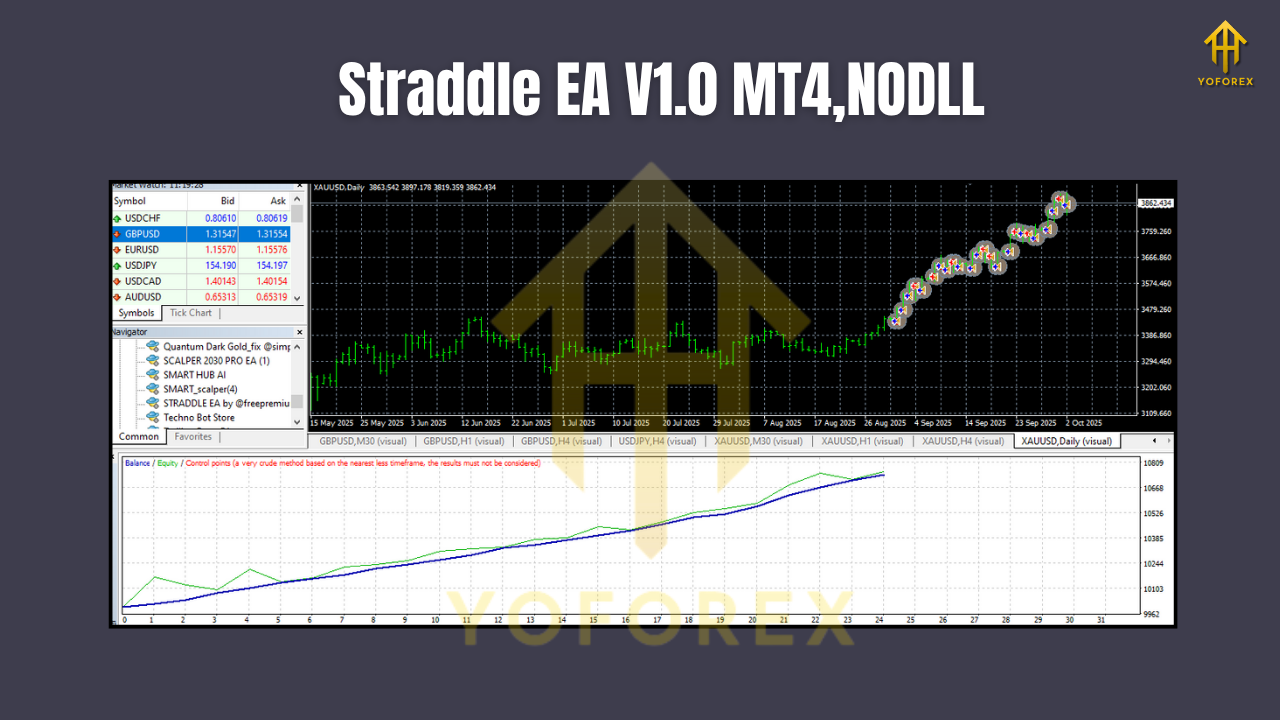
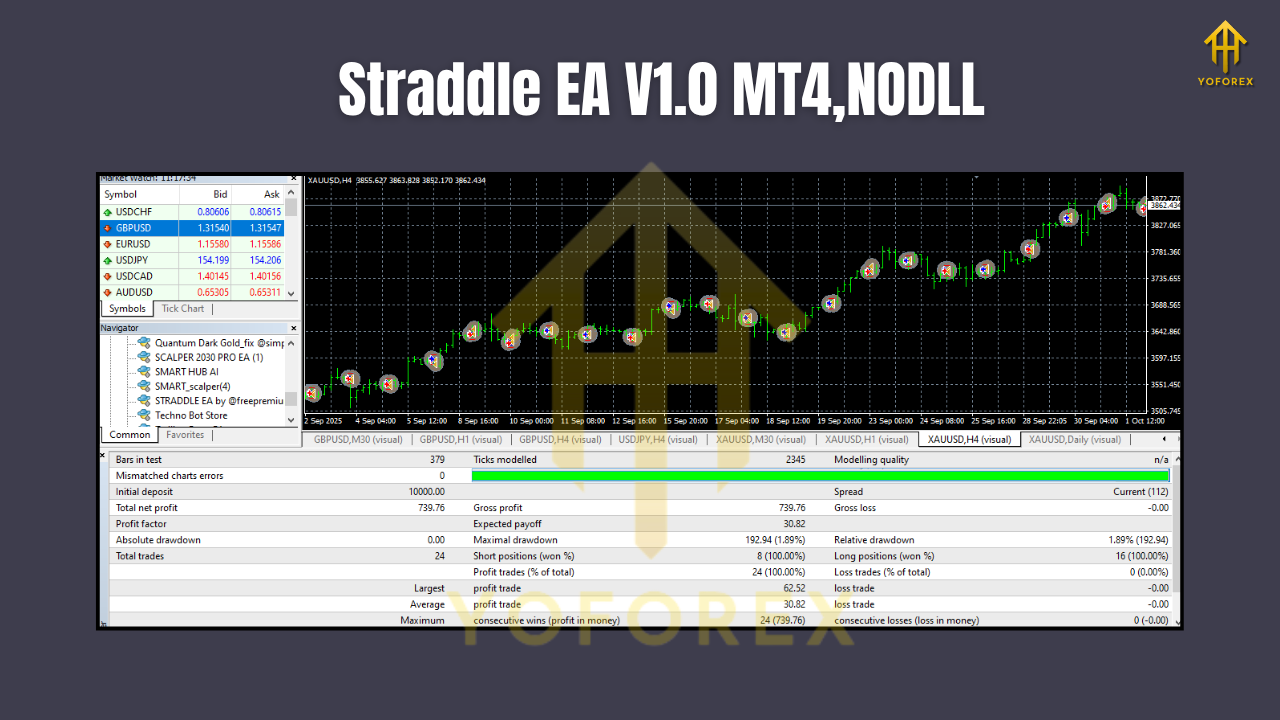
Straddle EA isn’t your everyday scalper—it’s built for specific moments of volatility. Backtests show strong performance when used around high-impact news like:
- NFP (Non-Farm Payroll)
- FOMC & ECB meetings
- Interest Rate Decisions
- GDP, CPI, and Inflation data
Backtest Scenario Example:
- Pair: EURUSD
- Timeframe: M1
- Duration: 3 months of major news events
- Average Profit per Event: 1.5% – 3.2%
- Average Win Rate: ~75% during high-volatility releases
While results may vary, traders using VPS and low-spread brokers experience the best execution speeds and minimal slippage.
Pro Tip: Always test the EA in demo before live deployment — coz news spikes can be wild, and execution time matters!
How to Install & Configure
Setting up Straddle EA V1.0 MT4 is simple:
Step 1: Download & Copy
Download the EA from MQL5.software and place it in your Experts folder:
Step 2: Attach to Chart
Open your MT4 terminal, choose your desired currency pair (preferably major ones like EURUSD or XAUUSD), and drag the Straddle EA onto the chart.
Step 3: Configure Settings
You’ll see parameters such as:
Trade Type:
- Buy Trade → Only Buy Stop
- Sell Trade → Only Sell Stop
- Both → Opens both types
Lot Size: Adjust depending on account balance and risk management.
Buy Gap / Sell Gap (in points): Define distance from the current price for pending orders.
Take Profit / Stop Loss: Enter target levels in points.
Magic Number: Assign a unique number if you’re running multiple EAs.
Comment: Add notes for easy identification.
Once everything is set, enable AutoTrading, and the EA will automatically manage the trades around your chosen news time.
Step 4: Watch the Status Panel
The EA displays a live status indicator on your chart:
- Waiting: Before news time – EA is ready.
- Passed: Trade executed.
- Expired: No trade after expiration time.
That’s it — you’re ready to catch those big post-news moves automatically!
Best Practices & Tips
• Use a Reliable VPS: To avoid slippage during volatile moments.
• Low-Spread Broker: Execution speed and spread size can make or break news trading profits.
• Predefine Gaps: 20–40 points gap for majors is ideal, but test based on volatility.
• Avoid Overexposure: News spikes can trigger large moves; trade small to stay safe.
• Use Demo Before Live: Always verify your settings in demo accounts first.
Why Choose YoForex-Powered Tools
YoForex stands behind innovative, performance-tested tools like the Straddle EA V1.0 MT4. Our EAs and indicators are not random scripts – they’re optimized by professional traders, backtested across multiple brokers, and shared free to empower the trading community.
We believe every trader, from beginner to pro, deserves access to reliable trading automation — without overpriced subscriptions or hidden fees.
Explore more free bots and indicators at YoForex on MQL5.software.
Support & Contact
Need help setting up the EA or facing configuration issues? Our team is ready 24×7 to guide you.
- WhatsApp: https://wa.me/+443300272265
- Telegram: https://t.me/yoforexrobot
Disclaimer:
Past performance is not a guarantee of future results. Forex trading involves risk. Always test strategies on demo accounts before live trading. Trade responsibly.
Call to Action
Don’t miss another news-based opportunity!
Download Straddle EA V1.0 MT4 today from MQL5.software — it’s 100% free.
Capture every big move… without sitting in front of your screen.
Try it now and trade like the pros.
YoForex – empowering traders worldwide, one free tool at a time.






Comments (0)
No comments yet. Be the first to comment!
Leave a Comment