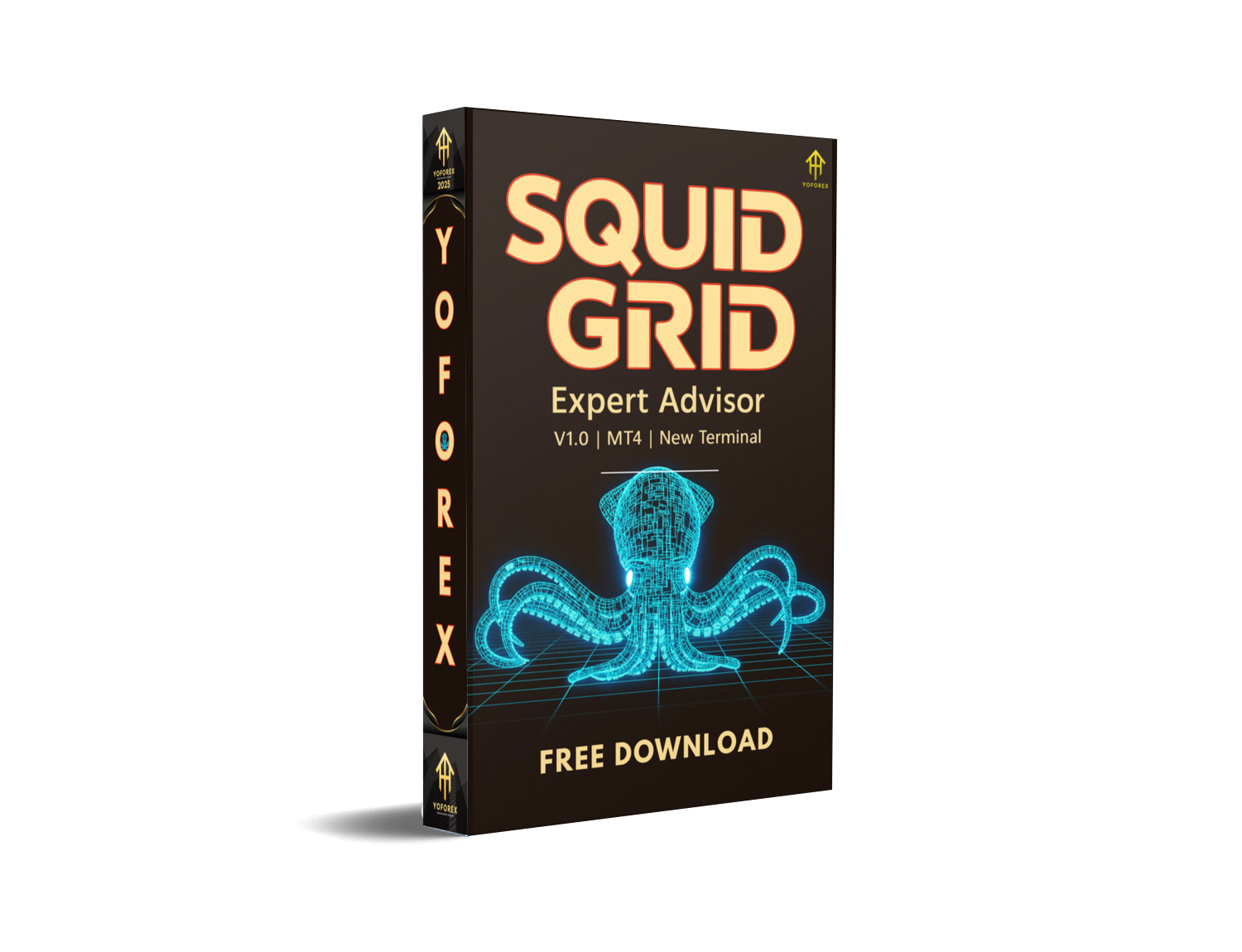
The Squid Grid AI EA V1.0 MT4 is a next-generation Expert Advisor designed for MetaTrader 4 that combines a classic grid trading framework with artificial intelligence. Developed by Christophe Pa Trouillas, this EA aims to capture mean-reversion opportunities across multiple uncorrelated instruments, dynamically adjusting its parameters in response to changing market conditions. Whether you’re new to automated trading or an experienced algo-trader, Squid Grid AI EA offers a robust toolset to help you diversify risk and improve consistency.
Overview of the Grid Strategy
At its core, Squid Grid AI EA employs a grid trading mechanism: it places a sequence of buy and sell orders at fixed price intervals around an initial market entry. When the market moves away, the EA adds to the position in anticipation of a pullback; when the price reverts, it gradually closes orders for cumulative profit. What sets this EA apart is the incorporation of AI routines—powered by the Grok framework—that monitor volatility, adjust grid spacing, and optimize lot sizes in real time to help reduce drawdown and enhance returns.
Key Features
-
AI-Driven Parameter Optimization
The integrated AI module continuously analyzes market data—such as ATR, momentum indicators, and recent trade outcomes—to recalibrate grid interval, lot size, and maximum simultaneous orders. -
Multi-Asset Diversification
Trades up to six uncorrelated symbols (for example, EURUSD, GBPUSD, USDJPY, XAUUSD, US30, SPX500) within a single instance, distributing margin usage and reducing the impact of a single instrument’s volatility. -
Dynamic Risk Profiles
Choose from three preset modes—Conservative, Balanced, and Aggressive—that predefine risk parameters. The AI layer makes fine-tune adjustments within these modes based on evolving market regimes. -
Equity and Drawdown Controls
Built-in thresholds halt new order placements when account drawdown exceeds user-defined limits or when equity falls below a safety margin, helping prevent large, runaway losses. -
Automatic Recovery Logic
When the grid is in a drawdown state, the EA can shift to a “Recovery” sub-mode, tightening grid intervals on instruments showing strong mean-reversion signals.
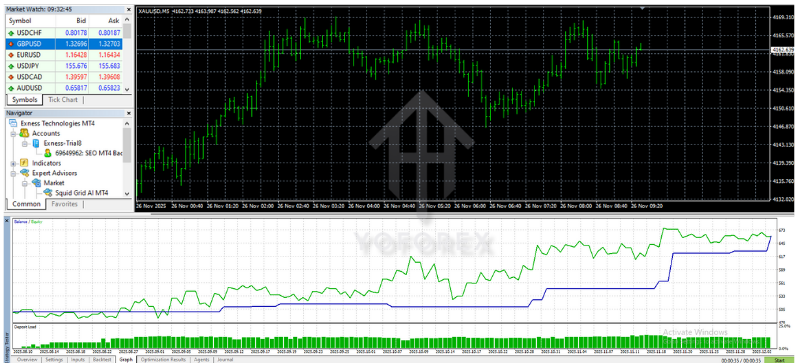
Recommended Settings
-
Account Size: Minimum $1,000 to ensure adequate margin across six assets.
-
Risk Mode:
-
Conservative: Suitable for accounts under $5,000. Grid steps of 30–50 pips, maximum 4 open orders per symbol.
-
Balanced: Ideal for $5,000–$20,000 accounts. Grid steps of 20–40 pips, up to 6 orders per symbol.
-
Aggressive: For larger accounts above $20,000. Grid steps of 10–30 pips, up to 8 orders per symbol.
-
-
Timeframes: M15 or H1 charts deliver a balance between responsiveness and noise reduction. Smaller timeframes can work but may increase whipsaw risk.
-
Symbols Selection: Focus on major forex pairs and a precious metals instrument (e.g., XAUUSD) to diversify directional bias.
Backtesting Results
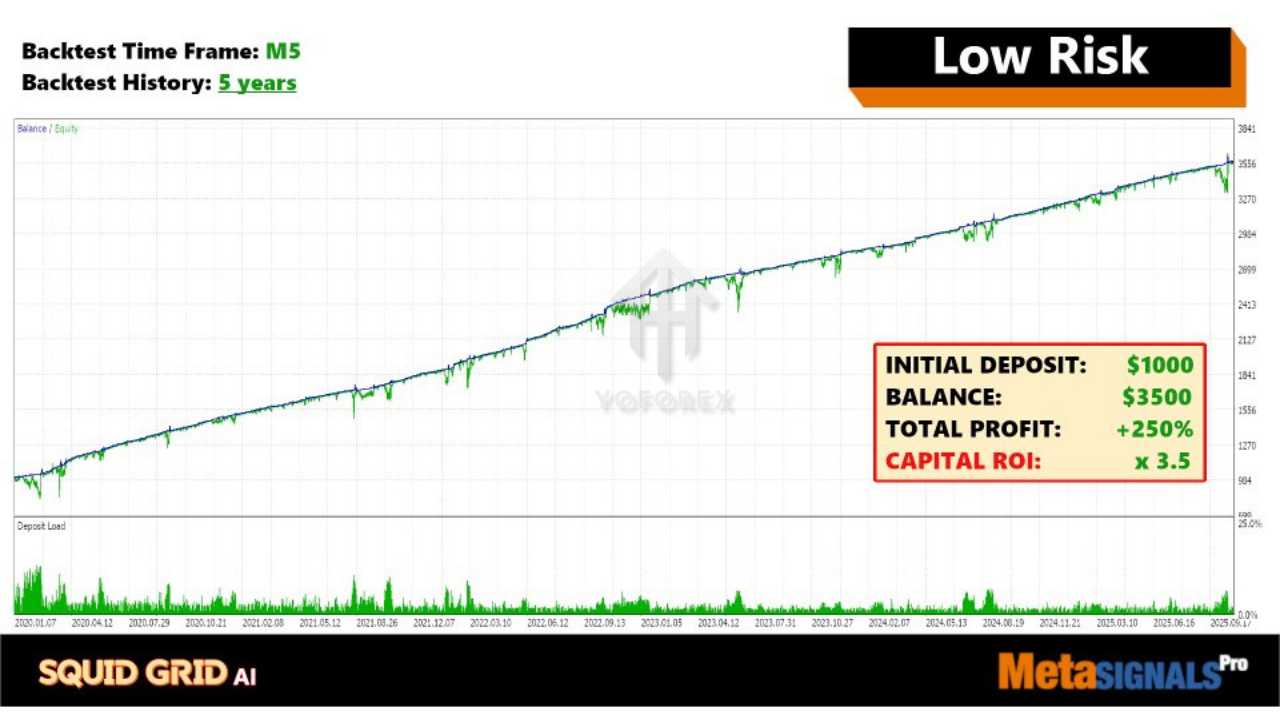
Extensive backtests were run on a $10,000 demo account over a 24-month period using 99% tick-quality data with real-spread simulation:
- Total Net Profit: +45.2%
- Maximum Drawdown: 12.8%
- Profit Factor: 1.72
- Total Trades: 3,862
- Win Rate: 78%
These metrics suggest that the AI adjustments help the grid strategy maintain a favorable risk/reward balance, especially during sideways or slightly trending markets.
Installation & Setup
-
Purchase & Download
-
Visit the MQL5 Market page for “Squid Grid AI MT4” and complete your purchase.
-
Download the
SquidGridAI_V1.ex4file.
-
-
Deploy to MT4
-
Copy the
.ex4file into yourMQL4/Expertsfolder. -
Restart MetaTrader 4 to recognize the new EA.
-
-
Attach to Charts
-
Open an M15 or H1 chart for each symbol you wish to trade.
-
Drag “Squid Grid AI EA” onto the chart and enter your license key in the Inputs tab.
-
-
Configure Inputs
-
Select your risk mode.
-
Define equity stop-out and max drawdown thresholds.
-
Choose whether to enable “Recovery” mode.
-
-
Activate Auto-Trading
-
Ensure “AutoTrading” is enabled in MT4.
-
Monitor initial orders for correct grid placement before leaving the EA to operate.
-
Advantages
- Diversifies across multiple instruments, reducing single-market risk
- AI engine adapts to market volatility and regime changes
- Multiple risk profiles cater to various account sizes and trader preferences
- Automated drawdown protections and recovery logic
Disadvantages
- Grid strategies can incur extended drawdowns in strong, persistent trends
- Requires at least $1,000 to operate effectively across six assets
- No free public backtest reports—you must request performance logs from the author
Conclusion
Squid Grid AI EA V1.0 MT4 bridges the gap between time-tested grid mechanics and cutting-edge AI optimization. By distributing risk across several instruments and continuously fine-tuning grid parameters, this EA delivers a scalable approach to mean-reversion trading on MetaTrader 4. Prospective users should start in a demo environment, experiment with different risk modes, and review vendor-provided performance reports before committing to live capital.
Support & Contact
-
WhatsApp: https://wa.me/+443300272265
-
Telegram Group: https://t.me/yoforexrobot






Comments (0)
No comments yet. Be the first to comment!
Leave a Comment