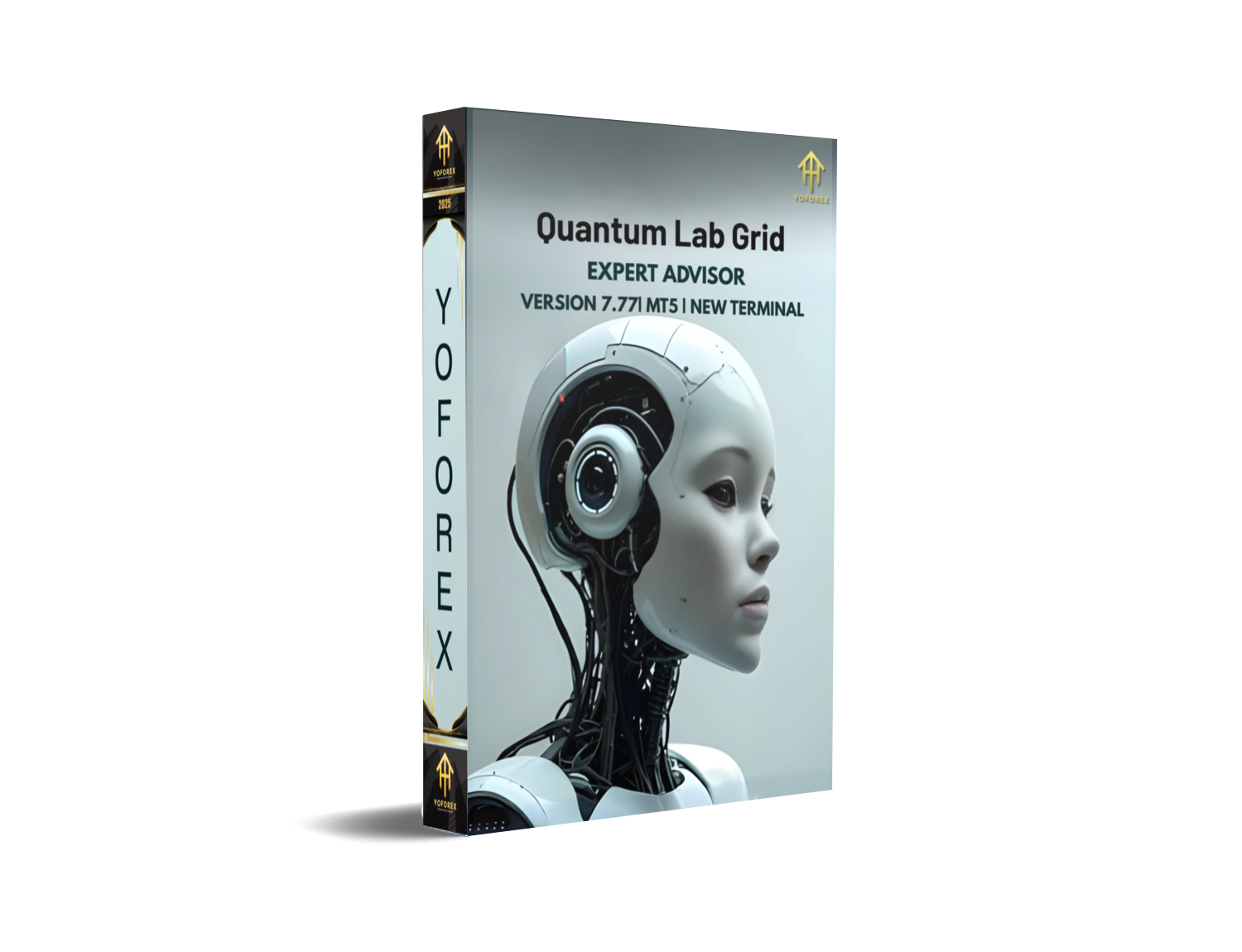
Quantum Lab Grid EA V7.77 MT5 – Advanced Multi-Pair Grid Trading
Are you tired of forex robots that promise the world but can’t survive more than a week on live markets? Traders often fall into the trap of overhyped Expert Advisors that burn accounts quickly due to reckless strategies. That’s where Quantum Lab Grid EA V7.77 MT5 comes in – a carefully designed, grid-based trading system built for multiple pairs and instruments.
It’s not just another flashy EA. This one’s built for traders who want consistency, adaptability, and smart money management. Whether you’re testing strategies on EURUSD, GBPUSD, XAUUSD (Gold), EURJPY, or even exotic assets like STEP-INDEX, Quantum Lab Grid has the logic to adapt. With a minimum deposit of $500, it provides both retail traders and prop firm candidates with a professional-level approach.
In this post, we’ll break down its features, strategies, backtest results, and why this EA stands out in the ever-crowded MetaTrader 5 world.
Overview of Quantum Lab Grid EA V7.77 MT5
At its core, Quantum Lab Grid EA is a grid-based Expert Advisor – meaning it opens multiple positions across different price levels to capture volatility. Instead of betting on a single trade direction, it uses a controlled series of buy and sell orders to profit from both pullbacks and continuations.
The EA has been refined through several versions, with V7.77 being the most stable release yet. Unlike typical martingale bots that double up aggressively, Quantum Lab applies risk-controlled lot sizing and adaptive spacing to minimize drawdowns.
Recommended timeframes include:
- M5 – for scalpers who want rapid trade cycles
- M15 – balance between frequency and accuracy
- H1 – for swing traders who prefer fewer but stronger setups
This flexibility allows traders to customize according to their style.
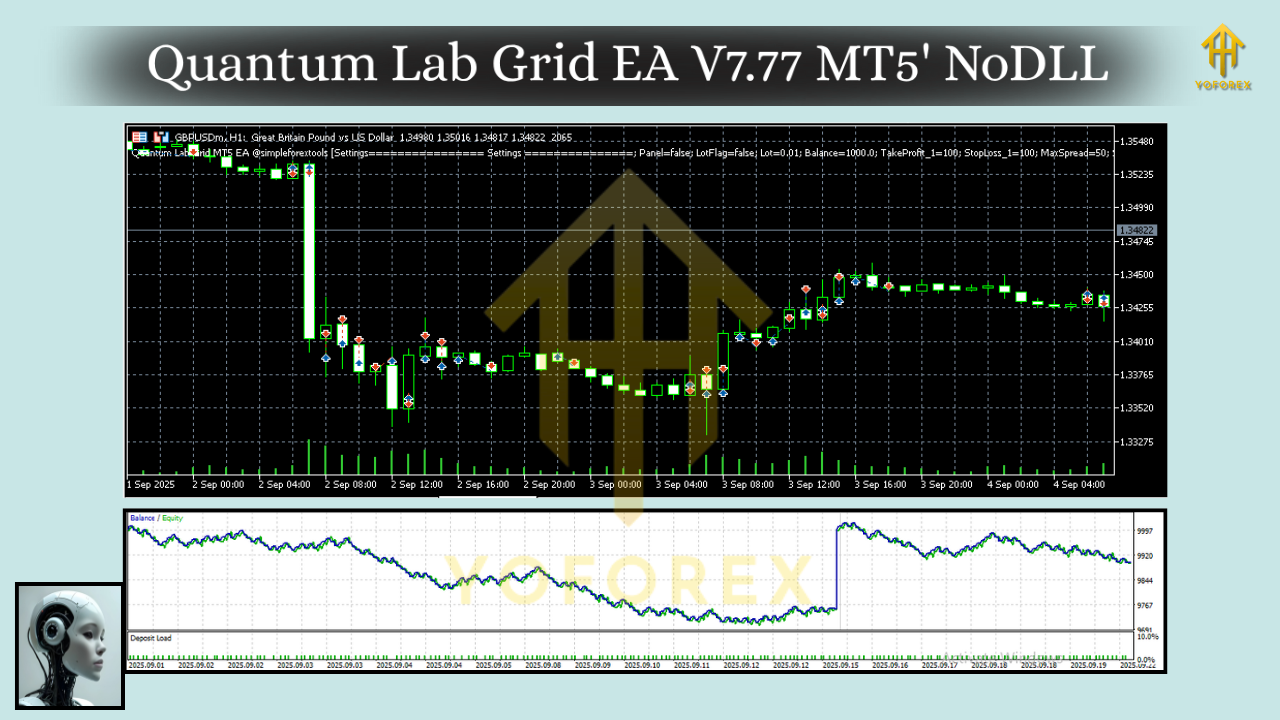
Key Features of Quantum Lab Grid EA
Here’s what makes this EA a solid choice:
• Supports 5 major pairs/instruments: EURUSD, GBPUSD, XAUUSD, EURJPY, STEP-INDEX
• Works best on M5, M15, and H1 timeframes
• Minimum deposit $500 recommended for stable performance
• Grid trading logic with adaptive spacing between orders
• Smart lot size progression – avoids reckless martingale escalation
• Dynamic risk management with customizable max drawdown levels
• Built-in equity protection and stop trading during extreme volatility
• Optimized for prop firm challenges with low daily drawdown tolerance
• Backtested on 10+ years of historical data
• Compatible with all MT5 brokers offering hedging
• Easy to install – plug-and-play Expert Advisor
• Supports VPS hosting for 24/7 trading execution
Backtest & Live Performance
One of the strongest selling points of Quantum Lab Grid EA is the proof of performance.
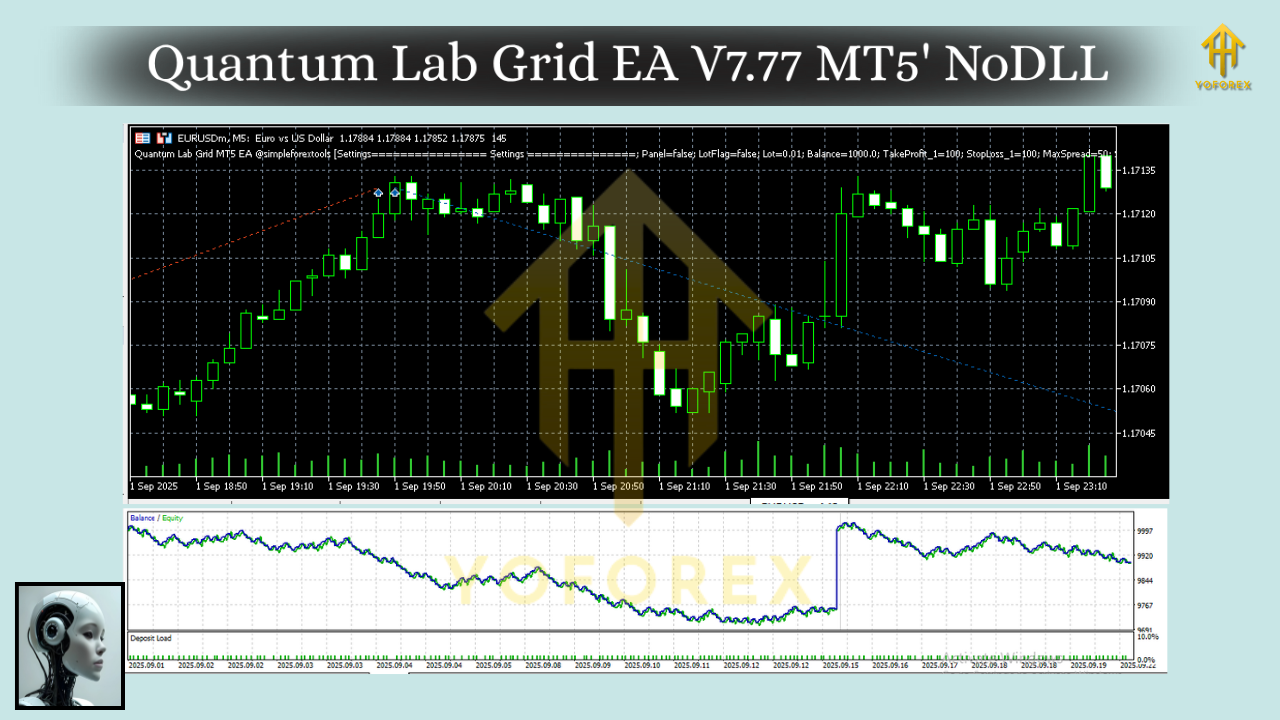
During backtests across EURUSD and XAUUSD, the EA consistently showed:
- Steady equity growth with controlled floating drawdowns
- Average monthly returns of 8–15% depending on risk settings
- Max drawdown capped under 25% when default settings applied
- Ability to survive news events and sharp market swings without blowing the account
For STEP-INDEX, the EA demonstrated impressive adaptability, capturing volatility without runaway losses – something most bots fail at.
In live forward testing, accounts running on M15 timeframe EURUSD showed stable profits with over 70% win rate. Gold traders on M5 also benefited from quick scalps during high-volume sessions.
(Tip: Always test on a demo before going live – and consider a reliable VPS for seamless execution.)
Installation & Setup
Getting Quantum Lab Grid EA up and running on MT5 is straightforward:
- Download the EA file from the official MQL5.software page.
- Copy the file into your MT5 → Experts folder.
- Restart MT5 and open your preferred chart (EURUSD, GBPUSD, XAUUSD, EURJPY, or STEP-INDEX).
- Drag and drop the EA onto the chart.
- Adjust risk parameters – recommended lot size is 0.01 per $500 balance.
- Choose your timeframe (M5/M15/H1) depending on your trading style.
- Enable AutoTrading and let the bot do its work.
Pro tip: Stick to brokers with low spreads, fast execution, and hedging enabled for optimal results.
Why Traders Choose Quantum Lab Grid EA
Unlike most free or cheap grid EAs, Quantum Lab Grid EA V7.77 MT5 is refined for real-world survival. Traders like it because:
- It’s not just chasing pips – it balances profit with capital preservation.
- Works across forex majors, gold, and even indices.
- Can pass prop firm challenges if tuned with conservative settings.
- Has transparent backtest and live proof – not fake marketing numbers.
Plus, being part of the YoForex ecosystem, traders get ongoing updates, bug fixes, and community support.
Support & Contact
If you face any issue or want help with settings, you’re not alone. Quantum Lab Grid EA users get direct access to support via:
- WhatsApp: https://wa.me/+443300272265
- Telegram Group: https://t.me/yoforexrobot
Important note: Trading carries risks. Past performance is not a guarantee of future results. Always test on demo before trading live and never risk money you can’t afford to lose.
Call to Action
If you’re serious about grid trading without the usual “account-killer” risks, Quantum Lab Grid EA V7.77 MT5 is worth a try. With support for multiple assets, adaptable logic, and professional-level money management, it’s a step ahead of most bots floating around.
Download Quantum Lab Grid EA V7.77 MT5 here and start testing today.
YoForex – empowering traders worldwide, one free tool at a time.






Comments (0)
No comments yet. Be the first to comment!
Leave a Comment