
In the fast-paced world of Forex trading, having the right tools can make the difference between profit and loss. The Power Active Bar Indicator MT4 is one such tool, designed to enhance decision-making by providing real-time market insights. Whether you’re a novice or a seasoned trader, this guide will walk you through everything you need to know about this powerful MetaTrader 4 (MT4) indicator—from installation to advanced strategies.
What Is the Power Active Bar Indicator MT4?
The Power Active Bar Indicator MT4 is a technical analysis tool tailored for MetaTrader 4, one of the most popular trading platforms globally. It highlights active price bars in real time, helping traders identify trends, reversals, and potential entry/exit points. Unlike traditional indicators, it focuses on visualizing momentum shifts, making it easier to spot opportunities in volatile markets.
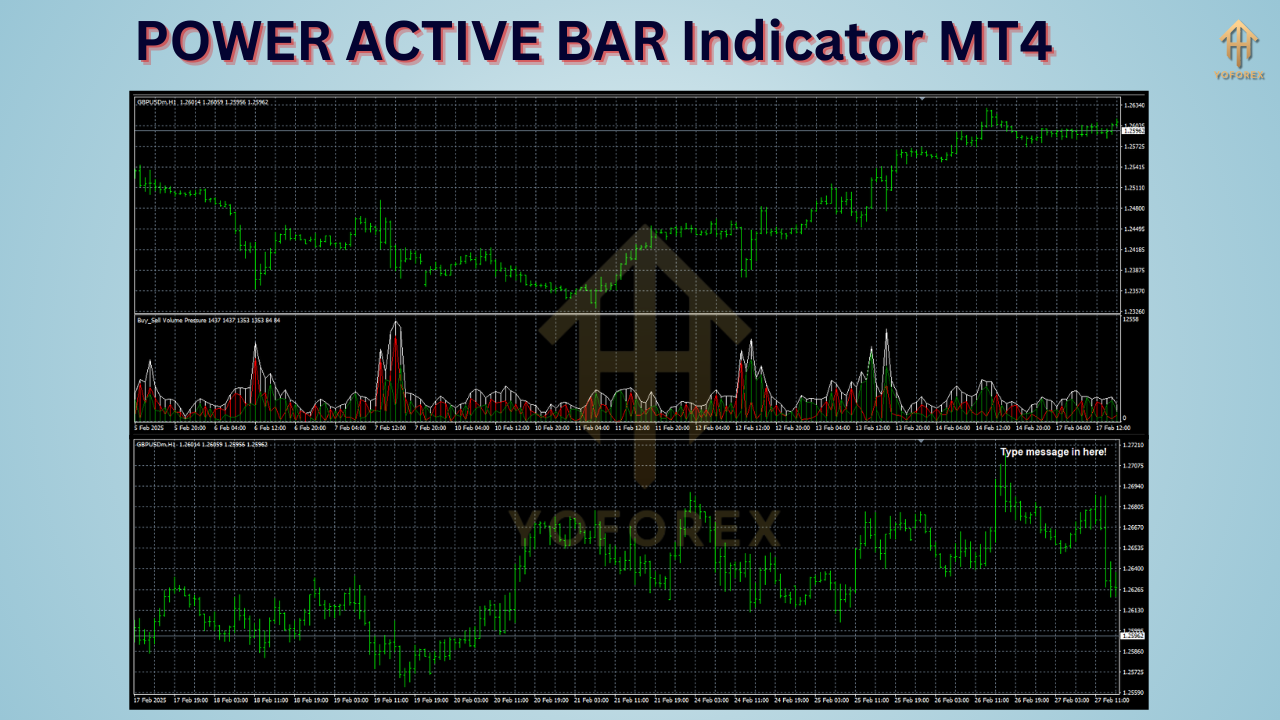
Key Features of the Power Active Bar Indicator
- Real-Time Trend Analysis: Colors price bars based on bullish or bearish momentum.
- Customizable Alerts: Set notifications for trend reversals or breakout patterns.
- Multi-Timeframe Compatibility: Works across all chart timeframes (M1 to MN1).
- User-Friendly Interface: Easy to interpret, even for beginners.
- Non-Repainting: Ensures signals remain consistent, avoiding false data.
Why Use the Power Active Bar Indicator?
- Simplifies Market Analysis: Reduces noise by focusing on active price action.
- Improves Timing: Identifies optimal entry points during trend shifts.
- Versatile Strategy Integration: Pairs well with other tools like Moving Averages or RSI.
- Adaptable to All Trading Styles: Suitable for scalping, day trading, or swing trading.
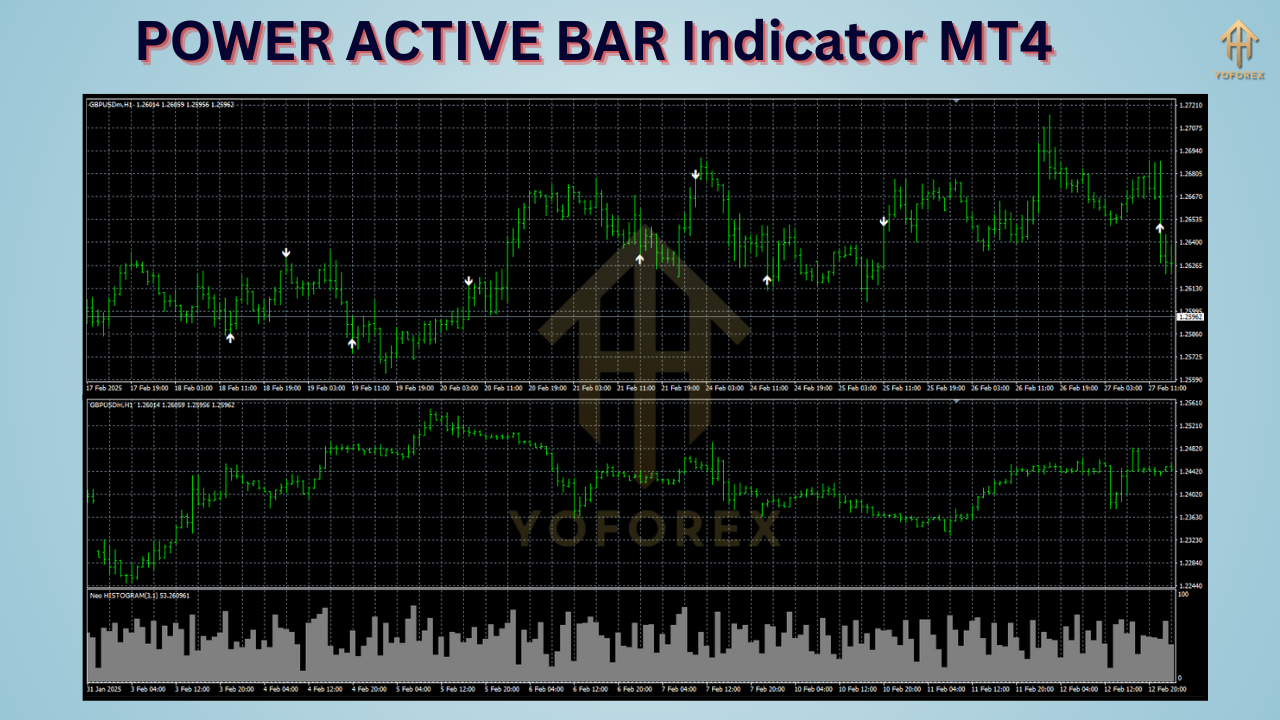
How to Install the Power Active Bar Indicator on MT4
Step 1: Download the Indicator File
- Obtain the
Power Active Bar.ex4or.mq4file from a trusted source.
Step 2: Install the Indicator in MT4
- Open MetaTrader 4.
- Navigate to File > Open Data Folder.
- Go to MQL4 > Indicators and paste the downloaded file here.
Step 3: Restart MT4 and Attach to Charts
- Relaunch MT4.
- Drag the Power Active Bar Indicator from the Navigator panel onto your chart.
Customizing Settings for Optimal Results
Adjust the indicator’s parameters to align with your strategy:
- Sensitivity: Increase/decrease to capture shorter or longer trends.
- Color Schemes: Modify bullish/bearish bar colors for better visibility.
- Alerts: Enable pop-up or email notifications for critical signals.
How to Trade with the Power Active Bar Indicator
Scenario 1: Trend Confirmation
- Bullish Signal: Blue bars indicate upward momentum. Enter long positions when bars align with support levels.
- Bearish Signal: Red bars signal downward trends. Short-sell near resistance zones.
Scenario 2: Trend Reversals
Watch for sudden color changes (e.g., blue to red) to spot potential reversals. Confirm with volume analysis or candlestick patterns.
Scenario 3: Combining with Other Indicators
- RSI Divergence: Pair with RSI to validate overbought/oversold conditions.
- Moving Averages: Use a 50-period EMA to filter out false signals.
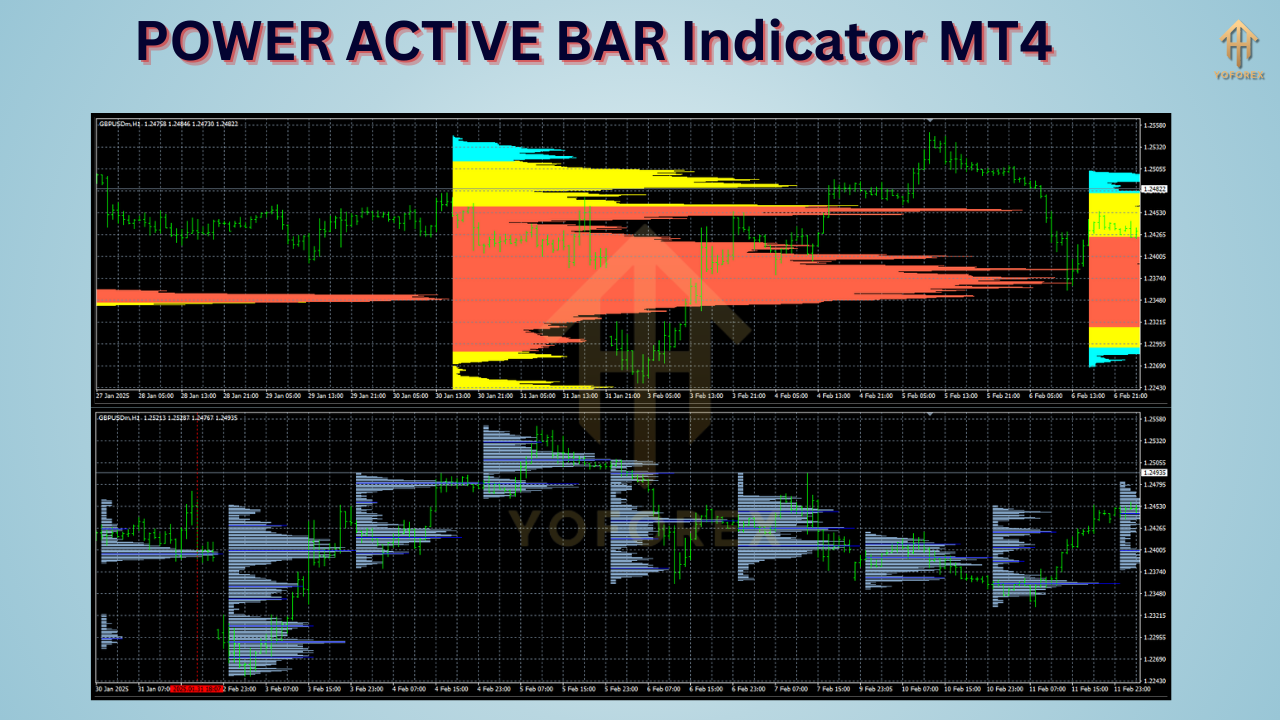
Pros and Cons of the Power Active Bar Indicator
Pros:
- Intuitive visual signals.
- Reduces emotional trading.
- Works across Forex, stocks, and cryptocurrencies.
Cons:
- Requires practice to avoid overtrading.
- Best used alongside volume analysis for higher accuracy.
Pro Tips for Maximizing Results
- Backtest First: Test strategies on historical data before live trading.
- Adjust Timeframes: Shorter timeframes (M5-M15) suit scalpers; longer ones (H4-D1) fit swing traders.
- Risk Management: Always use stop-loss orders to limit losses.
FAQs About the Power Active Bar Indicator MT4
Q: Is the Power Active Bar Indicator free?
A: Some versions are free, but premium editions with advanced features may require a purchase.
Q: Can I use it on MT5?
A: No, it’s designed exclusively for MT4. However, similar tools exist for MT5.
Q: Does it work for cryptocurrencies?
A: Yes, it’s compatible with crypto pairs like BTC/USD or ETH/EUR.
Q: How accurate are its signals?
A: Accuracy improves when combined with fundamental analysis and risk management.
Upgrade Your Trading Strategy Today
The Power Active Bar Indicator MT4 is more than just a tool—it’s a game-changer for traders seeking clarity in chaotic markets. By integrating it into your MT4 setup, you’ll gain a competitive edge through actionable insights and timely alerts.
Ready to take your trading to the next level? Download the Power Active Bar Indicator today and start trading smarter, not harder.
Happy Trading!






Comments (0)
No comments yet. Be the first to comment!
Leave a Comment