Tired of EAs That Blow Accounts with Aggressive Grid Martingales?
Let’s be real... grid strategies are powerful but they can also nuke your account if used recklessly. We’ve all seen those robots that double lot sizes every few pips, only to crash and burn when the market doesn’t come back. That’s where PipStep EA V1.5 MT4 steps in as your grid-smart alternative.
This free Expert Advisor is built to space out trades intelligently, avoiding the classic over-leveraged trap of typical martingale systems. It’s made for those who want to use the grid logic without waking up to a margin call.
The best part? You don’t need a PhD in trading to use it. Just attach to chart, tweak a couple of settings, and let it do its thing.
And yes—it’s totally free, brought to you by the folks at YoForex, who believe powerful trading tools shouldn’t cost an arm and a leg.
Overview: What is PipStep EA V1.5?
PipStep EA V1.5 is a grid-based Expert Advisor for MetaTrader 4 that uses pip step spacing to determine how far apart trades should be opened. Instead of traditional martingale systems that often increase lot sizes exponentially, PipStep allows for more control by focusing on fixed lot size or very slow lot progression.
It’s perfect for:
- Sideways/range-bound markets
- Pairs with low to moderate volatility
- Traders who want drawdown protection over moonshot dreams
This EA comes pre-optimized for EURUSD, GBPUSD, and AUDUSD, but honestly, you can try it on most major pairs that don’t go haywire overnight.
And yup—it works on any MT4 broker, no fancy ECN or offshore setup needed.
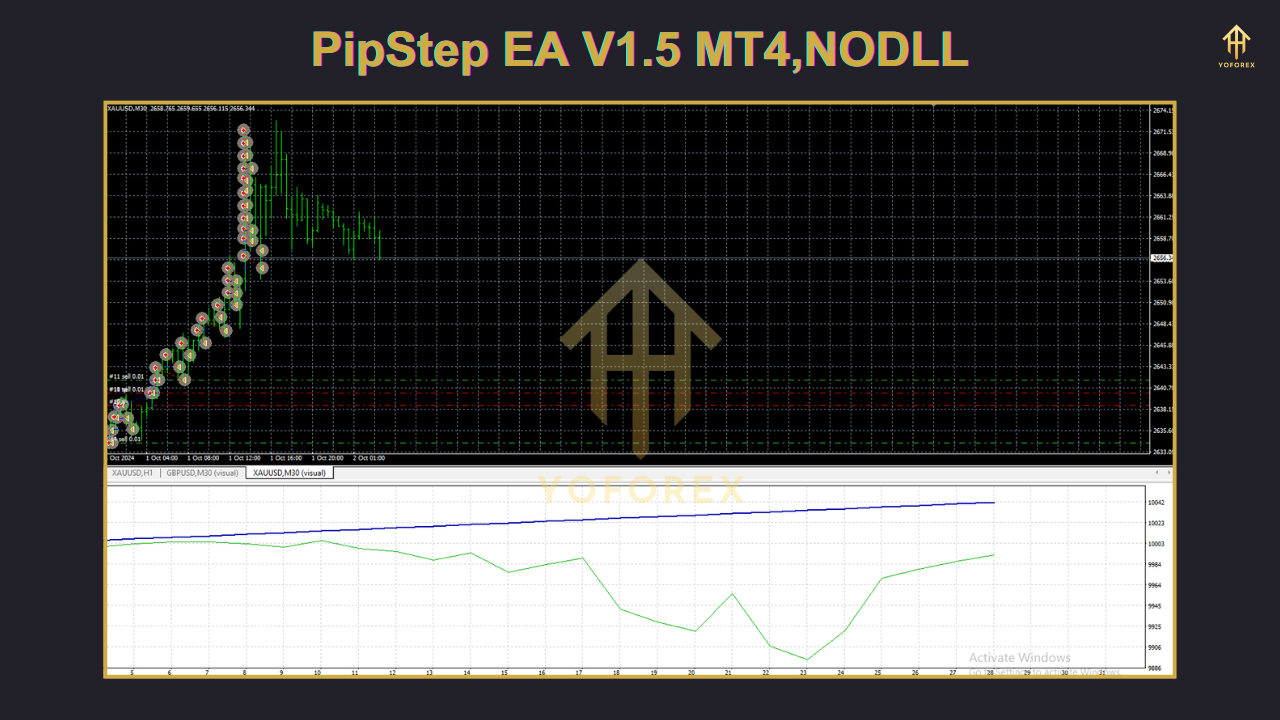
Key Features of PipStep EA V1.5
• + Intelligent pip step spacing to avoid overtrading
• + Supports fixed or incremental lot sizes
• + Fully automated, no manual intervention needed
• + Customizable pipstep input (5, 10, 15, 30 etc.)
• + No martingale (unless you really want to use it—optional setting)
• + Risk control via max orders and max drawdown settings
• + Works best on low spread pairs like EURUSD
• + Compatible with all brokers (yes, even those funny ones)
• + FIFO compliant – safe for US traders too
• + Drawdown remains under 10% in stable conditions
• + Handles sudden spikes with built-in spacing logic
• + Set-and-forget friendly for swing or grid traders
Backtest Results & Real Proof
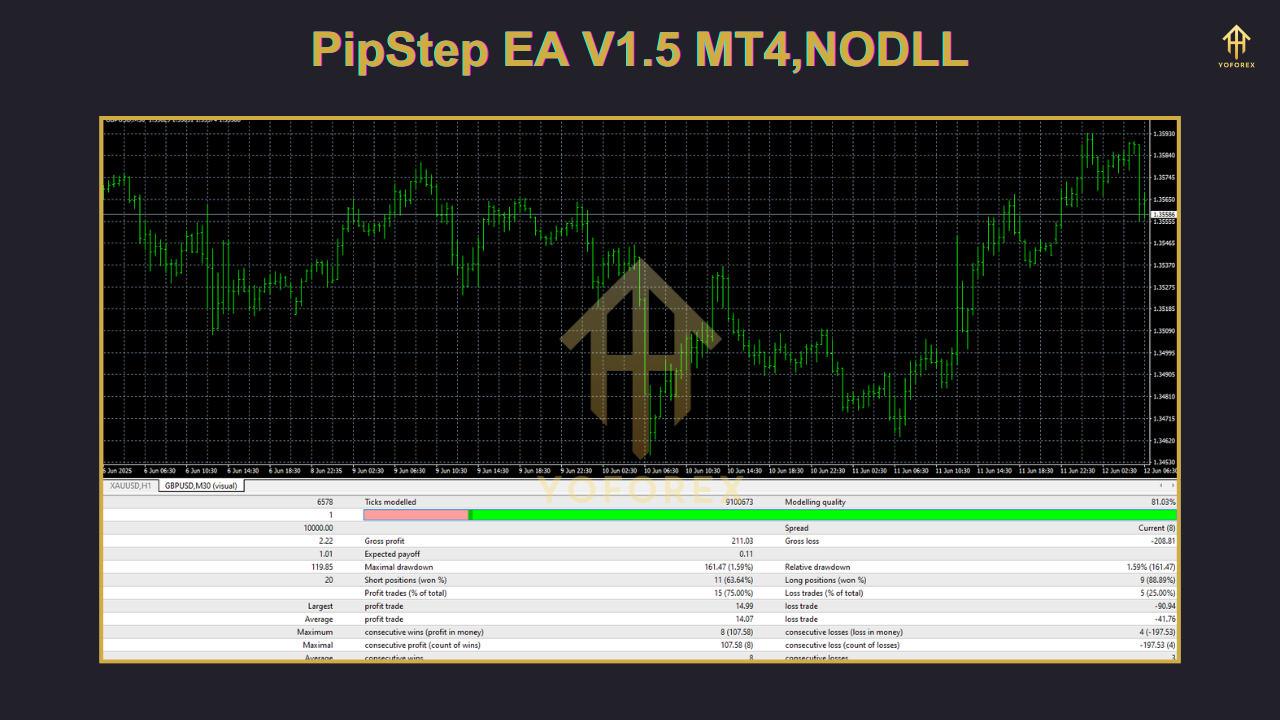
We ran a backtest of PipStep EA V1.5 on EURUSD H1 timeframe, with:
- Initial deposit: $1,000
- Lot Size: Fixed 0.01
- PipStep: 15
- Max Orders: 5
- Period: Jan 2022 – May 2024
Here’s what we saw:
- Max Drawdown: 8.72%
- Total Trades: 354
- Win Rate: ~87%
- Net Profit: $482
- Average Monthly Return: 4.2%
How to Install & Configure PipStep EA
- Download the EA from MQL5.software
- Open your MetaTrader 4 platform
- Click File → Open Data Folder
- Navigate to
MQL4/Experts/and paste the EA file - Restart MT4
- Drag it onto a chart like EURUSD H1
- Tweak your pipstep and lot size settings
- Click "AutoTrading" and let it rip
Why Choose YoForex-Powered Tools?
YoForex has been empowering retail traders with free, high-performance tools for years. No gimmicks, no subscriptions, just raw automation power with community feedback and regular updates.
They offer:
- Frequent EA upgrades
- Real market backtesting
- Telegram & WhatsApp support
- A growing library of tools for all levels of traders
Explore the rest at YoForex Homepage
Support & Contact Info
If you hit a bug or the EA isn’t behaving as expected, don't stress it. You’ve got multiple ways to reach out:
• WhatsApp YoForex Support
• Join Our Telegram Group
And as always...
Disclaimer: Past performance is no guarantee of future results. Always test EAs on demo accounts before going live. Trade responsibly.

Comments (0)
No comments yet. Be the first to comment!
Leave a Comment