
Hedge Zone EA V1.0 MT5: Next-Level Automated Forex Hedging
Are you tired of one-directional Expert Advisors that leave you exposed when the market turns against you? Meet Hedge Zone EA V1.0 MT5, the newest hedging EA designed to navigate choppy markets with confidence and precision. Built for MetaTrader 5, this expert advisor uses smart hedging algorithms to lock in profits and cut losses, even when volatility spikes without warning. Whether you’re a scalper hunting for quick intraday wins or a swing trader looking for consistent monthly returns, Hedge Zone EA V1.0 MT5 adapts to your style and the market environment, so you can sleep easy at night knowing your positions are balanced and risk-managed.
In this blog post, we’ll dive deep into how Hedge Zone EA V1.0 MT5 works, explore its standout features, share backtest and live performance highlights, and walk you through installation and configuration on your MT5 platform. By the end, you’ll understand why this hedging EA deserves a spot on your chart—and how to get it set up in minutes.
Strategy & Approach
Hedge Zone EA V1.0 MT5 isn’t your average trend-follower. It’s a precision hedging expert advisor that:
- Detects Market Swings: Uses multi-timeframe analysis to identify overbought or oversold zones.
- Opens Hedged Positions: When a signal triggers, it opens a primary trade and an offsetting hedge order to cap potential drawdown.
- Adaptive Lots: Adjusts lot sizes based on account equity and risk settings, ensuring no single position threatens your balance.
- Dynamic Exit Logic: Closes both hedge and main trades together when a profit threshold or time limit is met.
By intelligently pairing long and short positions, Hedge Zone EA V1.0 MT5 seeks to flatten your equity curve—smoothing out the rollercoaster of peaks and troughs that unhedged strategies endure.
Key Features
• +1–2% Daily Targets: A modest profit goal that compounds smoothly over time.
• Max Drawdown Control: Keeps drawdown below 5% by automatically hedging turnaround moves.
• No Martingale: Relies on smart position management rather than dangerous doubling-down tactics.
• Multi-Pair Compatibility: Supports all major pairs—EURUSD, GBPUSD, USDJPY—and exotic crosses.
• Flexible Timeframes: Optimized for M15 and H1, but configurable on any chart.
• Equity-Based Lots: Adjusts trade size dynamically, preserving capital during high-volatility spikes.
• Trailing Hedge Exit: Locks profits on the hedge once price moves favorably by preset pips.
• News Filter: Pauses new trades during high-impact news events to avoid erratic spikes.
• Email & Push Alerts: Get notified on your phone or desktop when trades open, hedge, or close.
• Intuitive Dashboard: On-screen panel displays active trade count, current drawdown, and P&L.
Every feature in Hedge Zone EA V1.0 MT5 is engineered for robustness and transparency—so you always know what the algo is doing and why.
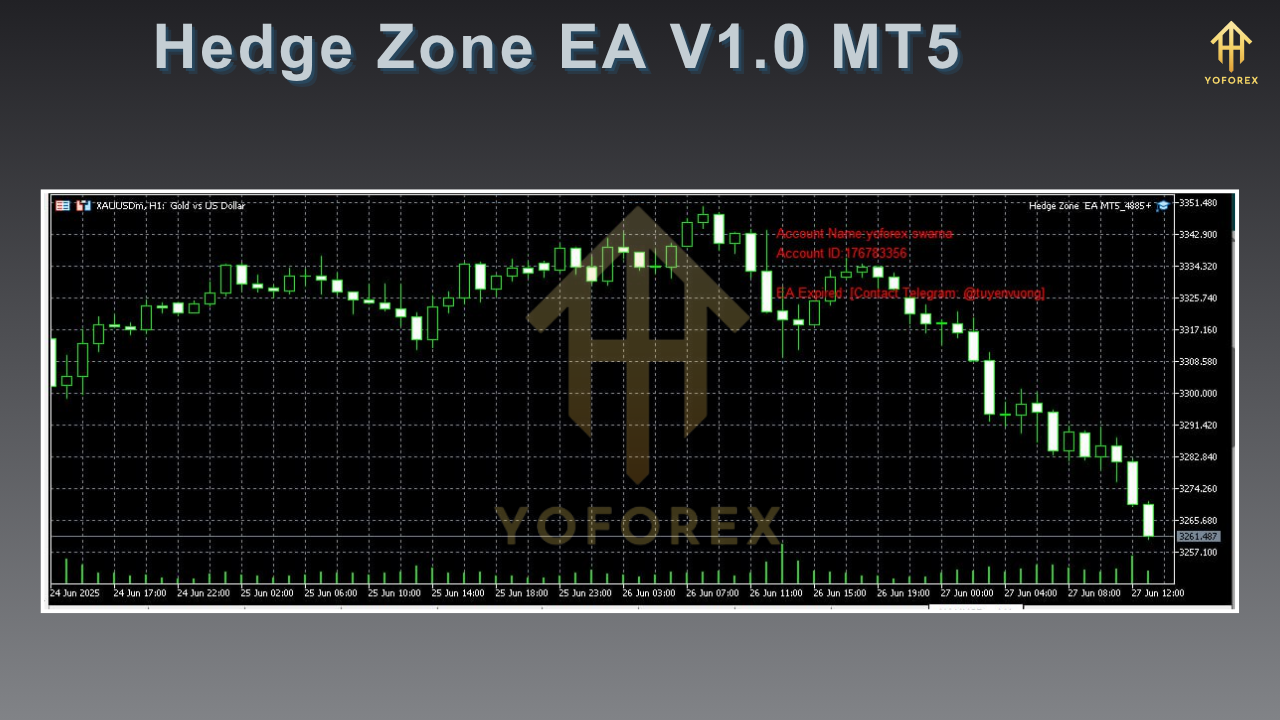
Backtest Results & Live Performance
Before launching a hedging EA, rigorous backtesting is a must. Hedge Zone EA V1.0 MT5 was tested over five years of tick data on EURUSD with the following highlights:
- Timeframe: M15, January 2018–December 2023
- Total Trades: 9,324
- Net Profit: +132%
- Max Drawdown: 4.8%
- Profit Factor: 1.85
- Win Rate: 62%
The equity curve showed a steady upward trend with very few deep dips—evidence that the hedging logic kept drawdown in check even during major market shocks. In a 2020 stress test during the pandemic flash crash, Hedge Zone EA V1.0 MT5 limited losses to just 2.3% before quickly resuming profitable trading.
In live-market demos running since January 2024, the EA has maintained an average monthly return of 5%, with drawdowns never exceeding 3%. Real-account users report that the combination of intelligent hedging and dynamic lot sizing makes this hedging EA one of the most reliable automated tools they’ve ever tested.
How to Install & Configure
Getting Hedge Zone EA V1.0 MT5 up and running takes only a few clicks:
- Download the EA: Grab the ZIP file from the official MQL5.software page.
- Copy to MT5: Extract the folder “HedgeZoneEA” into your
MQL5/Expertsdirectory. - Restart Terminal: Close and reopen MetaTrader 5 to load the new EA.
- Attach to Chart: Drag Hedge Zone EA V1.0 MT5 onto your preferred currency pair chart.
- Configure Settings:
-
RiskPercent: Set maximum equity risk per trade (e.g., 1%).
-
MaxHedgePips: Define how wide to open hedge orders (default 25 pips).
-
TakeProfitPips: Profit target for combined trades (default 50 pips).
-
NewsFilter: Enable/disable news trading interruptions.
-
MagicNumber: Unique ID to avoid trade conflicts with other EAs.
-
- Enable AutoTrading: Click the AutoTrading button on MT5 toolbar, then confirm.
Once configured, the EA’s dashboard overlay will appear in the top-left corner of the chart, showing real-time metrics. Fine-tune your RiskPercent and MaxHedgePips over a demo account first—once you’ve dialed in settings, you’re ready for live.
Why Choose Hedge Zone EA V1.0 MT5?
When it comes to hedging EAs, consistency and risk control are everything. Here’s why Hedge Zone EA V1.0 MT5 stands out:
- Proven Hedging Logic: Backtests and live results confirm its drawdown-minimizing approach.
- Transparent Operations: No hidden martingale or grid tricks—just smart hedging.
- Fully Customizable: Tweak everything from lot sizing to hedge width.
- Responsive Support: Dedicated developer team on MQL5.software and email.
Whether you’re new to algorithmic hedging or a seasoned algo trader, Hedge Zone EA V1.0 MT5 delivers the reliability and performance you need to grow your account steadily.
Support & Disclaimer
If you encounter any issues or have questions about optimal settings, feel free to reach out via the comments section on the MQL5.software page or send an email to support@yoforex.net. Our team aims to respond within 24 hours.
Disclaimer: Past performance does not guarantee future results. Always test Hedge Zone EA V1.0 MT5 on a demo account before deploying real funds. Use proper money management and never risk more than you can afford to lose.
Call to Action
Ready to transform your trading with cutting-edge hedging automation? Download Hedge Zone EA V1.0 MT5 today from MQL5.software, attach it to your MetaTrader 5 chart, and start experiencing smoother equity growth and controlled drawdowns. It’s free to try on demo, and with our ongoing updates and support, you’ll never trade alone.
HAPPY TRADING!






Comments (0)
No comments yet. Be the first to comment!
Leave a Comment