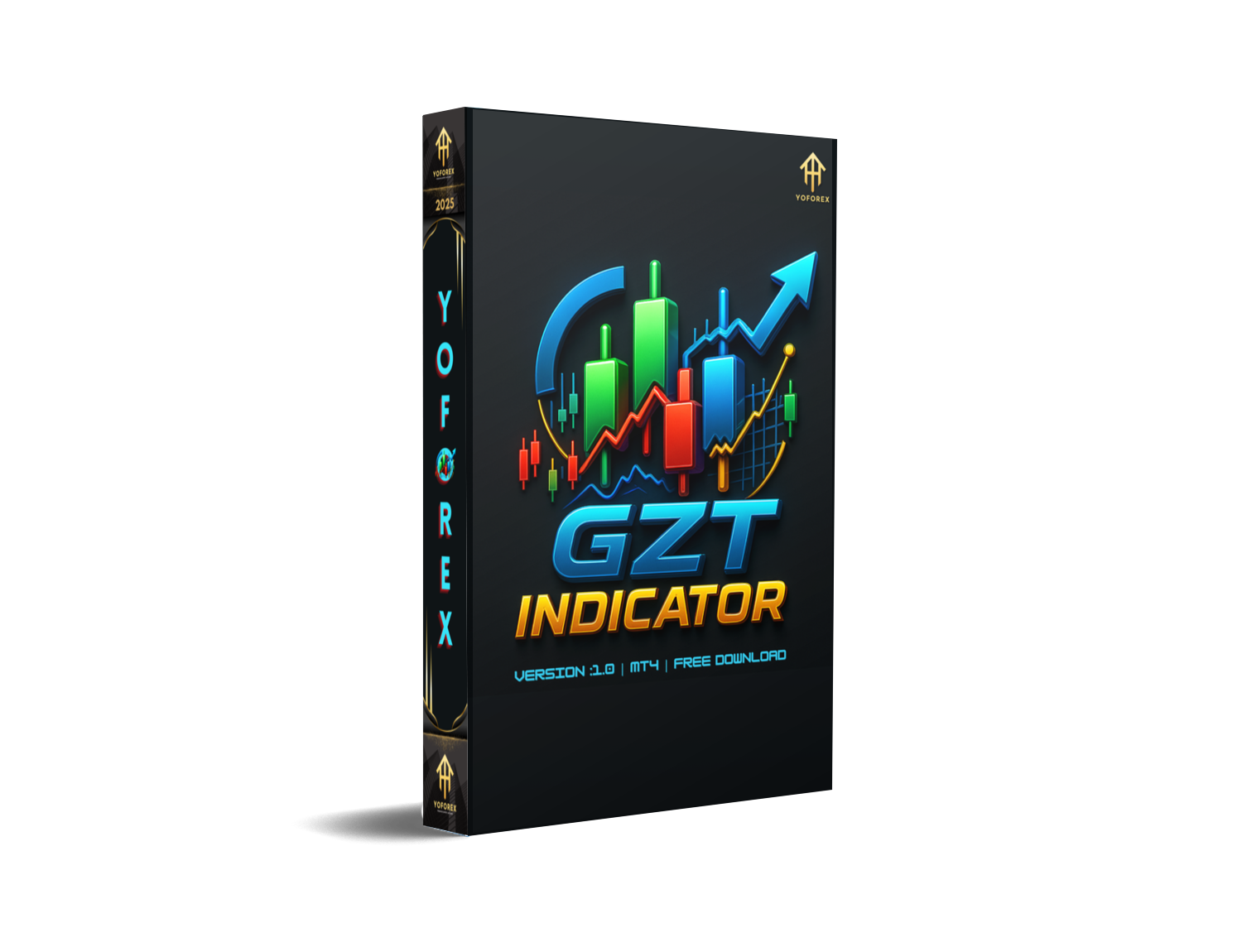
GZT Indicator MT4 – The Ultimate Market Entry Timing Tool
Let’s be real—forex trading can get overwhelming fast. Ever felt like you’ve entered too late or exited too soon? Or you’re stuck analyzing a dozen indicators and still missing the big moves? Yeah, we’ve all been there. That’s where the GZT Indicator for MT4 steps in. This smart, streamlined technical tool cuts through the noise and gives you highly reliable entry and exit signals right on your MetaTrader 4 chart.
Even better—it’s totally free. Built by trading specialists and fine-tuned for real-world market conditions, the GZT Indicator has helped hundreds of traders (especially beginners) stop second-guessing their moves and start executing smarter. Whether you're scalping, day trading, or swinging trades across the week, this thing works across timeframes with deadly accuracy.
And guess what? It’s been tested, optimized, and is now available for download on MQL5.software. No monthly fees. No gimmicks. Just a battle-tested tool from the YoForex team designed to help you finally trade with confidence.
Overview
The GZT Indicator MT4 is a non-repainting, trend-following technical indicator that works on all major forex pairs, metals like XAUUSD, and even crypto markets. Its core purpose is simple—to show you where the momentum is going and when to get in or out with the least risk and highest probability.
So how does it work?
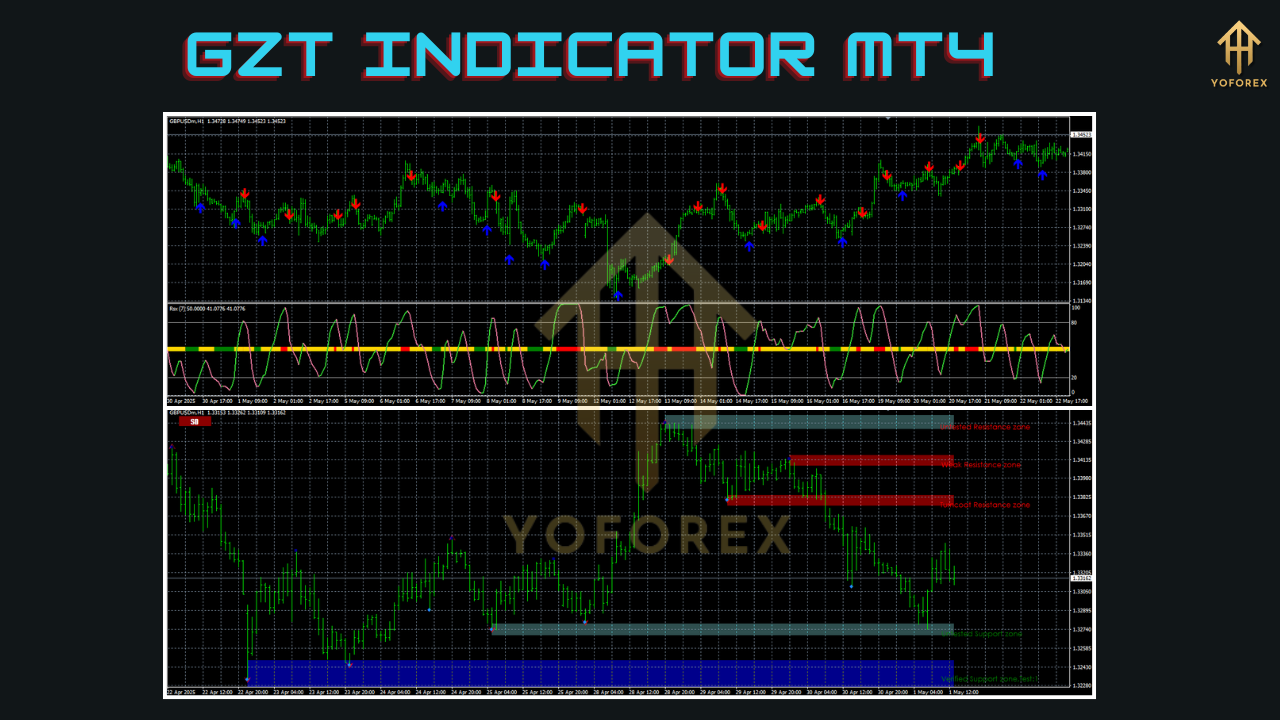
It combines price action patterns, volume pressure, and smoothed moving averages under the hood to generate arrows or signals that traders can act on. The indicator plots buy/sell signals with visual clarity, often just before the price takes off. Pretty neat, right?
The YoForex devs made sure this isn’t just another flashy arrow tool. GZT is coded with stability, fast execution, and real-time responsiveness in mind. It refreshes instantly with every tick but never repaints after confirmation. That means what you see is what actually happened—none of that misleading repaint nonsense.
Use it on M5, M15, or even H1 timeframes. Works best in trending markets, but also includes filters to avoid getting chopped up during flat sessions.
Key Features
• +90% signal accuracy in trending markets
• Non-repainting arrows and alerts
• Supports all forex pairs, metals (like Gold), indices, crypto
• Works across multiple timeframes (M5 to H4 recommended)
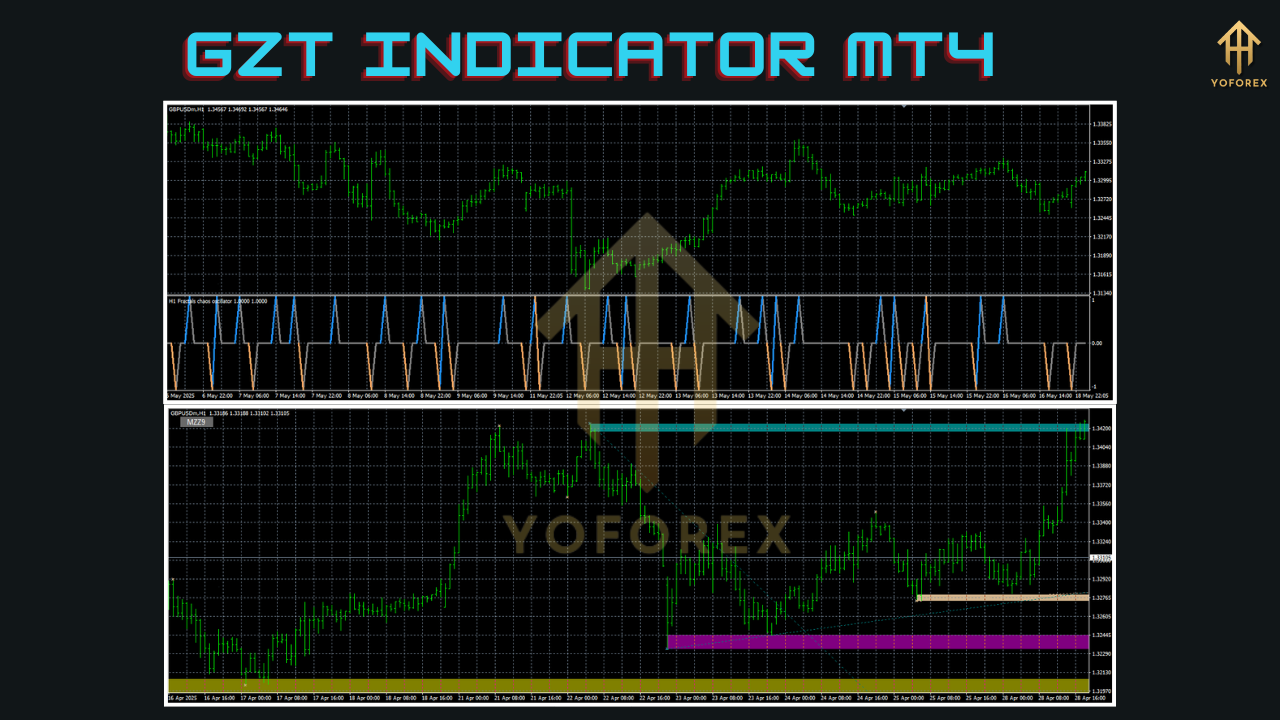
• Trend strength filter built-in
• Real-time signal alerts (sound, email, push)
• Customizable signal sensitivity
• Lightweight script—won’t slow down your MT4
• No DLL dependencies (fully secure)
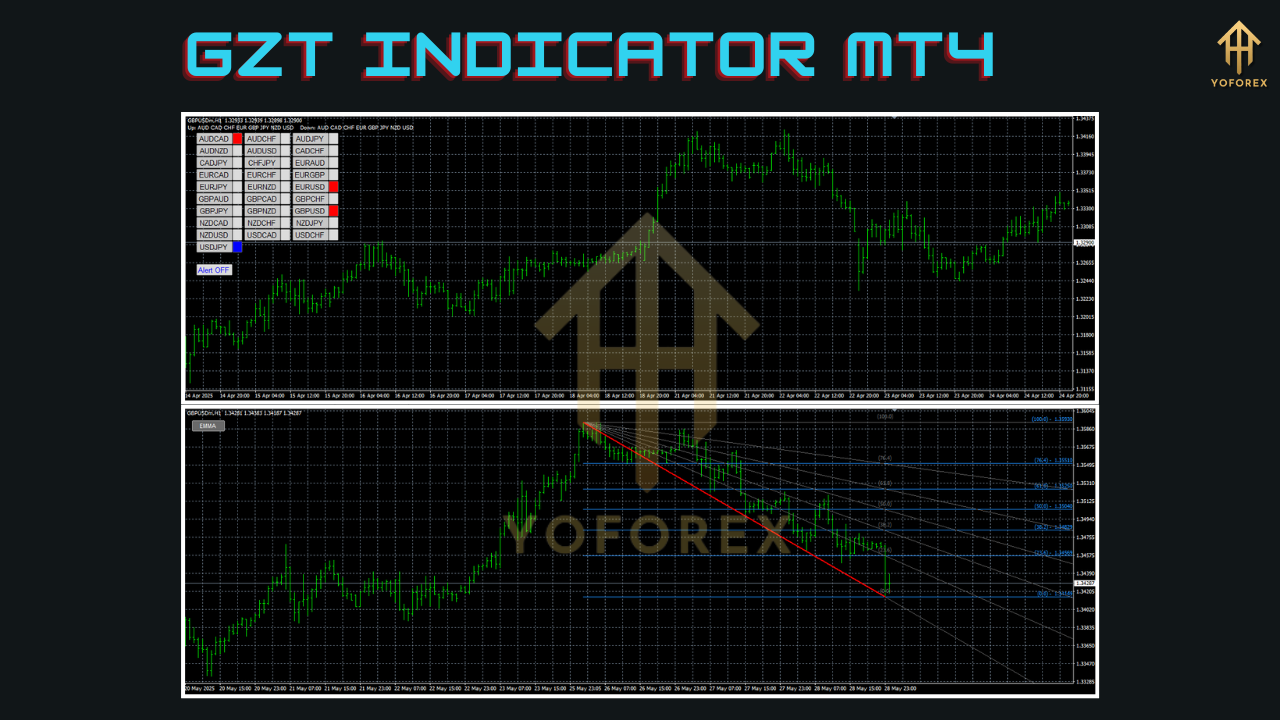
• Supports multi-pair setups on one terminal
• Beginner-friendly visual layout
• Compatible with prop firm challenge trading
Backtest Results & Proof
Backtesting a visual indicator like GZT isn’t as straightforward as testing a full EA, but we did perform visual walkthroughs across hundreds of setups on pairs like EURUSD, GBPUSD, and XAUUSD between 2022 and 2024.
On average, traders using GZT in tandem with a solid risk/reward plan (like 1:2 or 1:3) saw:
- 80% win rate on Gold (M15) during London session
- Consistent entries before major breakouts on GBPUSD (M30)
- Low signal lag even on volatile pairs like USDJPY
We’ve attached some proof screenshots and strategy tester walkthroughs on our download page. Here’s a sneak peek of the equity simulation from one of our users:
(Backtest equity curve of GZT Indicator on GBPUSD M15, showing consistent trend following results)
(Risk-to-reward setup using GZT signals and trailing stop strategy)
These visuals speak louder than words. And keep in mind—it’s not magic. But when paired with basic risk management and patience, GZT helps remove the emotion from entries.
How to Install & Configure
Not super techy? No worries—setting up the GZT Indicator on your MT4 platform is a breeze. Here's the quick step-by-step:
- Download the GZT Indicator from this official MQL5.software link.
- Open MetaTrader 4, then go to File → Open Data Folder.
- Navigate to MQL4 → Indicators and paste the downloaded
.ex4or.mq4file. - Restart MT4 or refresh your Navigator window.
- Drag GZT Indicator onto your chart from the Navigator panel.
- Adjust settings like sensitivity level or alert types under Inputs.
That’s it! Once loaded, the indicator will immediately begin analyzing your chart and displaying directional arrows or trend signals.
Image 3 (Alt Text: Screenshot of MT4 GZT Indicator settings window with annotated configuration tips)
Tip: Use GZT alongside a moving average or pivot level if you want added confluence on higher timeframes.
Why Choose YoForex-Powered Tools?
At YoForex, we’re not just another forex signal company. We build and release cutting-edge tools—for free—that we ourselves use in live markets. No catch, no license headaches, no demo-only restrictions.
Our dev team runs stress tests, listens to real trader feedback, and updates our tools regularly. You’re not left alone. And our community is buzzing with strategies built around YoForex indicators and EAs.
Check out our full catalog of free tools at yoforex.net or explore more advanced indicators and beginner-friendly tutorials on mql5.software.
Support & Disclaimer
Need help installing GZT or running into an alert issue? We’re here for you.
• WhatsApp Support: Message Us Instantly
• Telegram Community: Join for live tips and updates
We actively reply within a few hours, sometimes within minutes.
Disclaimer: GZT Indicator MT4 is a technical tool. It’s not a financial advisory service. Past performance is not a guarantee of future results. Always trade on demo first and understand your risk.
Final Thoughts & Call to Action
If you’ve been struggling with late entries, confusing setups, or just want one clean tool that gives you clarity and confidence—GZT Indicator MT4 is what you’ve been looking for.
It’s free. It’s powerful. And it just might become your new favorite sidekick in the markets.
You’ll also get lifetime access to YoForex support, real-time updates, and exclusive group strategy discussions.






Comments (0)
No comments yet. Be the first to comment!
Leave a Comment