
Giant Heist Bot EA V2.2 MT5 — Multi-Pair Scalper & Swing Engine
Looking for an MT5 expert advisor that doesn’t lock you into one instrument or one rigid strategy? Giant Heist Bot EA V2.2 is built to “steal” those small yet consistent market inefficiencies on EUR/USD, GBP/USD, and USD/JPY, while staying adaptable from M1 to H4. If you’re tired of bots that overfit one symbol or rely on risky martingale tricks, this one’s a breath of fresh air. It mixes session-aware scalping with trend-following swing entries, layered with tight risk control. In plain words: it seeks precision, not drama. And yeah, it’s designed for real-world spreads, so you’re not forced into an exotic broker setup.
Below you’ll find how it works, best settings by timeframe, risk tips, and a straightforward setup guide. Keep reading, coz the small details—position sizing, session filters, max orders—are what separate steady EAs from the blown-up kind.
What Is Giant Heist Bot EA V2.2?
Giant Heist Bot EA V2.2 (MT5) is a multi-pair automated trading system targeting high-probability entries on EUR/USD, GBP/USD, and USD/JPY. It runs from M1 to H4, shifting its “personality” based on the chart you choose:
- M1–M5: high-frequency micro-moves (scalping mode)
- M15–H1: intraday swings with fewer trades, wider targets
- H4: position/swing mode for cleaner, bigger moves
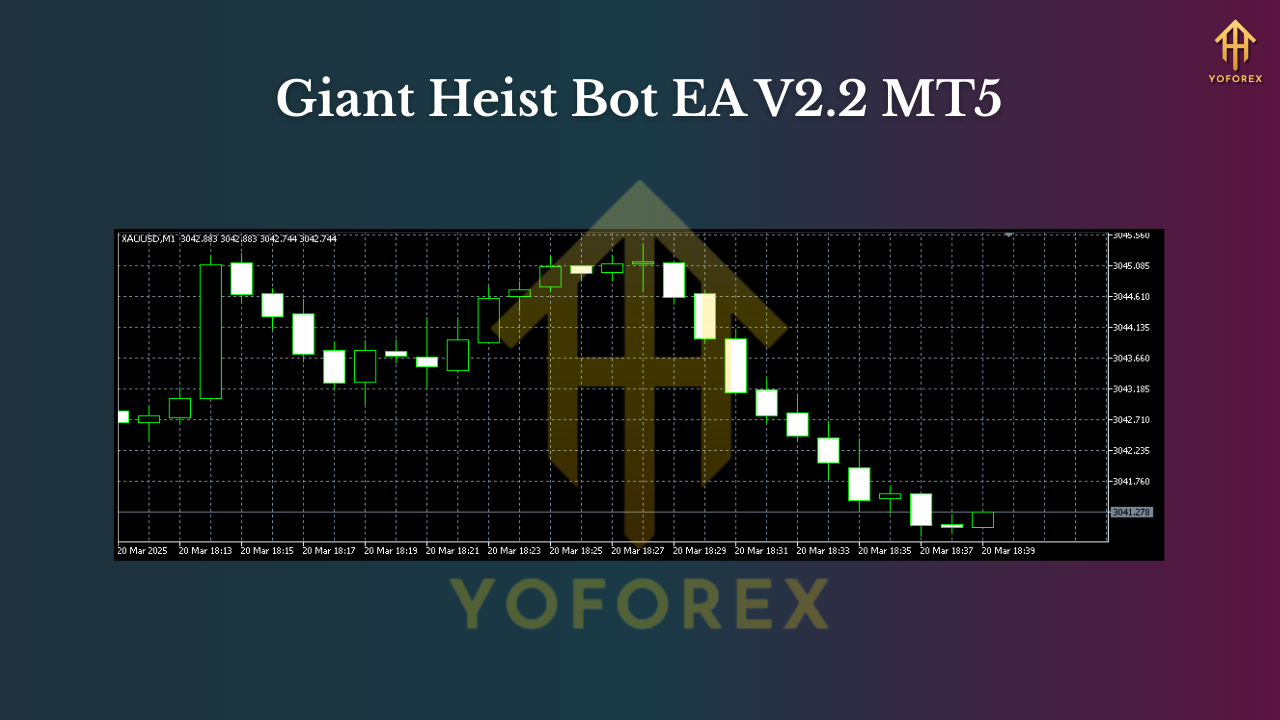
Under the hood it uses:
- A directional bias via a multi-timeframe trend filter
- A volatility gate (ATR) to avoid chasing noise
- A momentum trigger for entries (breaks/pullbacks)
- Strict risk logic with dynamic lot sizing by risk-percent
- No martingale, no grid by default (optional scaling is controlled and capped)
- Trade/session filters to avoid dead liquidity zones and erratic spreads
It’s built for traders who want one EA they can shape to different timeframes rather than juggling a dozen robots.
Supported Instruments & Timeframes
- Pairs: EUR/USD, GBP/USD, USD/JPY
- Timeframes: M1 to H4
Pair-specific notes
- EUR/USD: tight spreads make it ideal for M1–M15 scalping; also shines on H1 during trend days.
- GBP/USD: more volatile; prefer M5–M15 for intraday, H1 for directional swings.
- USD/JPY: loves momentum bursts; M1 scalping works with a good VPS and low-latency broker, while H1–H4 captures clean trend legs.
Timeframe pick (quick guide)
- Want more trades? M1–M5.
- Want cleaner signals, less noise? M15–H1.
- Want bigger targets, fewer decisions? H4.
Key Features
• Multi-mode engine: scalping on lower TFs, swing on higher TFs
• No martingale: risk stays predictable; optional scaling is capped
• Dynamic position sizing: risk-percent per trade with equity protection
• Session filters: focus London/NY overlap; avoid dead Asian ranges (configurable)
• ATR-aware stops: SL adapts to volatility to avoid random stop-outs
• Partial take-profits: secure a slice early, let runners aim for extended targets
• Trailing & break-even: lock gains as price moves in your favor
• News pause (optional): stand aside during major releases
• Max orders & daily loss cap: stop-trading rules to protect the account
• Broker-friendly: hedging or netting, 4- or 5-digit quotes, ECN-ready
• Prop-firm friendly settings: daily drawdown guard + max trade limits
• Clean logs & chart labels: see exactly why/when entries happen
How the Strategy Thinks (in human terms)
- Bias first: a higher-TF filter (e.g., H1 while trading M5) defines bullish/bearish context.
- Volatility check: ATR threshold confirms there’s enough range to justify a trade.
- Trigger: momentum shift or pullback-continuation pattern fires the entry.
- Risk set: SL derived from ATR/pattern depth; lot size adjusts to your risk % (e.g., 0.5% per trade).
- Manage: partial TP at the first logical target, then trail the remainder; if momentum stalls, BE+step kicks in.
- Shut-off rules: hit daily loss or max sequential losers? EA pauses—live to fight another day.
This sequencing helps it behave like a disciplined trader, not a slot machine.
Recommended Settings (Start Here)
These are starting points; always forward-test on a demo or small live first.
Account & Infra
- Leverage: 1:200–1:500
- Min deposit: from $300 for M15–H1 (micro lots), $500+ if you insist on M1–M5
- Spread: ECN/Raw preferred; commission model is fine
- VPS: yes, low latency (<10–20 ms) if scalping M1–M5
- Execution: market execution, no dealing desk if possible
Risk
- Risk per trade: 0.3%–0.8% (scalping), 0.5%–1.0% (intraday/swing)
- Daily loss cap: 2%–3% (EA stops trading for the day)
- Max concurrent trades: 2–4 per pair (avoid overcrowding)
- No martingale: keep multiplier = 1; if you use scale-in, cap total risk
Symbol templates
- EUR/USD M5: ATR SL, partial TP at 1R, trail remainder; risk 0.4%
- GBP/USD M15: slightly wider SL, two partial TPs (0.8R & 1.5R), soft trail; risk 0.5%
- USD/JPY H1: single TP at 2R or partial 1R + trail; risk 0.6%
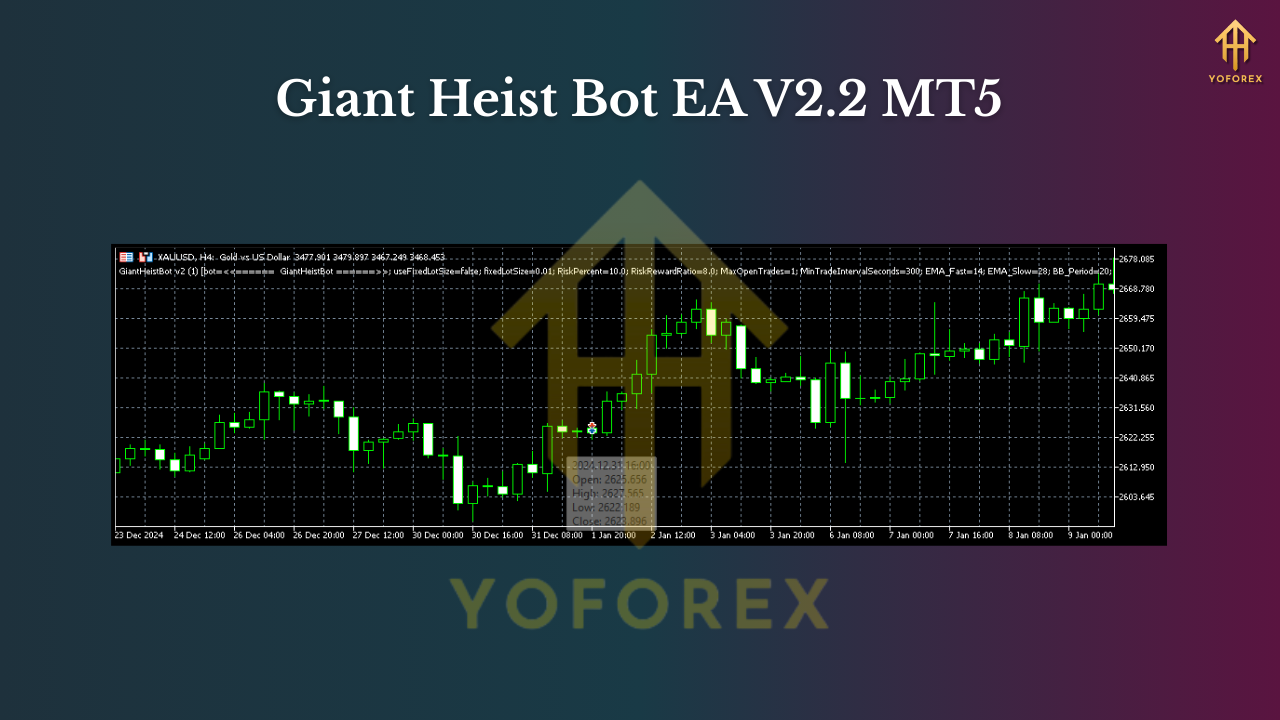
Backtesting & Forward Testing Tips
- Modeling quality: use tick-by-tick with real spread if you can; it matters on M1–M5.
- Test windows: run multi-year (e.g., 2019–2024) for H1–H4; multi-month with multiple regimes for M1–M5.
- Include costs: commission + realistic slippage; inflate spread slightly to stress test.
- What to look for: smooth equity growth, contained drawdowns (<10–18% depending on risk), consistent month-over-month behavior rather than one “lucky” stretch.
- Forward phase: minimum 2–4 weeks on demo; if stable, go small live and ramp slowly.
- Walk-forward checks: re-optimize light parameters quarterly; keep core logic stable.
Past performance ≠ future returns, but a rigorous process helps filter out curve-fit settings.
Installation & Setup (MT5)
- Copy files: place Giant Heist Bot EA V2.2.ex5 into
MQL5/Experts/. - Restart MT5 or refresh the Navigator.
- Enable algo trading: top toolbar “Algo Trading” must be green; allow DLLs if required.
- Attach to chart: open your symbol & timeframe (e.g., EURUSD M15), drag the EA onto the chart.
- Inputs: set risk %, TP/SL mode, session filters, max trades/day, and news-pause behavior.
- Auto trading on: confirm the smiley/folded-hat icon shows it’s running.
- Run a small test: verify trade tickets and logs; confirm SL/TP placement looks sane.
- Scale up slowly: once behavior is as expected, add more pairs/timeframes.
Pro Tips (Lived-in Advice)
- One pair at a time: dial in on, say, EUR/USD M15, then extend to GBP/USD or USD/JPY.
- Don’t move goalposts: pick a daily loss cap and stick to it; randomness happens.
- Watch news windows: if you keep news trading on, widen SL/TP or reduce lot size; otherwise, just pause around NFP/CPI/FOMC.
- Weekend gaps: disable before close on Fridays if you’re using tight stops; gaps can jump levels.
- Broker sanity check: if slippage is chronic on M1/M5, consider bumping to M15/H1.
Who Is It For?
- Intraday traders who want active but controlled exposure.
- Swing traders who prefer fewer, higher-quality setups (H1–H4).
- Prop-firm challengers who need daily drawdown governance.
- Busy folks who want automation but still care about risk discipline.
Final Word & Disclaimer
Giant Heist Bot EA V2.2 MT5 aims for repeatable edge across three major pairs and a wide timeframe spectrum. It’s flexible enough to match your style, and strict enough to protect you from your own worst impulses… we’ve all been there. Start light, let the data convince you, then scale with confidence.
Join our Telegram for the latest updates and support






Comments (1)
Amazing things.
Leave a Comment