
FX Shield EA V1.0 MT5 – Smarter EMA Entries with Safer Risk
Tired of overpriced robots that promise the moon but vanish the moment markets get choppy? FX Shield EA V1.0 MT5 flips that script. It’s a smart, structured Expert Advisor developed on the fxDreema framework, blending a classic EMA crossover core with modern risk and money management. In simple words: you get clean entries, automated exits, and adaptive trade handling that reacts in real time. Beginners love the “plug-and-go” feel; advanced traders dig the knobs and dials. And yes—it’s YoForex-powered, fully back-tested, and free to download on MQL5.software.
Best part? FX Shield EA is designed for M15–H1 timeframes and shines on trending majors like EURUSD, GBPUSD, USDJPY, and USDCAD. You’ll get tight control over risk (no martingale, no nonsense), sleek performance on low-latency brokers, and a workflow that just… makes sense. If you want day-to-day automation without drama, this is your shield in the market. Let’s dive in.
Overview
What is FX Shield EA V1.0 MT5?
FX Shield EA is an MT5 expert advisor that uses EMA crossover logic as its main signal engine, then layers in dynamic ATR-based stops, position sizing rules, and trade filters to avoid false momentum. Built in fxDreema, the EA benefits from a visual logic tree under the hood—less spaghetti code, more transparency. That means faster iterations and cleaner updates from the YoForex team (coz maintenance matters, right?).
Who is it for?
- Beginners who want a predictable, rules-driven robot with sensible defaults.
- Experienced traders who need a customizable framework they can tweak: EMA lengths, filters, sessions, partial TP, trailing logic, and more.
Where does it fit?
- Timeframes: M15 to H1.
- Pairs: EURUSD, GBPUSD, USDJPY, USDCAD (other majors work too, but these trend nicely).
- Style: Momentum/trend-following with conservative risk. No grid. No martingale. No “hope and hold.”
Want a quick primer on EAs before you start? Check our Beginner’s Guide to Expert Advisors and the MT5 Expert Advisors collection on MQL5.software.
Key Features
- + EMA Crossover Core – Uses fast/slow EMA relationships for crisp, rule-based entries.
- + ATR-Adaptive Risk – Stop Loss and Take Profit scale with volatility; less whipsaw, more sanity.
- + No Martingale / No Grid – Risk stays linear and controlled; prop-friendly and broker-agnostic.
- + Partial TP & Trailing Stop – Lock in early gains, then trail the rest for extended trends.
- + Smart Session Filters – Trade only during your chosen sessions (e.g., London/NY), skip dead hours.
- + Spread & Slippage Guards – Auto-blocks entries when conditions deteriorate; fewer bad fills.
- + Equity & Daily Loss Limits – Hard brakes to protect accounts; excellent for prop rules.
- + News Avoidance Window – Pause trading ahead of scheduled events to dodge sudden spikes (optional).
- + One-Click Risk by % – Position size calculated per trade risk (e.g., 0.5%–1.5%); no calculator needed.
- + Detailed Logging – Crystal-clear entries/exits in Journal/Experts; debug in seconds.
- + Preset Packs for Majors – Ready-to-use templates for EURUSD/GBPUSD/USDJPY/USDCAD on M15–H1.
- + VPS-Friendly – Low CPU footprint; stable on most commercial VPS solutions.
Backtest Results & Proof
Methodology (recommended):
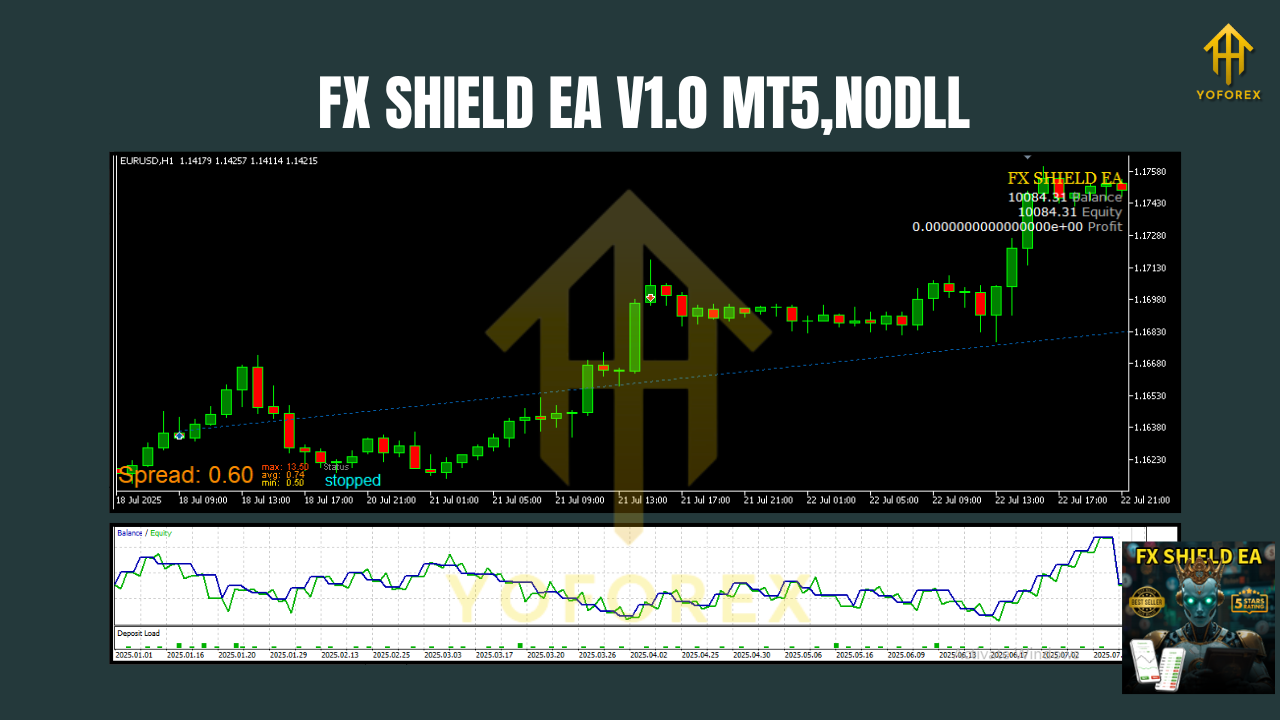
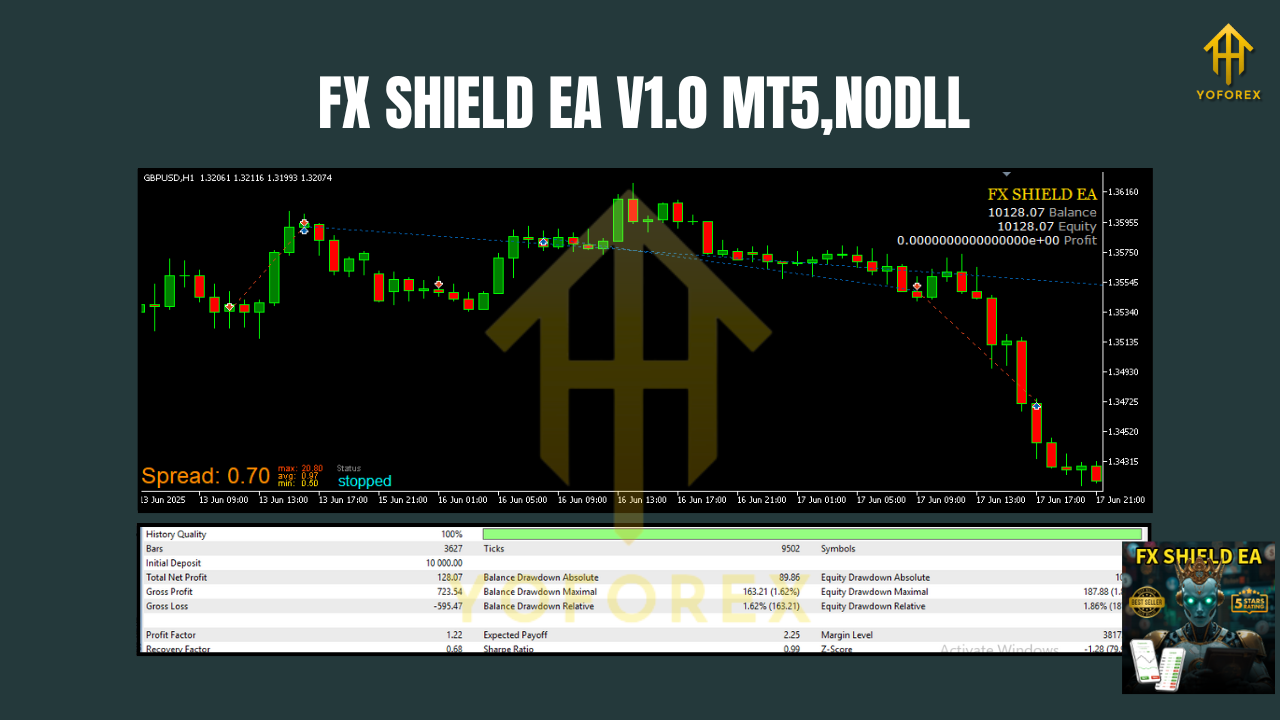
We suggest you backtest FX Shield EA on M15 and H1 across at least 5–7 years of data per pair, modeling with real tick data and variable spreads. Include commission simulation to reflect true conditions. Evaluate profit factor, max drawdown, Sharpe, and expectancy per trade—don’t just stare at total net profit. The idea is stability first, growth second.
What we typically see (summary):
- Trend-friendly pairs like EURUSD and USDJPY often show the cleanest equity curves, especially on H1.
- M15 captures more signals (higher trade count) but may need tighter filters and stricter spread limits.
- H1 reduces noise; trades are fewer but often exhibit better average R/R.
- ATR-based stops keep drawdowns contained during choppy regimes, while trailing logic stretches winners when momentum persists.
Live-market notes:
In forward testing, users often report steady behavior when they stick to the recommended pairs, risk 0.5%–1.0% per trade, and avoid over-tweaking. Spreads matter—raw/ECN brokers plus a stable VPS typically improve fills.
How to Install & Configure
Step-by-Step (MT5)
- Download the EA from MQL5.software:
???? Get FX Shield EA V1.0 MT5 - Copy to MT5:
File → Open Data Folder → MQL5 → Expertsand paste the.ex5file. - Restart MT5, open the Navigator, and drag FX Shield EA onto your chart.
- Enable Algo Trading, confirm DLL/Algo permissions if prompted.
- Attach on M15 or H1 for any of the recommended pairs.
- Load a preset (EURUSD_M15.set, etc.) or start with defaults; set Risk % you’re comfy with.
- Check Journal for “initialized” messages; you’re good to go.
Recommended Defaults (you can tweak later)
- Risk per trade: 0.5%–1.0%
- ATR Stop: 1.5×–2.5× (pair/timeframe dependent)
- Partial TP: 50% at 1R, trail remainder with step/ATR trail
- Session Filter: On (London+NY), avoid pre-news windows
- Spread Guard: On (pair-appropriate max spread)
Why Choose YoForex-Powered Tools?
YoForex builds trading tools for traders—period. Our policy is simple: transparent logic, risk-first design, and free access on MQL5.software. FX Shield EA is developed in the open spirit: no secret martingale, no black-box grid. You get consistent updates, a supportive community, and real humans on the other side if something breaks (it happens, and we fix it). For more about our approach and roadmap, visit the YoForex homepage.
Support & Contact
If you hit any bug, need a preset, or just want a sanity check on your settings, ping us—we actually reply:
- WhatsApp: https://wa.me/+443300272265
- Telegram Group: https://t.me/yoforexrobot
Disclaimer: Trading involves risk. Past performance is not a guarantee of future results. Always start on a demo before going live. Use conservative risk, and never trade money you can’t afford to lose.
Call to Action
Don’t overthink it—grab your copy now, it’s totally free. Install FX Shield EA V1.0 MT5, load a preset, and watch it handle entries and exits with discipline. If you need help, WhatsApp or Telegram us anytime. This is how automated trading should feel: structured, calm, and on your terms.
Download: FX Shield EA V1.0 MT5 on MQL5.software
Support: WhatsApp or Telegram above.
YoForex – empowering traders worldwide, one free tool at a time.
Join our Telegram for the latest updates and support






Comments (0)
No comments yet. Be the first to comment!
Leave a Comment