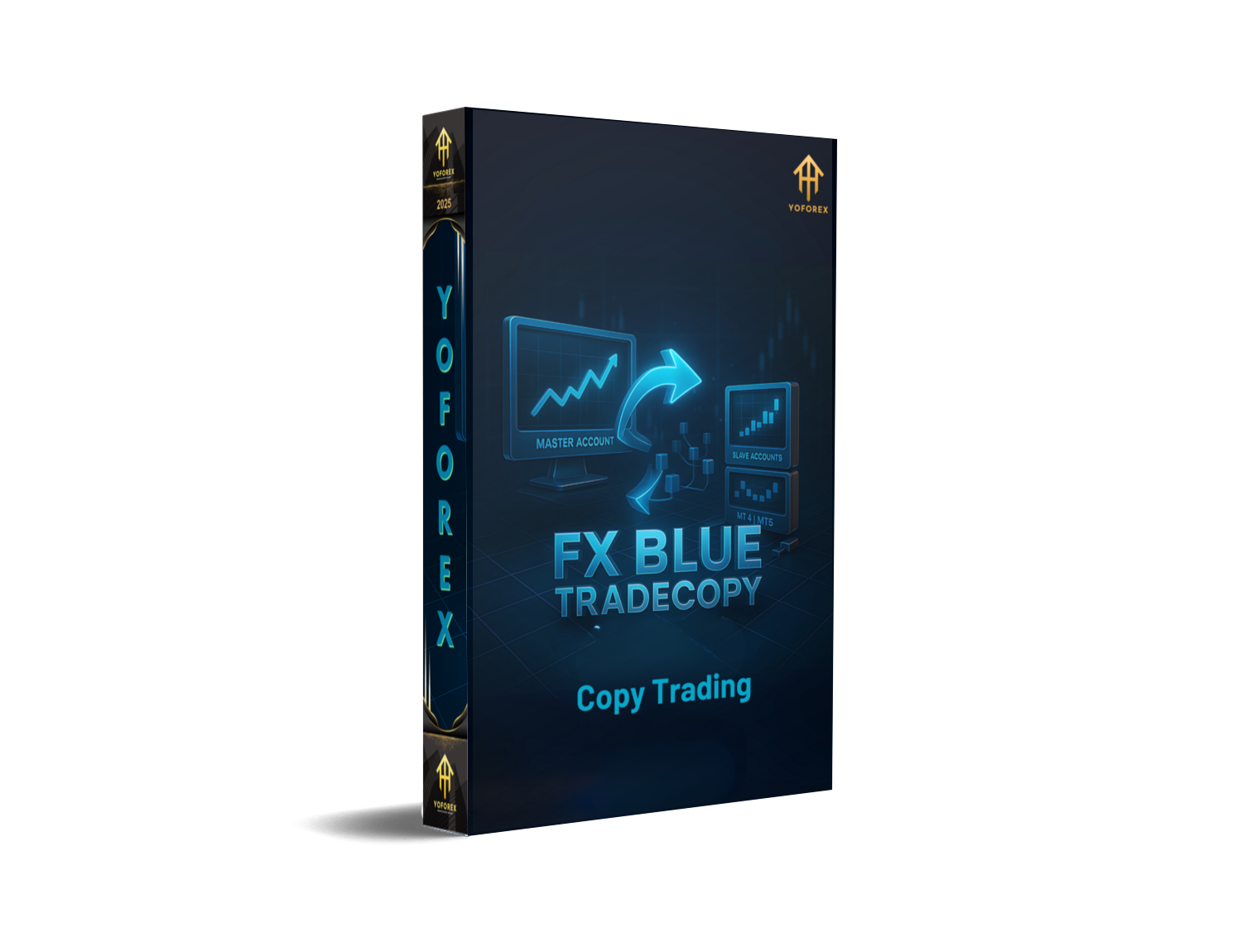
FX Blue TradeCopy: The No-Hassle Way to Mirror Your MT4/MT5 Trades
If you’ve ever wished you could run one “master” account and have the rest of your accounts follow it instantly—without babysitting every chart—FX Blue TradeCopy is kinda the straight-shot solution. It’s a lightweight copier that mirrors positions from one MetaTrader terminal to another, keeping your sizing, risk, and symbols aligned. Whether you’re running multiple live accounts or splitting strategies between demo and live for safety, a good copier removes friction (and fat-finger errors). And this one’s fast, flexible, and free to get started—pretty neat, coz who wants extra subscription overhead just to duplicate trades?
What is FX Blue TradeCopy?
FX Blue TradeCopy (often called the “Personal Trade Copier”) is an Expert Advisor pair—Sender and Receiver—that duplicates trades between MetaTrader installations on the same computer. If your master is on MT4 and your follower is on MT5 (or vice-versa), you just run the MT4 version on MT4 and the MT5 version on MT5; they’re compatible with each other, so cross-platform copying works. Copying is near-instant; the only real bottleneck is your broker’s execution speed. And you can tweak almost everything: lot sizing, risk %, symbol filters, direction inversion, magic-number filters, and more.
If you need to copy across different computers or to multiple traders over the internet, FX Blue also offers Internet Trade Mirror—a sender/receiver setup that broadcasts and mirrors trades online with lots of control on both sides. For many users, the Personal Trade Copier is enough; when you scale or want remote distribution, you graduate to the Internet Trade Mirror.
Why traders use it (in plain English)
- It’s quick to set up. Drop the EAs on charts; pick channels; done.
- It’s versatile. Works MT4↔MT4, MT5↔MT5, and MT4↔MT5.
- It’s precise. Control which symbols, which magic numbers, and how risk scales.
- It’s fast. Execution lag is minimal—mostly limited by your broker.
How FX Blue TradeCopy Works (Sender & Receiver)
Sender EA sits on the master account and broadcasts your open/modify/close actions.
Receiver EA listens on the follower account and replicates those actions according to your rules (fixed lots, balance-proportional lots, max slippage, symbol mapping, direction inversion, etc.). If you’re mirroring over the internet instead of locally, the Internet Trade Mirror uses a similar sender/receiver model but communicates via FX Blue’s servers.
A small but handy detail: you don’t need a chart per symbol on the receiver—one receiver instance can trade all symbols from its paired sender (you’ll run one receiver per sender you follow). That keeps your workspace tidy.
Key Features You’ll Actually Use
- Cross-platform duplication (MT4↔MT5) with near-instant copying.
- Flexible risk mapping: fixed lot, multiplier, or balance-/equity-based sizing.
- Symbol & magic filters to copy only what you want.
- Direction inversion to flip a strategy if needed (advanced hedging or testing).
- “All-symbols” receiver (one chart handles all instruments from that sender).
- Internet mirroring option for remote teams or prop-style distribution.
- Extensible with MQL if you want to bolt on custom logic or filters.
- Broker-agnostic—works with any MT4/MT5 broker.
Setup: From zero to copying in a few minutes
Scenario A: Same PC (Personal Trade Copier)
- Install the MT4 copier EA in MT4 and the MT5 copier EA in MT5 (use each platform’s respective version).
- Attach Sender EA to a chart on your master account; set a unique channel name.
- Attach Receiver EA to a chart on your follower account; use the same channel name. One Receiver can handle all symbols from that sender.
- Choose risk mapping (e.g., 1:1 lots, multiplier, or balance-based) and set symbol/magic filters.
- Test with small size—open a tiny trade on the master to confirm instant replication.
Scenario B: Different PCs/Locations (Internet Trade Mirror)
- On the master, run InternetMirror Sender and configure which trades to broadcast.
- On the follower, run InternetMirror Receiver; set sizing, symbols, and risk.
- Verify that a single receiver per sender covers all symbols; add extra receivers only for additional senders.
Pro tip: If you maintain many terminals, EACopy from FX Blue lets you send files (EAs, templates) to multiple installations right from Windows’ “Send To” menu—saves tons of time.
Best Practices (so you don’t trip over the details)
- Keep magic numbers organized. If your master runs multiple EAs, filter by magic numbers on the receiver to copy only the strategies you want.
- Align contract sizes & symbol names. Some brokers use suffixes (e.g., EURUSD.m). Use symbol mapping if needed so the receiver knows what to trade.
- Risk-normalize. If the follower account balance differs, use balance-proportional sizing instead of a flat lot multiplier.
- Use a VPS for 24/5 uptime. Lower latency = cleaner mirroring and fewer requotes, especially during news. (Common practice across copier setups.)
- Start on demo. Mirror a day or two before going live to confirm everything behaves as expected.
Who is FX Blue TradeCopy for?
- Portfolio managers running the same logic across several accounts.
- Strategy testers who want to sandbox variations (e.g., different risk profiles) on follower terminals.
- Signal distributors/teams who need internet-based mirroring to clients or prop sub-accounts.
- Solo traders wanting a tidy workflow: trade once, mirror everywhere.
Pros & Cons (the real talk)
Pros
- Free to get going, fast, and flexible.
- Cross-platform compatibility (MT4 ↔ MT5).
- Internet mirroring available when you outgrow local copying.
Cons
- You still depend on broker execution—copier speed can’t fix a slow server.
- Complex setups need careful magic/symbol mapping to avoid stray trades.
- Very niche scenarios (exotic symbols, non-standard contract sizes) may need extra testing.
Join our Telegram for the latest updates and support






Comments (0)
No comments yet. Be the first to comment!
Leave a Comment