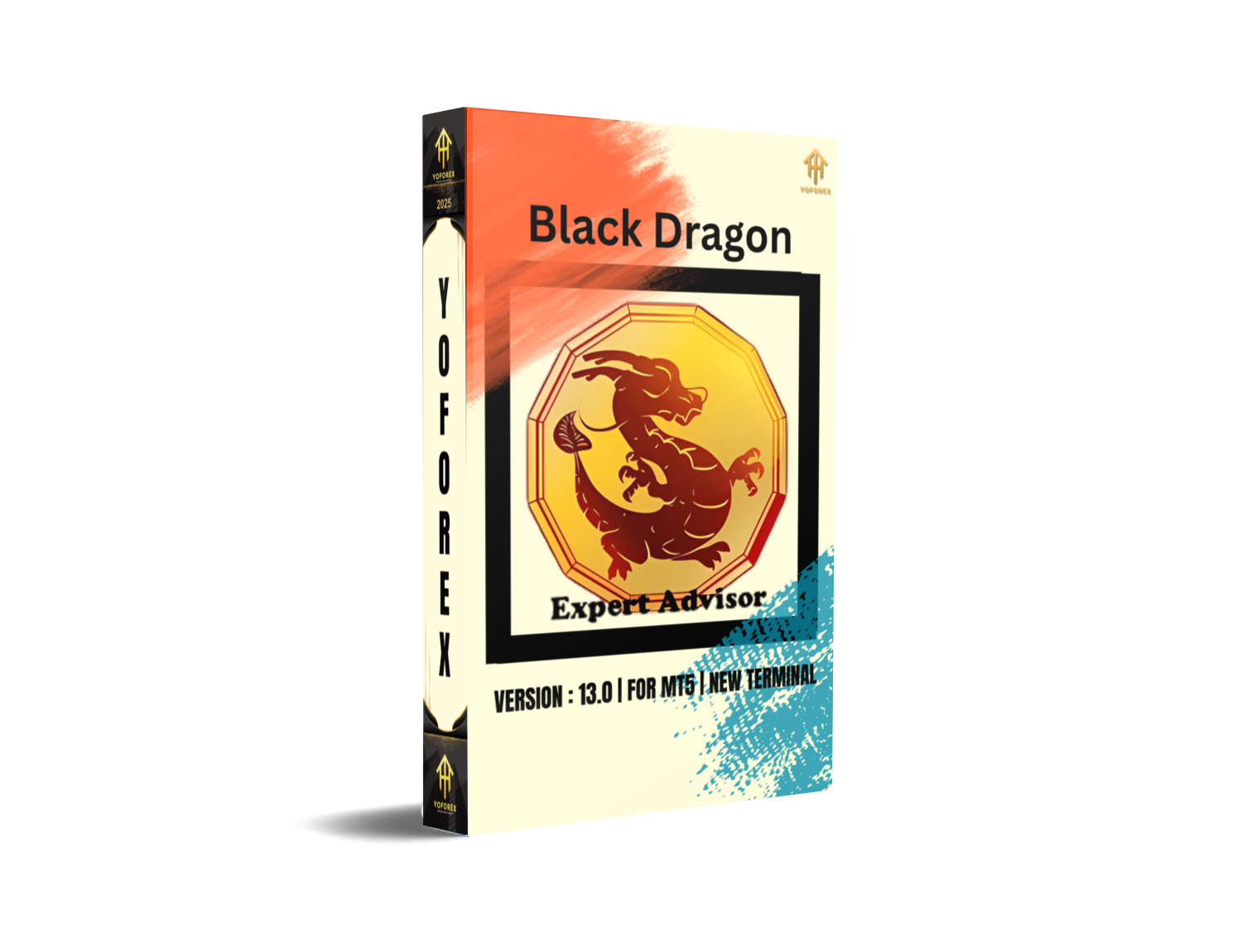
EA Black Dragon V13.0 is an advanced trend-following Expert Advisor (EA) for MetaTrader 5 (MT5). It utilizes a trend indicator to open trades based on the color of the trend signal. This EA is highly customizable, offering various settings such as hedging, order management, and multiple trade parameters, making it suitable for both beginner and experienced traders looking for automated solutions to execute trades efficiently.
Key Features:
- Trend Indicator Based: Opens trades based on the color of the trend indicator.
- Hedge Functionality: Enables the EA to hedge by opening both buy and sell positions.
- Manual Orders Management: Allows the EA to manage manually placed orders.
- Time-Based Trading: Enables the EA to trade during specified hours of the day.
- Dynamic Lot Sizing: Supports auto lot calculation based on account balance and predefined settings.
- Overlap Orders: Reduces drawdowns by closing the first and last orders together, recovering losses.
- Customizable Settings: Includes options like Stop Loss, Take Profit, maximum orders, lot size, distance multiplier, and more.
Recommended Settings:
- Trade Buy: Set to True to enable buying operations.
- Trade Sell: Set to True to enable selling operations.
- Use Hedge: Set to True to allow the EA to hedge.
- Max Spread: Set to a value that ensures the EA only trades when spreads are within the specified limits.
- Start Hour: Set the time for the EA to start trading (e.g., 09:00 for daily trading).
- End Hour: Set the time for the EA to stop trading (e.g., 16:00 to stop trading before the market closes).
- Lot Size: Use the
Initial Lotfor starting positions or enableAutolotfor automatic calculation based on your deposit. - Max Buy Orders/Max Sell Orders: Set the maximum number of buy and sell orders the EA can open.
- Overlap Last Order: Set to True to close the first and last order together to reduce drawdowns.
- Distance Multiplier: Adjust to increase the gap between orders dynamically.
Backtesting Results:
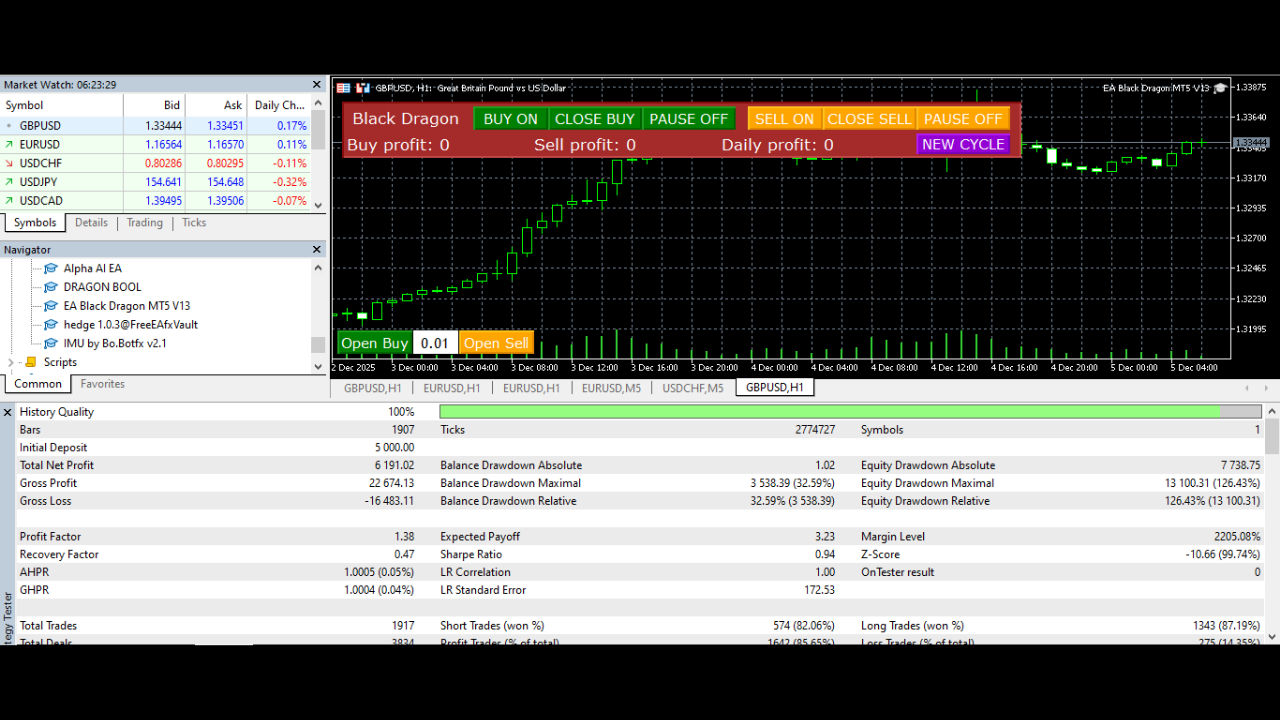
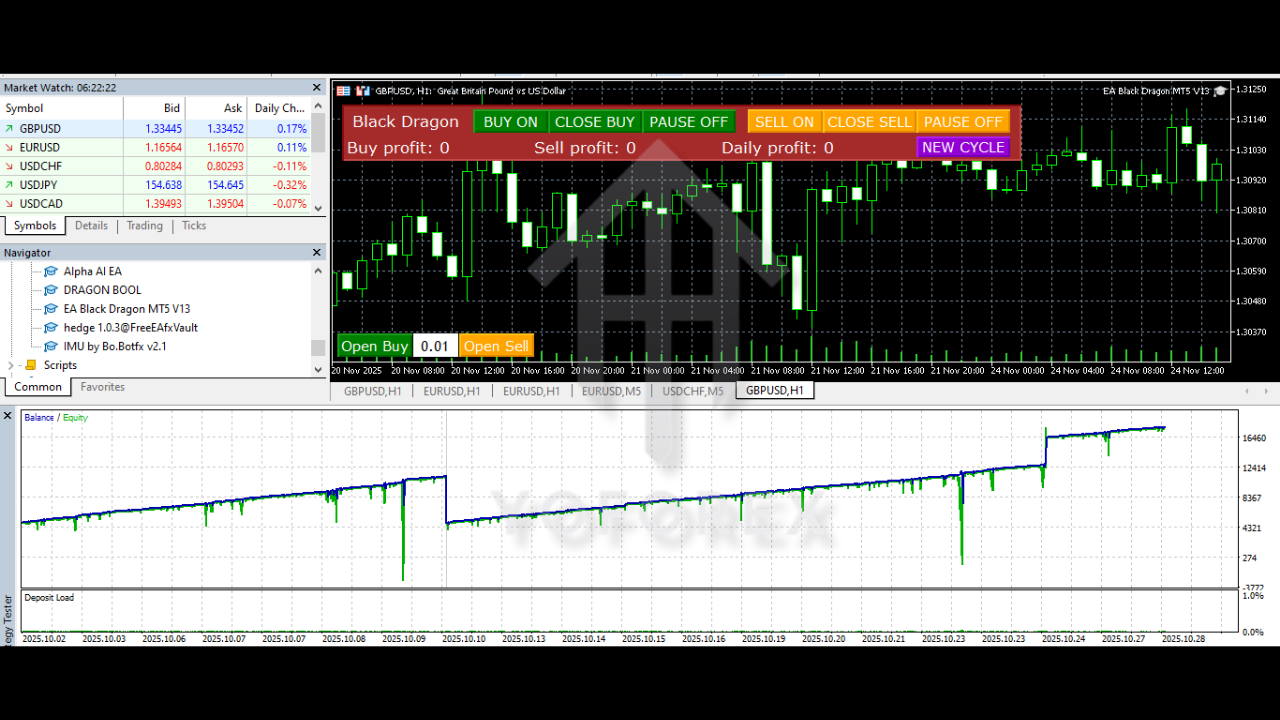
The EA Black Dragon EA V13.0 has shown strong results in backtesting, with the ability to manage risk effectively through its order management and hedging features. Traders can expect stable performance even in volatile market conditions, with the ability to limit losses by utilizing features like Stop Loss, Take Profit, and Overlap Orders.
Advantages:
- Highly Customizable: Tailor the EA to your specific trading preferences.
- Risk Management: The ability to hedge and set customizable stop losses and take profits ensures that the EA works within your risk tolerance.
- Scalability: Suitable for small and large accounts with its flexible lot sizing and auto-lot calculation features.
- 24/7 Trading: The EA works without needing manual intervention, allowing you to trade continuously.
Disadvantages:
- Complexity: While powerful, it may require some time to understand all the settings and configure it properly.
- Market Dependency: As a trend-following EA, its performance may decline during sideways or choppy market conditions.
- Requires MT5: The EA is only compatible with MetaTrader 5, not with MetaTrader 4.
Installation Instructions:
- Download the EA Black Dragon EA V13.0 file.
- Open MetaTrader 5 and go to "File" > "Open Data Folder".
- Navigate to the
MQL5folder, then theExpertsfolder. - Paste the EA file into the
Expertsfolder. - Restart MetaTrader 5.
- Attach the EA to the desired chart and configure the settings as per your preferences.
Support & Disclaimer:
For support, contact through:
- WhatsApp: Click here
- Telegram: Click here
Disclaimer: Trading in forex and CFDs involves significant risk and can result in the loss of capital. Always trade with caution.






Comments (0)
No comments yet. Be the first to comment!
Leave a Comment