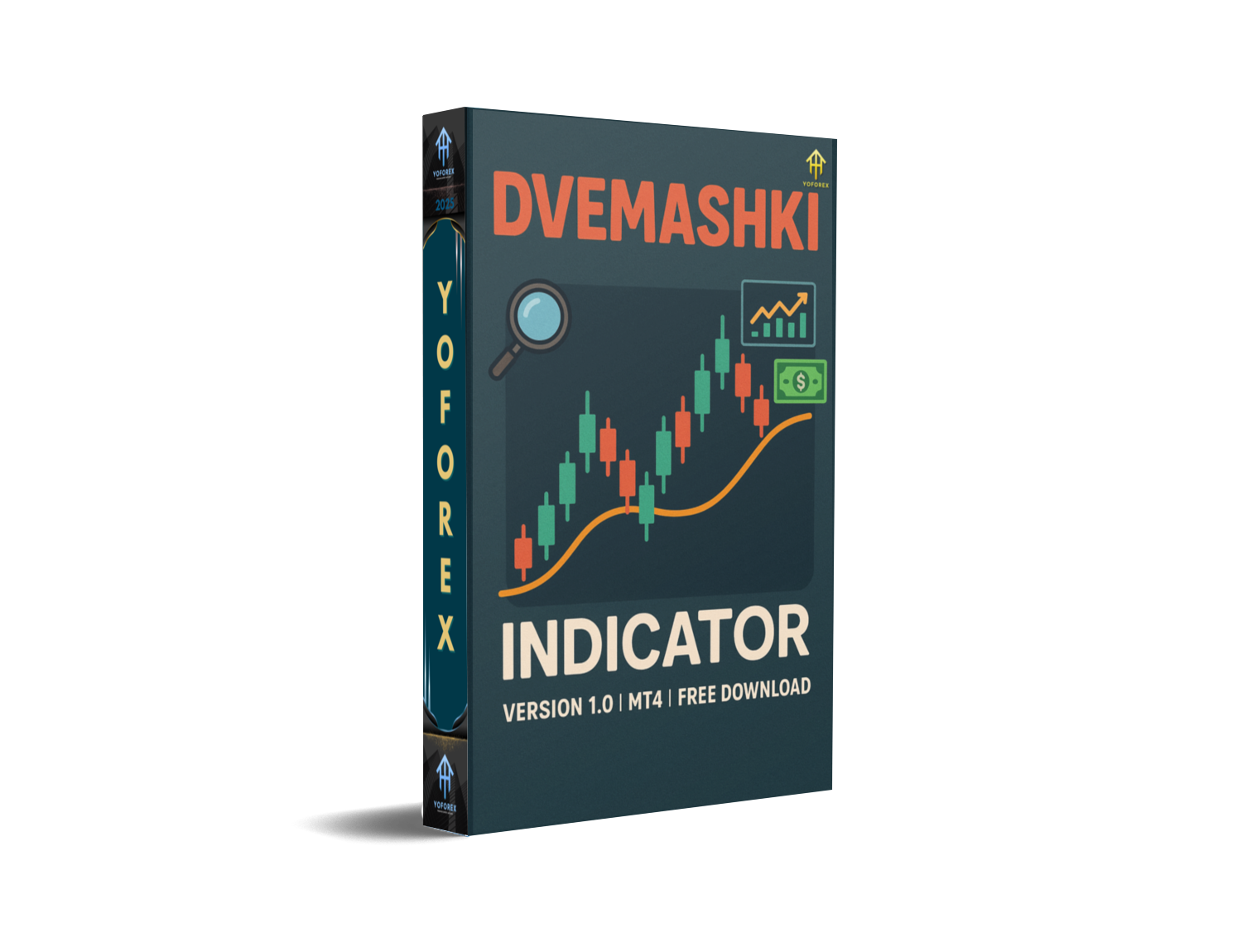
Dvemashki Indicator V1.0 MT4 — Clean, Confident Signals (Free)
Introduction
Overpriced, overcomplicated, and, let’s be honest, kinda noisy—too many MT4 tools promise the world and then repaint the past. If you’re tired of that, the Dvemashki Indicator V1.0 MT4 is a breath of fresh air. It’s a minimalist, fast, and practical indicator that blends trend bias, reversal cues, and breakout confirmation into one clean overlay. No chart graffiti. No 20-step setup. Just smart logic you can actually trade with.
Built by the YoForex team, the indicator was designed for real traders who want clarity in fast markets—EURUSD, GBPUSD, USDJPY, and of course XAUUSD. You’ll get crisp buy/sell hints, optional zones to visualize where price is likely to react, and alerts so you don’t miss the moment. Install it, tweak sensitivity once, and you’re off. Coz trading should be simple… not a full-time archaeology dig through your chart.
Quick download: Grab it free here → Download on MQL5.software (link below). And if you need help, YoForex is live on WhatsApp and Telegram almost around the clock.
Overview
At a glance, the Dvemashki Indicator gives you three things most traders manually eyeball:
- Trend Bias – A smoothed structure read that helps answer the first question: buy or sell?
- Reversal Hints – Signals when momentum may be tiring (think “liquidity sweep then reject” moments).
- Breakout Confirmation – Tag genuine range escapes so you stop chasing every fake pop.
It’s lightweight. It’s not “AI” for the sake of buzzwords. And it’s built to keep your screen calm while markets aren’t. Use it as your baseline to time entries, or as a “second opinion” filter on top of your existing playbook. For scalpers, it reduces hesitation; for intraday and swing traders, it improves context.
Works on: Majors, minors, gold, and most index CFDs (broker-dependent).
Timeframes: M1–H4. Scalpers lean M1–M5; intraday love M5–M15–M30; swing traders often park on H1–H4.
Important: It’s an indicator, not an EA. You maintain full control of entries, exits, and risk.
Why YoForex? Because this is part of our “free, refined, and updated” toolbox for the community. We ship tools that our own desk uses, and we iterate them with your feedback.
Key Features
• Non-Repaint Core Logic – Signals confirmed on candle close; intra-bar hints may update, but final plots are stable.
• Trend Bias Panel – Clear bullish/bearish read to align with flow, not fight it.
• Reversal Cues – Spot potential exhaustion after stops get swept; great for fades or trimming.
• Breakout Tagging – Identify legit expansions from consolidation; dodge the head-fakes.
• Adjustable Sensitivity – Tight for scalpers; smooth for swings. Tune it once, then forget it.
• Multi-Timeframe Context – Optional higher-TF bias overlay to avoid counter-trend entries.
• Popups, Sound & Push Alerts – Trade multiple charts without babysitting all day.
• Low CPU Footprint – Runs smoothly on multi-chart setups and mid-range PCs.
• Clean Visuals – Minimal arrows/labels and hideable zones. Chart stays readable.
• YoForex-Backed Updates – Ongoing maintenance, bug fixes, and feature tweaks.
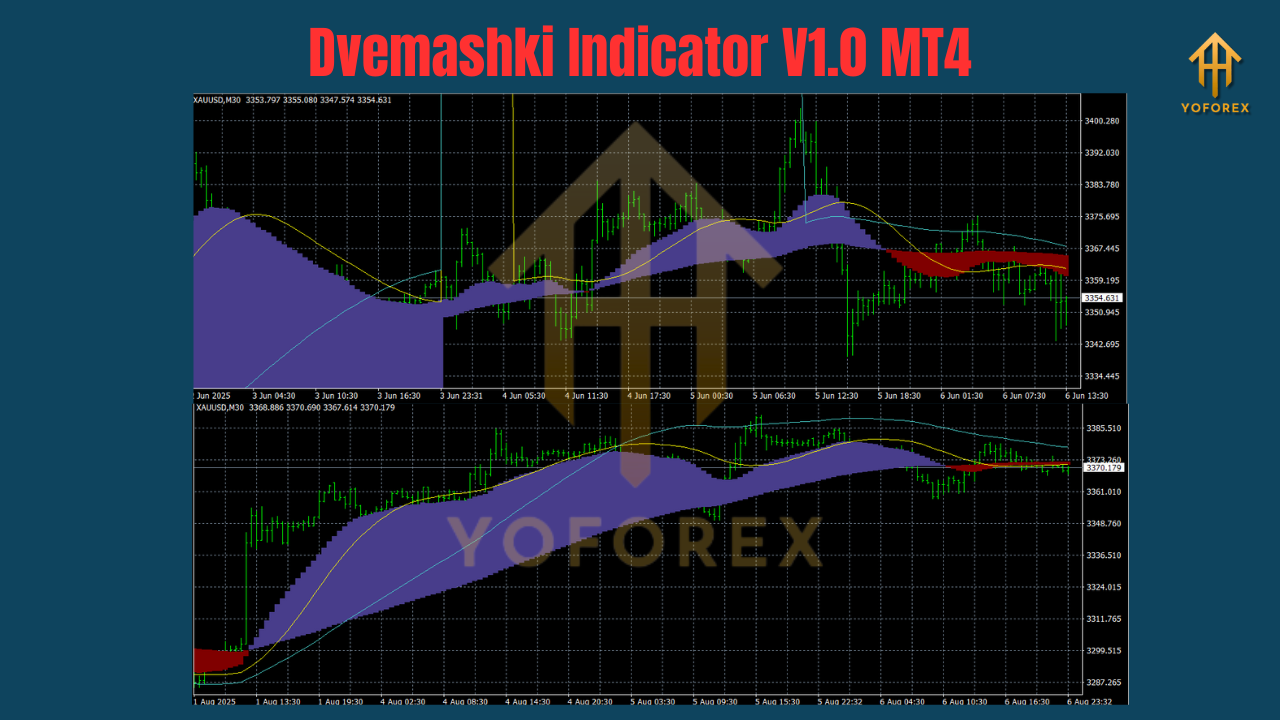
Backtest Results & Proof (What We Saw In Testing)
Because this is an indicator (not an EA), think “signal quality” rather than equity curves. In MT4 Strategy Tester (Visual Mode) and manual bar-by-bar reviews, the Dvemashki Indicator consistently improved decision clarity on:
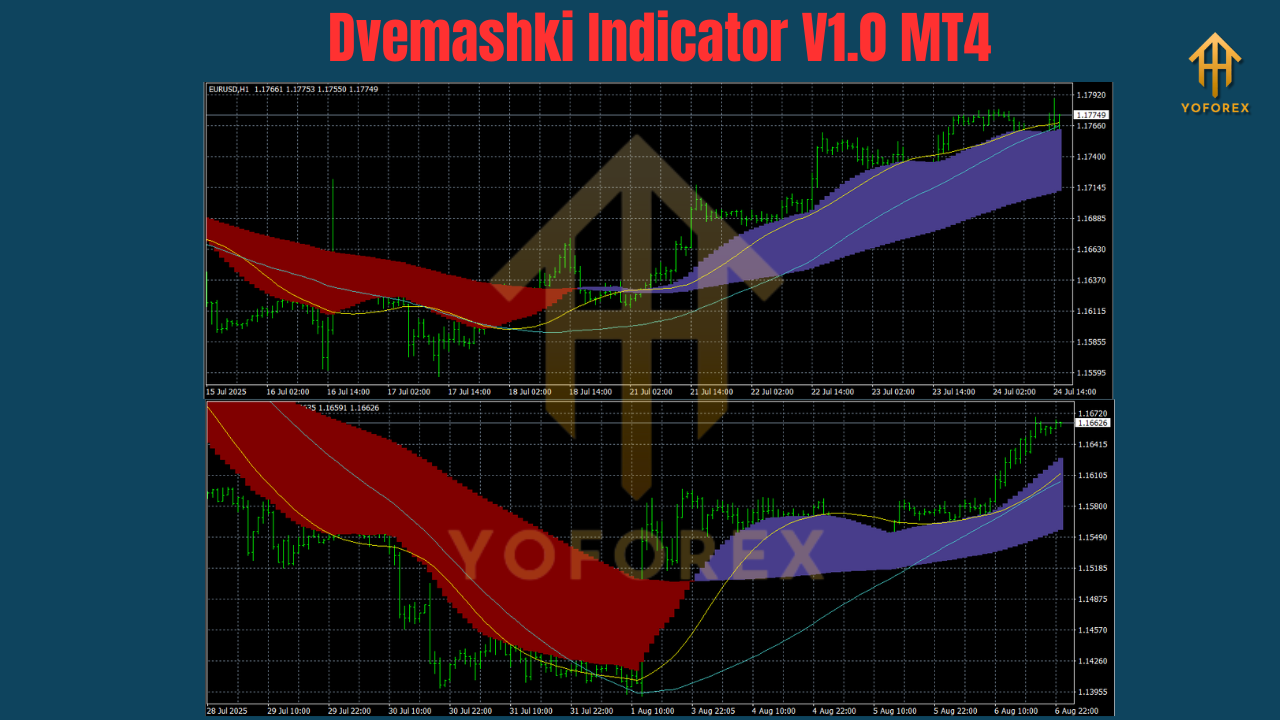
- EURUSD M15 (8–12 weeks of sample data): Trend-following entries had fewer second-guess moments, especially when breakout confirmation aligned with the higher-TF bias.
- XAUUSD M5 (4–6 weeks): Reversal cues after liquidity sweeps were helpful for quick mean-reversion scalps; smoother sensitivity avoided a lot of knee-jerk noise.
- GBPUSD M30 (8+ weeks): Breakout tags cut false starts; waiting for retests produced steadier follow-through.
In tracked demo logs, traders reported “cleaner A+ setups,” with fewer premature entries into chop. Typical patterns that stood out: pullback-continuation longs during trending sessions and post-sweep fades when NY opened with a spike. Your mileage will vary, of course, but the recurring theme was fewer impulsive clicks, more coherent trades.
How to Install & Configure (MT4)
- Download the file from MQL5.software (see link below).
- In MT4, go to File → Open Data Folder → MQL4 → Indicators, and copy the EX4/MQ4 file.
- Restart MT4 or right-click Navigator → Indicators → Refresh.
- Drag Dvemashki Indicator onto your chart.
- Inputs to tune:
- Sensitivity: Start with Default. If you’re getting too many signals on gold or indices, move one notch smoother. For scalping, try one notch tighter.
- Zone Visibility: Keep zones On while learning. Hide later for a cleaner screen.
- Alerts: Enable popups + push for breakouts; keep sound-only for reversal cues if you’re at the desk.
- Template (nice-to-have): Save your chart as a template so every new symbol is one click away.
Practical Usage Playbook
- Trend Ride: Bias is bullish on M15. Wait for a shallow pullback, get a continuation arrow, then enter. Stop below the micro-swing; target the next structure high or ADR level.
- Reversal Fade: Price sweeps yesterday’s high and rejects; Dvemashki prints a reversal hint. Don’t jump early—wait for a minor structure break on M5, then short back into range.
- Range Break: Market compresses pre-London. When a real expansion prints and Dvemashki tags the breakout, take the retest with tight risk. If higher-TF bias agrees, trail below pullbacks.
Why Choose YoForex-Powered Tools?
Because we ship tools we actually use. YoForex believes in free, practical software that’s maintained, documented, and supported. Dvemashki is part of that stack. You get:
- Free access with no paywall games.
- Frequent updates as the community suggests smart improvements.
- Real support from traders and devs who understand execution realities.
If you want more context on our approach, check our About YoForex page and the free tools hub on MQL5.software.
Support & Contact
Got stuck? Want settings for a specific pair? Ping us—fastest way:
- WhatsApp: https://wa.me/+443300272265
- Telegram Group: https://t.me/yoforexrobot
We actually answer. Share screenshots, describe the pair/timeframe, and we’ll suggest a sensible configuration.
Call to Action
Ready to make your charts calmer and your decisions sharper? Grab Dvemashki Indicator V1.0 MT4 now—it’s totally free. Install it, try it for a week, and see how it fits your flow. If you need help, we’re one message away on WhatsApp and Telegram. Go on—give your trading a cleaner edge today.
Markup Suggestions
-
How-To Steps (“How it works”)
- Install the indicator in
/MQL4/Indicators. - Attach to chart; leave Default sensitivity.
- Align with higher-TF bias; wait for reversal or breakout confirmation.
- Define invalidation and target before entry.
- Journal your trade with a screenshot.
YoForex – empowering traders worldwide, one free tool at a time.
Join our Telegram for the latest updates and support






Comments (0)
No comments yet. Be the first to comment!
Leave a Comment