In the world of forex trading, speed and timing are everything. Every pip counts, and traders are constantly searching for ways to gain even the smallest edge. That’s where automated trading systems come in—especially Expert Advisors (EAs) built to execute trades with precision and consistency. Among the popular scalping bots available today, Dragon Scalper EA V1.0 MT4 has emerged as a reliable and well-tested tool for MetaTrader 4 users.
This EA was specifically developed for scalpers who want low-risk, high-frequency entries during active market hours. It combines adaptive lot sizing, fast execution strategies, and built-in trade management features to offer a complete plug-and-play system that eliminates guesswork. Unlike many EAs that use grid or martingale strategies, Dragon Scalper EA focuses on safety and capital preservation while delivering consistent profits.
This blog post explores everything you need to know about Dragon Scalper EA—from its features and settings to performance results and how to install it properly.
What is Dragon Scalper EA V1.0?
Dragon Scalper EA V1.0 is a fully automated scalping Expert Advisor for the MetaTrader 4 (MT4) platform. It is designed to identify and execute short-term trading opportunities on major forex pairs with minimal drawdown and low latency. The EA works especially well during high-volatility trading sessions such as London and New York.
One of the standout aspects of Dragon Scalper is that it avoids martingale, grid, and hedging strategies, which are often blamed for account blowouts. Instead, it relies on price action, spread filters, and market timing to execute scalping trades with strong risk-to-reward ratios.
This makes it particularly suitable for both small retail traders and professionals who manage prop firm accounts or need scalable, consistent performance.
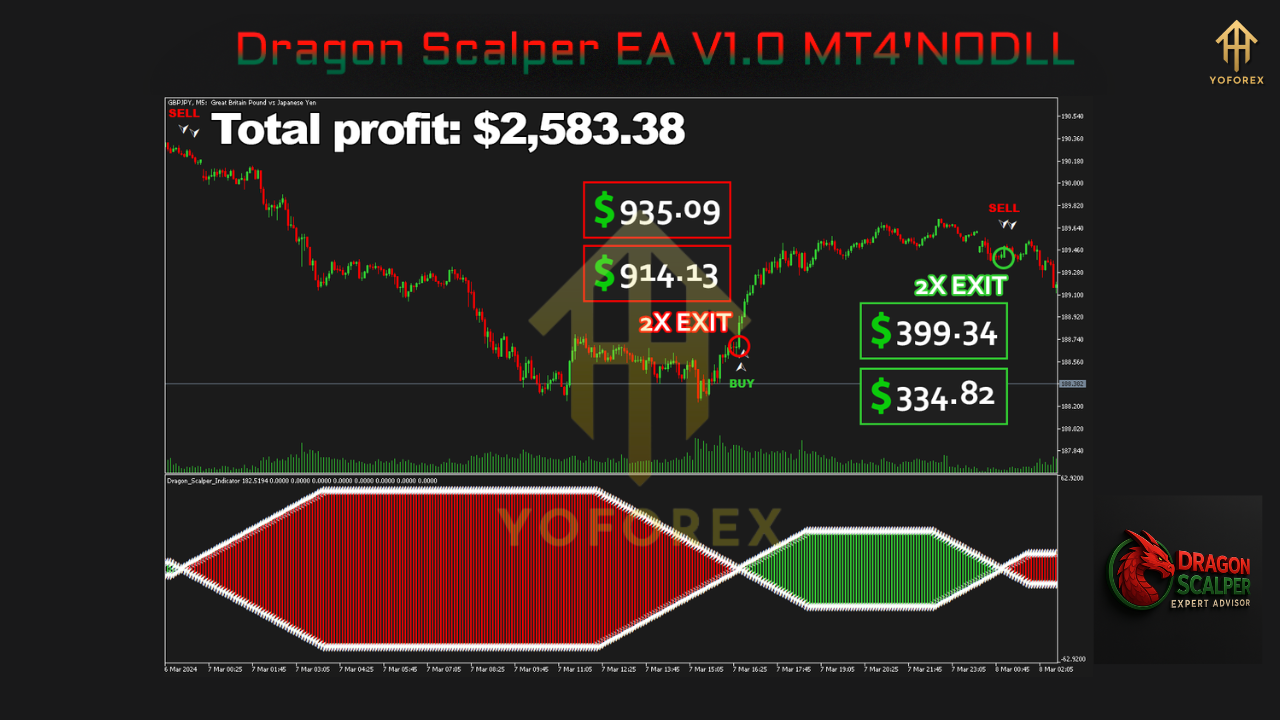
Key Features of Dragon Scalper EA
Let’s break down the core features that make Dragon Scalper EA a must-have for serious scalpers:
✔ High-Frequency Trading
Executes multiple trades per day using price action and breakout patterns to capture fast market movements.
✔ Non-Martingale Strategy
Every trade is opened and closed independently. The EA does not rely on dangerous recovery methods like doubling lot sizes after a loss.
✔ Dynamic Lot Sizing
Automatically adjusts lot sizes based on current account balance and risk parameters defined by the user.
✔ Adaptive Entry Logic
Includes filters for spread, slippage, and execution delays to only enter trades in optimal conditions.
✔ Stealth Mode
Operates without setting visible Stop Loss (SL) or Take Profit (TP), reducing broker manipulation risks. SL/TP are managed internally by the EA.
✔ Time-Based Filters
Users can configure the bot to trade only during specific trading hours, such as the overlap between London and New York sessions.
✔ Auto-Risk Management
Supports percentage-based risk allocation or fixed lots, ideal for different trading capital sizes.
Best Trading Conditions
For Dragon Scalper EA to operate at its best, the following trading environment is recommended:
- Timeframe: M1 or M5
- Pairs: EURUSD, GBPUSD, USDCAD, NZDUSD
- Minimum Deposit: $100 (recommended $500+)
- Broker Type: ECN or Raw Spread
- Leverage: 1:500 or higher
- Execution Speed: Low latency (preferably via VPS)
- Spread: Below 1.0 pip ideal
- Session: London & New York overlap
Performance and Reliability
✅ Backtest Highlights:
Backtests conducted over 3-year historical data with variable spreads have shown:
- Win Rate: Over 90% with strict SL/TP settings
- Max Drawdown: < 5%
- Profit Factor: Above 2.5
- Trading Frequency: 10–30 trades per day depending on pair and session
These numbers indicate a strong and stable system when operated in the right environment.
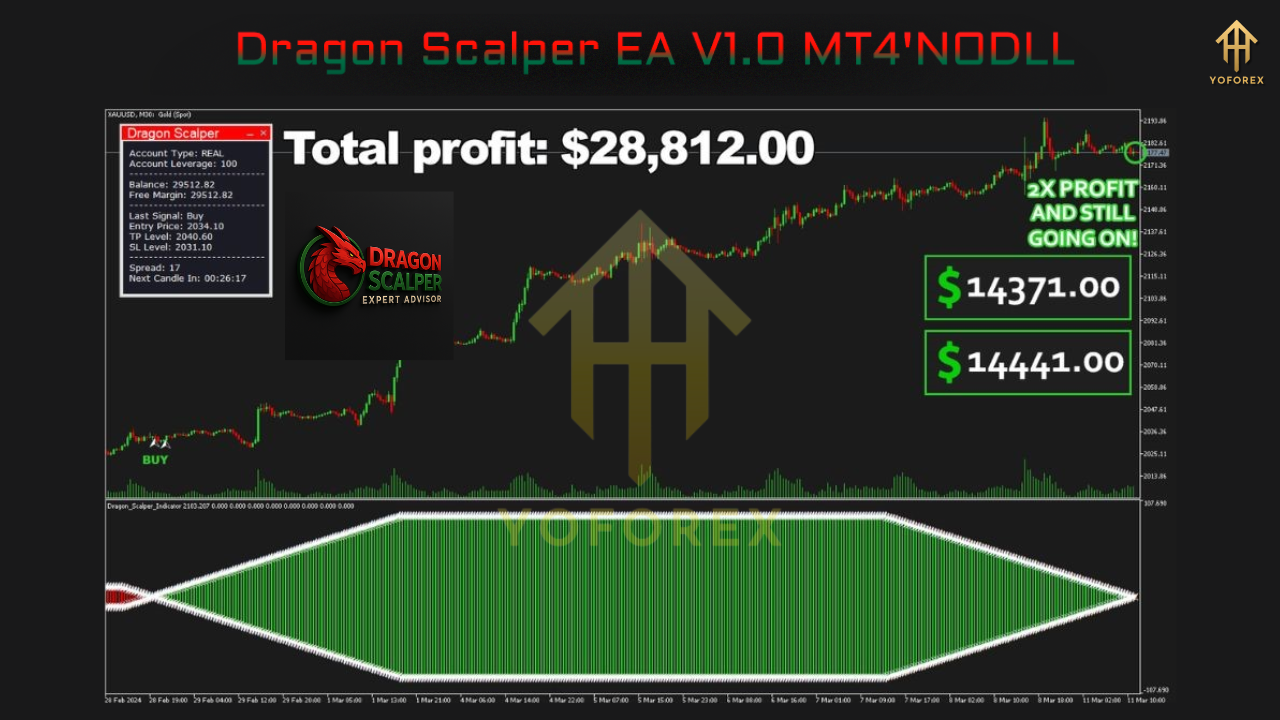
✅ Live Results (Vendor-Reported):
While actual performance may vary, reports from verified platforms show:
- Monthly Return: 20%–30%
- Average Trade Duration: 1–15 minutes
- Drawdown: Consistently under 16%
Installation and Setup Guide
To get Dragon Scalper EA up and running:
- Download the EA files.
- Place the
.ex4file in yourMQL4/Expertsfolder. - Restart MetaTrader 4 or refresh the Navigator window.
- Drag the EA onto an M1 or M5 chart.
- Enable DLL Imports and Live Trading.
- Set your risk percentage or fixed lot size.
- Select your preferred time window for trading.
- Monitor trades or let the EA run on VPS for full automation.
Who Should Use Dragon Scalper EA?
Dragon Scalper EA is suitable for:
- Retail forex traders looking for a passive trading tool
- Scalping enthusiasts who understand session volatility
- Traders with limited screen time
- Prop firm traders needing consistent scalping performance
- Beginner traders who want a ready-made, low-risk EA
Risk Considerations
While Dragon Scalper EA is built for safety and performance, it’s important to remember:
- Always run the EA on a demo account before switching to live trading.
- Use a reliable VPS for optimal speed and reduced slippage.
- Avoid trading during high-impact news unless your broker can handle it.
- Do not interfere manually with open trades—let the EA manage them.
Final Thoughts
Dragon Scalper EA V1.0 MT4 is a highly capable scalping bot designed with precision and capital preservation in mind. With proper setup and trading conditions, it can provide consistent returns and help traders avoid emotional decisions. It does not rely on over-optimized settings or high-risk strategies, making it suitable for a wide range of traders.
If you’re looking for a reliable scalping EA that prioritizes execution quality and real profitability, Dragon Scalper EA V1.0 is a smart investment for your MT4 trading toolbox.






Comments (0)
No comments yet. Be the first to comment!
Leave a Comment