Donchian Indicator V1.0 MT4: A Comprehensive Guide to Enhancing Your Trading Strategy
In the ever-evolving world of forex trading, the Donchian Indicator remains one of the most popular tools for traders seeking to analyze price breakouts and trends. Developed by Richard Donchian, this technical indicator is used to track the highest and lowest prices over a specified period, making it ideal for breakout strategies. In this blog post, we will dive into how the Donchian Indicator works, how to use it in MetaTrader 4 (MT4), and how it can enhance your trading strategy.
What is the Donchian Indicator?
The Donchian Channel is a trend-following indicator that provides traders with an easy-to-understand visual representation of a market’s high and low over a given period. By calculating the highest high and lowest low over a set period, this indicator forms a channel that helps to identify potential breakout points. The Donchian Indicator can be used in various trading styles, including day trading, swing trading, and trend following.
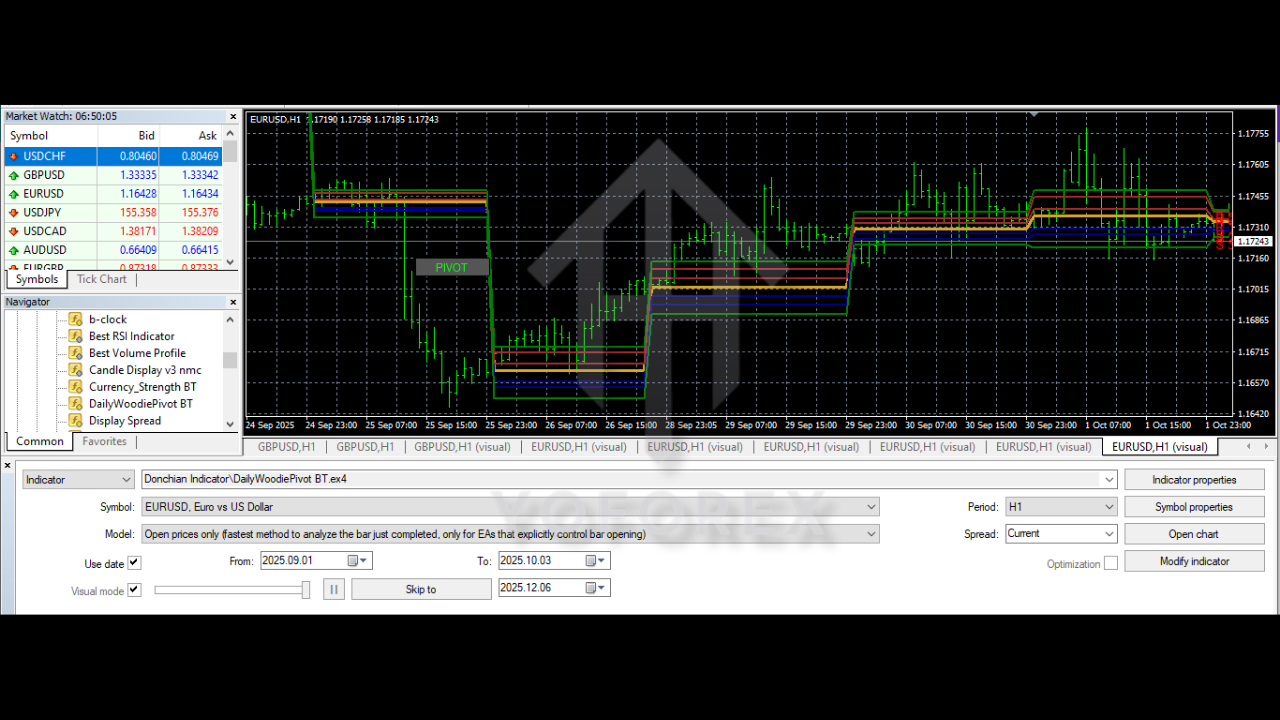
Key Features of Donchian Indicator V1.0 MT4
- Dynamic Channels: The Donchian Channel forms upper and lower bands, allowing traders to visualize the range of price movements. The upper band shows the highest price, while the lower band shows the lowest price over a defined period.
- Trend Identification: When the price moves above the upper channel, it signifies an uptrend, and when the price moves below the lower channel, it indicates a downtrend. This makes it an excellent tool for trend-following strategies.
- Customizable Periods: The Donchian Indicator V1.0 for MT4 allows traders to adjust the period of analysis. Traders can experiment with different periods to suit their trading strategy, whether they are focusing on short-term breakouts or longer trends.
- Easy to Use: With its simple interface and intuitive design, the Donchian Indicator V1.0 for MT4 is suitable for traders of all experience levels. No complicated setups are needed, and the indicator can be applied directly to any chart on MT4.
How to Use Donchian Indicator V1.0 MT4 for Trading
- Setting Up the Indicator:
- Open your MT4 platform and navigate to the "Insert" tab.
- Choose “Indicators” and select “Custom.”
- Scroll down to select "Donchian Channel" and add it to your chart.
- Adjust the period settings to suit your trading strategy. For example, you can choose a period of 20 for a mid-term view or 50 for long-term trend analysis.
2. Using Donchian Channels for Trend Breakouts:
- Bullish Signal: When the price breaks above the upper band of the Donchian Channel, this signals a potential bullish trend. Traders typically enter a buy trade when this happens, as it indicates a breakout.
- Bearish Signal: When the price breaks below the lower band of the channel, it suggests a bearish market, and traders can consider opening a sell position.
- Support and Resistance: The upper and lower bands also act as support and resistance levels. Price bouncing off these levels can present opportunities for traders to enter positions with a high probability of success.
3. Combining with Other Indicators:
- The Donchian Indicator works well when combined with other technical indicators like RSI, Moving Averages, and MACD for confirmation. Using multiple indicators helps improve the reliability of signals and avoid false breakouts.
Advantages of Using Donchian Indicator V1.0 MT4
- Simple and Easy to Interpret: The Donchian Channel is straightforward to use, making it ideal for beginners. Its simplicity helps traders quickly identify market trends without getting lost in complex calculations.
- Effective for Trend Following: This indicator is particularly useful for trend-following traders. It allows them to capture significant price moves and manage trades effectively as trends develop.
- Versatile Application: The Donchian Indicator works across various timeframes, making it adaptable for different trading styles and preferences. Whether you are a scalper, day trader, or swing trader, this tool can provide valuable insights.
- Helps with Risk Management: By tracking price breakouts and setting stop-loss orders just outside the Donchian Channel, traders can use this indicator to manage risk and minimize potential losses.
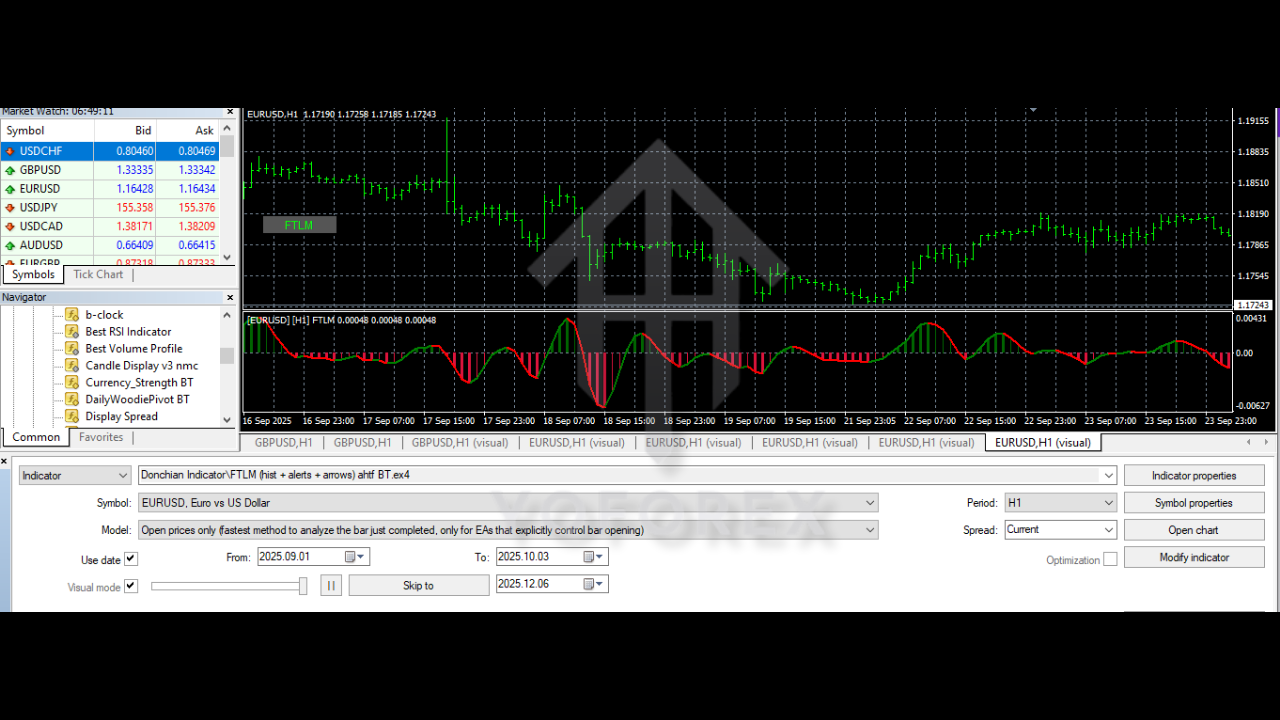
Disadvantages of Donchian Indicator V1.0 MT4
- Lagging Indicator: Like most trend-following indicators, the Donchian Channel is reactive rather than predictive. It lags behind price movements and can lead to late entries, especially in volatile markets.
- False Breakouts: False breakouts can occur when the price temporarily breaches the channel before reversing. Traders should be cautious and use additional confirmation indicators to avoid this risk.
Backtesting Donchian Indicator V1.0 MT4
To truly gauge the effectiveness of the Donchian Indicator V1.0, backtesting is essential. Traders can use MT4's strategy tester to simulate past trades and analyze how the indicator would have performed. This helps traders refine their strategies, identify optimal periods for the channel, and assess the risk-to-reward ratio of their trades.
Recommended Settings for Donchian Indicator V1.0 MT4
- Short-Term Trading: For traders focused on short-term breakouts, a shorter period (e.g., 10 or 14) can be used. This will allow the indicator to react more quickly to market movements.
- Medium-Term Trading: A medium period (e.g., 20 or 30) is suitable for those looking to trade trends over several days or weeks.
- Long-Term Trading: Longer periods (e.g., 50 or 100) work best for identifying longer-term trends and avoiding market noise.
Conclusion
The Donchian Indicator V1.0 MT4 is an excellent tool for traders looking to identify trends and breakout points in the forex market. With its simple yet powerful design, this indicator is ideal for both beginner and experienced traders. By integrating the Donchian Indicator into your trading strategy, you can improve your market analysis, enhance your decision-making, and ultimately increase your chances of success in the forex market.






Comments (0)
No comments yet. Be the first to comment!
Leave a Comment