Tired of noisy charts and false signals that wreck your trades?
BSTrend V2.0 Indicator for MT4 could be your new favorite weapon. Designed for clarity, simplicity, and insane accuracy, this free trend filter helps traders avoid messy market zones and stick to clean, directional entries.
Whether you’re a scalper, day trader, or swing trader—BSTrend V2.0 can help you trade smarter. It filters out sideways chop and gives crystal-clear BUY or SELL conditions based on real momentum. Oh, and did we mention? It’s completely free—thanks to the team at YoForex.
Overview
BSTrend V2.0 is a minimalist yet extremely effective trend confirmation indicator built for MetaTrader 4. Unlike flashy, repainting indicators, this one is built for serious confirmation and entry logic support. It's often used alongside signal indicators to filter out weak trades and reduce losses.
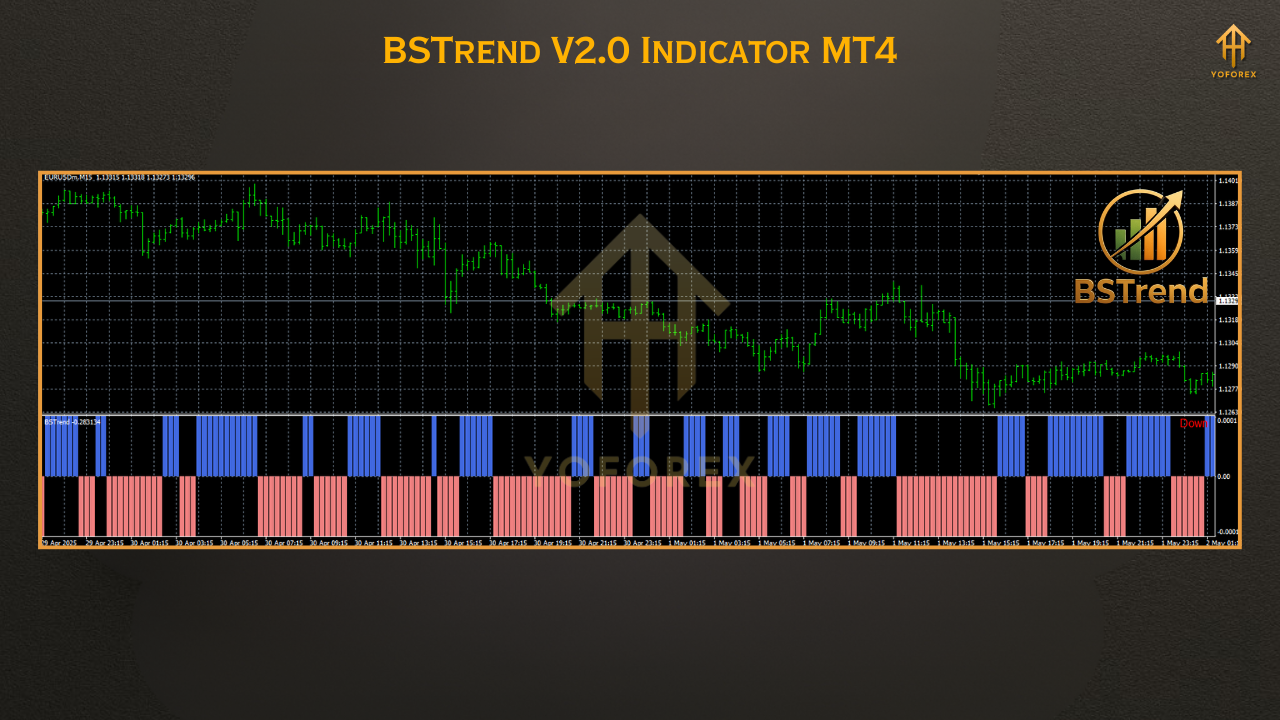
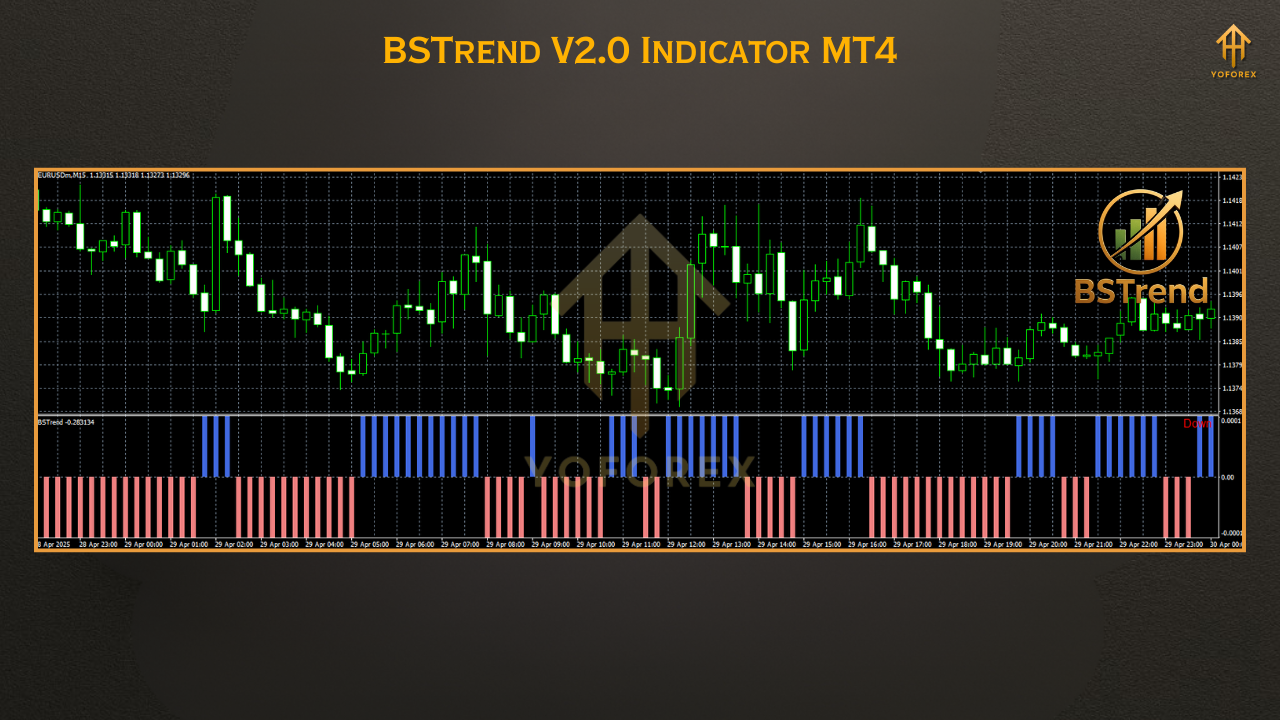
The core of BSTrend is a smoothed trend histogram that only turns blue in confirmed bullish phases and red in confirmed bearish zones—nothing in-between. No laggy nonsense. No “maybe-it’s-trending” vibes.
Perfect for intraday and swing traders who want to trade with the trend, not against it.
Key Features
• +Color-coded trend histogram (Blue = Bullish, Red = Bearish)
• +Zero lag, ultra-lightweight algorithm
• +No repainting or shifting signals
• +Works with any pair and any timeframe
• +Perfect for scalping, swing, or trend following
• +Easy to read and interpret at a glance
• +Combines well with RSI, MACD, or signal indicators
• +Great for beginners & advanced users alike
• +Low CPU usage, even with multiple charts open
• +No additional DLLs or paid upgrades
• +Backtestable in Strategy Tester for signal validation
• +Completely FREE via YoForex and MQL5.software
How It Works (With Example)
Here’s how you’d typically use BSTrend:
- Add the indicator to a chart (say, EURUSD H1)
- Wait for the histogram to switch from red to blue—this confirms a new bullish phase.
- Only consider long entries while the bars remain blue.
- For extra confirmation, combine with your favorite oscillator (e.g., RSI or stochastic crossover).
Backtest Insights & Live Use
How to Install & Configure
Step-by-step:
- Download from MQL5.software
- Open your MT4 platform
- Go to
File > Open Data Folder > MQL4 > Indicators - Paste the BSTrend.ex4 file there
- Restart MT4
- Find it in the Navigator panel, drag it onto your chart
Why Use YoForex Tools?
YoForex has been on a mission to make premium-level trading tools available to everyone—without paywalls. No cracked files. No malware. Just clean, efficient software that helps you trade better.
- Regularly updated, safe-to-use tools
- 100% free Expert Advisors and indicators
- Strong community support via Telegram
- Trusted brand among beginners and prop firm traders
Support & Disclaimer
• Ping us on WhatsApp
• Or join our Telegram community: https://t.me/yoforexrobot
Disclaimer: BSTrend V2.0 is a support tool, not a standalone signal generator. Please combine with proper strategies, backtest before live use, and always manage risk wisely.






Comments (0)
No comments yet. Be the first to comment!
Leave a Comment