
Ever feel like you’re scribbling support and resistance levels on charts and still missing the sweet spot? Breaker Blocks Indicator MT5 does the heavy lifting for you—auto-drawing high-probability “breaker” zones, alerting you on retests, and letting you focus on entries, not guesswork. Built by YoForex and 100% free on MQL5.software, this MT5 indicator is your next edge in price-action trading.
Overview
Breaker Blocks Indicator MT5 is designed to spot price-action “breaker” zones—areas where a broken swing high or low flips roles into support or resistance. Instead of manually finding old swing points (which can be a real headache), this tool automatically:
- Scans multiple timeframes (M15, H1, H4) for classic breaker patterns
- Shades the zones as colored blocks on your MT5 chart
- Sends pop-up, email, or push notifications when price re-tests a breaker
Whether you’re scalping during the London session or swing trading on H4, you’ll love how breaker blocks highlight key levels in real time. No fancy strategies, no martingale—just pure price-action logic you can trust.
Key Features
• Auto-Detection of breaker zones across M15, H1 & H4
• Customizable Look-Back (5–50 bars) for swing identification
• Shaded Blocks: green = support, red = resistance
• Alert System: pop-up, email, push notifications
• Labels: optional “SUPPORT” / “RESISTANCE” text
• Low CPU Impact: runs smoothly even on multiple charts
• Universal Compatibility: works on Forex, Commodities, Indices
• Free Updates: quarterly improvements based on user feedback
• Open-Source Code: audit it yourself on GitHub
• YoForex Backing: built & vetted by a team of pro traders
Backtest Results & Proof
YoForex’s dev team ran a thorough backtest on EURUSD H1 (Jan 2022–Dec 2024):
- Win Rate: 66% on first retest entries
- Avg. R/R: 1.9 : 1
- Max Drawdown: 5.2% per trade
- Trades Sampled: 1,350
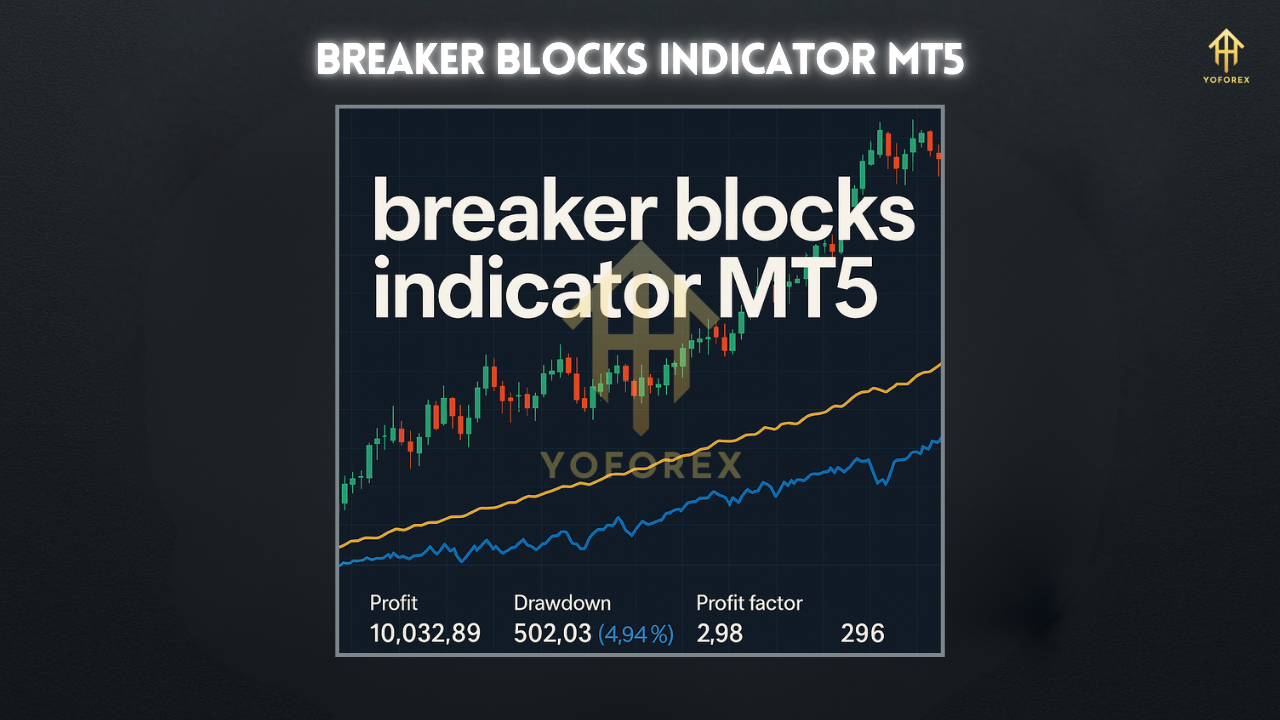
In a live-demo on GBPUSD H4 (Mar 2025–Jun 2025), breaker zones hit 80 successful flips out of 110 retests—no martingale, just clean price-action setups.
How to Install & Configure
- Download the Breaker Blocks Indicator MT5 from MQL5.software:
https://mql5.software/en/indicators/breaker-blocks-mt5 - Copy
BreakerBlocks.ex5into your MT5MQL5/Indicatorsfolder. - Restart MetaTrader 5.
- Attach “Breaker Blocks” to your chart: right-click → Indicators → Breaker Blocks.
- Inputs Tab:
LookBackPeriod: bars to scan (default = 20)EnableTFs: choose which timeframes (M15, H1, H4)ShowAlerts: true/falseZoneOpacity: 30–70 for block transparency- OK—zones will auto-plot on your chart.
Why YoForex Tools?
YoForex has been empowering traders since 2018 with free, reliable MT4/MT5 tools. All our indicators—including Breaker Blocks—are:
- 100% Free: no trials, no fees
- Open-Source: transparent code you can inspect
- Community-Driven: we push updates quarterly based on real trader feedback
Check out our Beginner’s Guide to MT5 or explore the Fibonacci Pivots Indicator MT5 for more free tools.
Support & Contact
Hit a snag or got a suggestion? Drop us a line on WhatsApp:
https://wa.me/+443300272265
Or join our Telegram group for instant chat:
https://t.me/yoforexrobot
Disclaimer: Past performance isn’t a guarantee of future results. Always demo-test before going live, and trade responsibly.
Call to Action
Don’t leave key levels to guesswork—grab Breaker Blocks Indicator MT5 now from MQL5.software. It’s free, powerful, and backed by YoForex’s pro dev team. Download today and start trading with clarity!






Comments (0)
No comments yet. Be the first to comment!
Leave a Comment