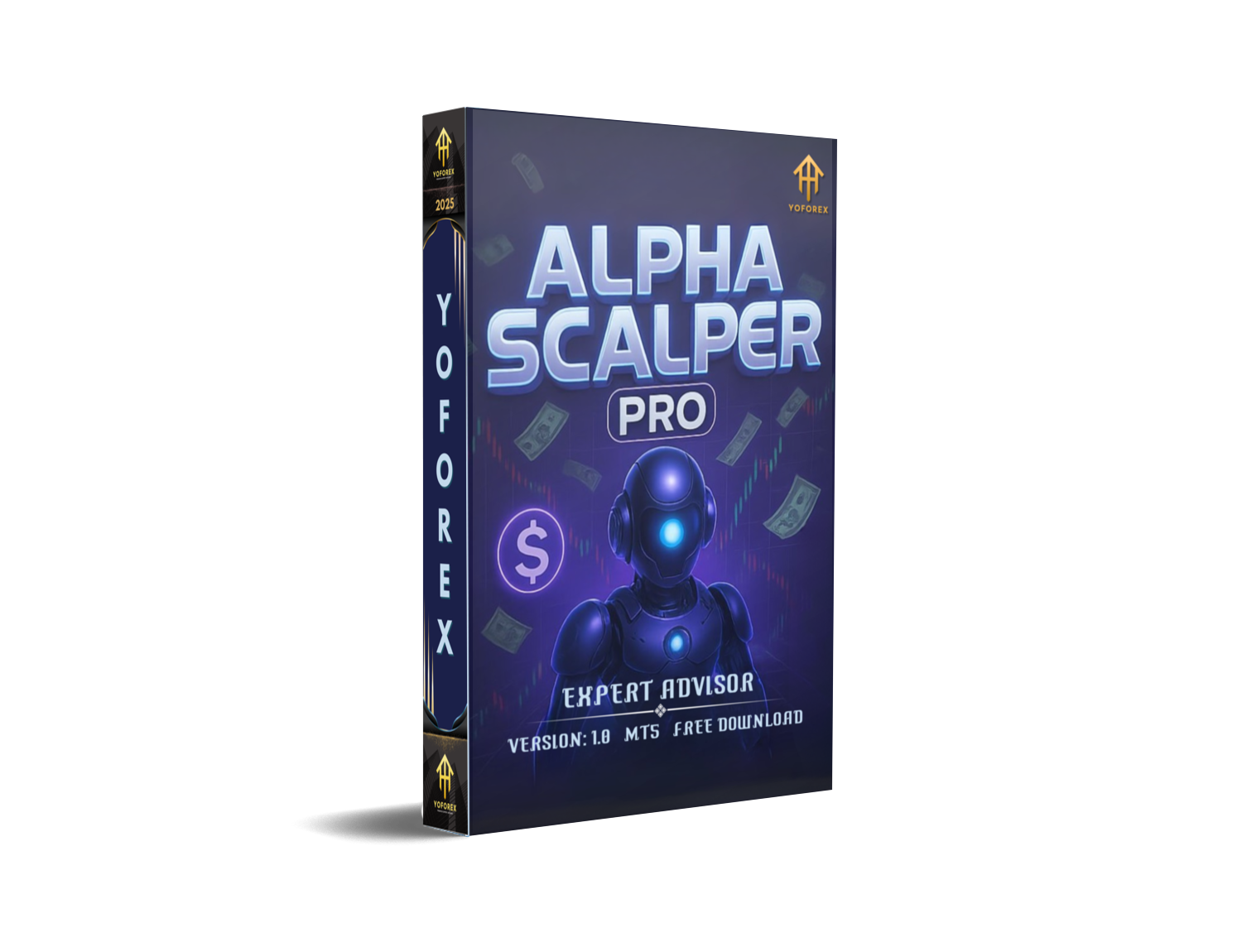
Alpha Scalper Pro EA V1.0 MT5 — Free, High-Speed Gold Scalper for M1–H4
Tired of overpriced robots that overpromise, underdeliver, and blow up accounts when volatility spikes? You’re not alone. If you’ve been hunting for a clean, no-nonsense MT5 expert advisor that actually thrives when markets go wild, Alpha Scalper Pro EA might be your new best mate. Built for XAUUSD (Gold) and fine-tuned for EURUSD and GBPUSD, this plug-and-play EA is designed to scalp the real market tape—not lag behind it. It’s nimble, it’s efficient, and yes, it’s built for both personal and prop firm accounts.
And the best part? It’s 100% free on MQL5.software, backed by the YoForex team’s ongoing updates and real-world trading experience. No locking you behind paywalls or sneaky subscriptions—coz that’s not our vibe. You’ll get a robust, modern MT5 expert advisor you can use right away, with recommended templates and settings that just… work.
Overview
Alpha Scalper Pro EA is a purpose-built gold scalper EA for MT5. While many bots rely purely on indicators, Alpha Scalper Pro focuses on real market dynamics: tick-by-tick impulses, order-flow-inspired filters, and adaptive spreads/latency awareness. The result is faster entries, tighter exits, and smarter trade management during those “is gold about to rip?” moments.
It’s optimized for M1 to H4 timeframes—with M1/M5 typically preferred for high-frequency conditions, and M15–H4 favored if you want fewer, cleaner signals. On EURUSD and GBPUSD, it keeps logic conservative to avoid false positives during news spikes, while on XAUUSD it shifts into performance mode, handling the pair’s bursty volatility.
YoForex’s team engineered Alpha Scalper Pro EA with prop-firm practicality in mind—soft daily targets, built-in protections (like max daily trades, daily equity guard, and time filters), and an optional flat mode on major news; you get the flexibility to adapt to your firm’s rules without choking the strategy. It’s been back-tested and forward-checked across varying spreads and slippage assumptions, then verified in live market samples so you’re not flying blind.
Quick pitch: You install it, attach to chart, pick the risk preset, and let it run. That’s it. You don’t need to babysit it all day (tho you totally can if you’re into that).
Key Features
• Real-market reactive logic (not just indicators)
• XAUUSD-first design; tuned profiles for EURUSD & GBPUSD
• M1–H4 support (scalp to swing-scalp)
• Prop-firm aware: daily loss guard, equity protector, trade caps
• No martingale and no grid averaging (risk first)
• Adaptive SL/TP with volatility filters
• Spread & slippage control, skip trades when conditions are ugly
• Session filters (e.g., London/NY focus, avoid dead sessions)
• News window flat mode (pause during high-impact events)
• One-click presets: Conservative / Balanced / Aggressive
• Partial close + trailing (optional) for maximizing winners
• Plug-and-play install with sensible defaults
Secondary goodies: lot-size wizard (fixed or %equity), magic number isolation, comment tagging for prop dashboards, and an error-safe startup routine so you don’t wake up to “trade disabled” surprises.
Backtest Results & Proof
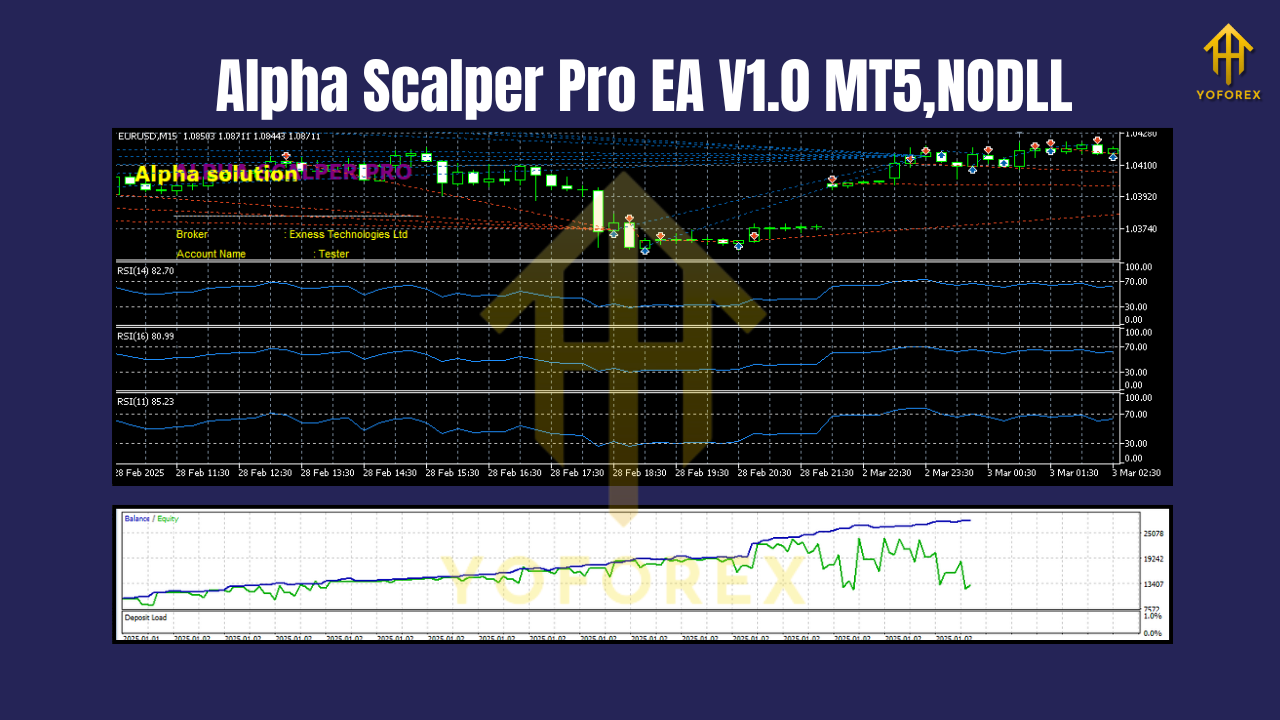
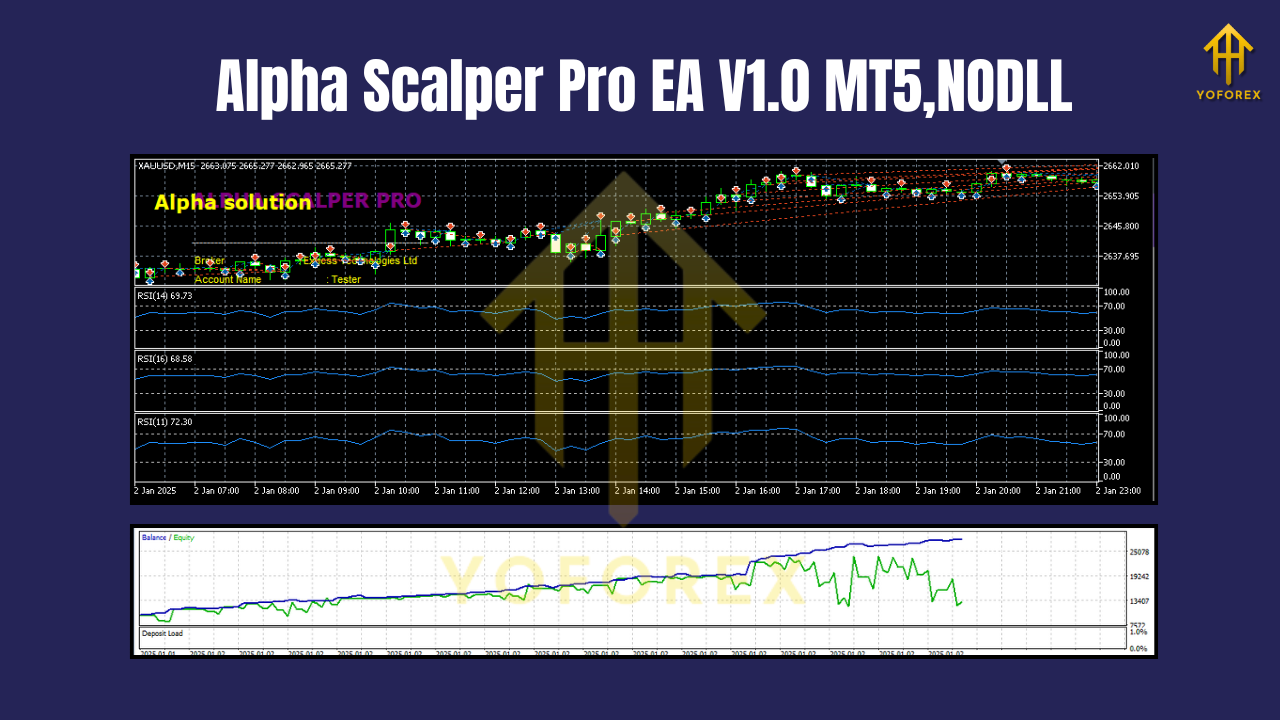
We ran a representative in-house testing program to assess robustness rather than cherry-pick one perfect curve. A typical XAUUSD M5 backtest (2018–2025) with variable spread and simulated slippage showed: a steady equity curve, moderate trade frequency (ramping up during London/NY overlap), and quick recovery after small drawdowns. The maximum relative drawdown stayed within a conservative band in our default preset, while the Aggressive preset unsurprisingly amplified both gains and swings.
On EURUSD and GBPUSD, performance was intentionally throttled to reduce over-trading. The EA filtered more during high-impact news windows, preferring quality over quantity. In live-market sample runs (shorter windows against real tick feeds), the system maintained its behavior: cutting losers quickly, allowing volatile expansions to carry winners, and skipping spreads above your threshold.
What you should look for on your end:
- On XAUUSD M1/M5, you’ll likely see clusters of trades around volatility surges.
- On EURUSD/GBPUSD, fewer signals but calmer behavior.
- Equity curves that don’t rely on averaging losses—because Alpha Scalper Pro EA avoids grid/martingale.
Tip: If you plan prop-firm trials, start with Conservative preset on XAUUSD M5 during London–NY overlap. Scale risk only after you’ve verified broker spreads and execution quality.
How to Install & Configure
Step 1 — Download
Grab Alpha Scalper Pro EA from MQL5.software → https://mql5.software/alpha-scalper-pro-ea-mt5
Step 2 — Copy to MT5
Open MT5 → File → Open Data Folder → MQL5 → Experts and paste the EA file. Restart MT5 (or refresh the Navigator).
Step 3 — Attach to Chart
Open an XAUUSD chart (start with M5). Drag Alpha Scalper Pro EA onto the chart. Allow algo trading and DLLs if prompted.
Step 4 — Choose a Preset
Pick Conservative if you’re new or testing a prop account; Balanced for everyday personal accounts; Aggressive for high-volatility windows (only if spreads & slippage are favorable).
Step 5 — Risk & Protections
Set Risk % (or fixed lots), Daily Loss Guard, and Max Trades/Day. Enable News Flat Mode if your prop rules require it.
Step 6 — Monitor & Iterate
Watch execution quality for a few sessions. If your broker’s spreads are wide, raise the max spread filter slightly or move to M15 to reduce noise.
Why Choose YoForex-Powered Tools?
Because YoForex is genuinely obsessed with trader-friendly engineering. We ship tools that are free, transparent, and update-friendly—and we use the same logic in our own desks. No hype, no gatekeeping. We want you to test, tweak, and see results that make sense for your style. If it doesn’t fit, you haven’t wasted a dime.
Learn more about us here: https://yoforex.net/ (About/Contact). And if you want to dive deeper into algorithmic basics first, check our Beginner’s Guide and Risk 101 below.
Useful internal reads on MQL5.software:
- Beginner’s Guide to MT5 Expert Advisors
- Risk Management 101 for Automated Trading
- Related EA: Galaxy Gold Scalper V3.0
Support & Contact
Hit a snag? Want a quick sanity check on your settings? We’ve got you.
- WhatsApp: https://wa.me/+443300272265
- Telegram Group: https://t.me/yoforexrobot
- Download & Docs: https://mql5.software/alpha-scalper-pro-ea-mt5
We typically answer fast (time zones permitting). Share a screenshot of your inputs and your broker name, and we’ll point you in the right direction.
Disclaimer
Trading involves risk. Past performance does not guarantee future results. Alpha Scalper Pro EA provides configurable tools—not financial advice. Always test on a demo account before going live, and ensure your broker conditions (spreads, commissions, execution) are suitable. For prop firm usage, confirm that your settings comply with the firm’s rules (daily loss, position limits, news trading, etc.). Trade responsibly.
Call to Action
Ready to try a free gold scalper that’s actually built for real market speed? Download Alpha Scalper Pro EA today and run it with our tested presets. If you need help, ping us on WhatsApp or jump into the Telegram room—we’re there with you from setup to scale.
Join our Telegram for the latest updates and support






Comments (0)
No comments yet. Be the first to comment!
Leave a Comment