Aladdin 5 FX EA V1.0 MQ4 – Trend Precision on GBPUSD M15 & USDJPY H4
If you’ve been looking for a clean, rules-based Expert Advisor that doesn’t overtrade or gamble on every candle spike, Aladdin 5 FX EA v1.0 (MQ4) is going to feel like a breath of fresh air. Built for MT4, it aims to capture sustained market moves while keeping risk in check—particularly on GBPUSD (M15) and USDJPY (H4). Instead of throwing darts, this EA evaluates structure, trend, volatility, and momentum before it touches the market; when the stars align, entries are precise and exits are managed with discipline.
Below, you’ll find a complete breakdown—what the EA does, how it makes decisions, the best way to set it up, plus practical risk-management ideas and optimization tips. No fluff. Just the stuff that helps you put it to work.
What Is Aladdin 5 FX EA, Really?
Aladdin 5 FX EA is a trend-following algorithm designed to trade selectively. It doesn’t chase noise; it looks for confluence—trend direction, volatility posture, and recent price behavior—to build a high-probability case before it executes. The EA is optimized out of the box for:
- GBPUSD on M15: A short-term timeframe where momentum flows in bursts. The EA uses adaptive filters to avoid choppy patches and focus on directional sequences.
- USDJPY on H4: A higher timeframe where trends tend to be more durable. H4 reduces false signals and gives trades space to breathe, which pairs well with the EA’s protective logic.
The engine is built around three pillars:
- Trend Context – Determines if the market is aligned enough to justify entries. This reduces whipsaw trading when conditions are flat.
- Volatility Awareness – Expands or tightens protective stops dynamically, so the EA isn’t using the same parameters during quiet Asian sessions and wild news hours.
- Risk Control – Every position is opened with a defined stop loss and a pre-planned exit path. Trailing logic locks in gains as the move unfolds.
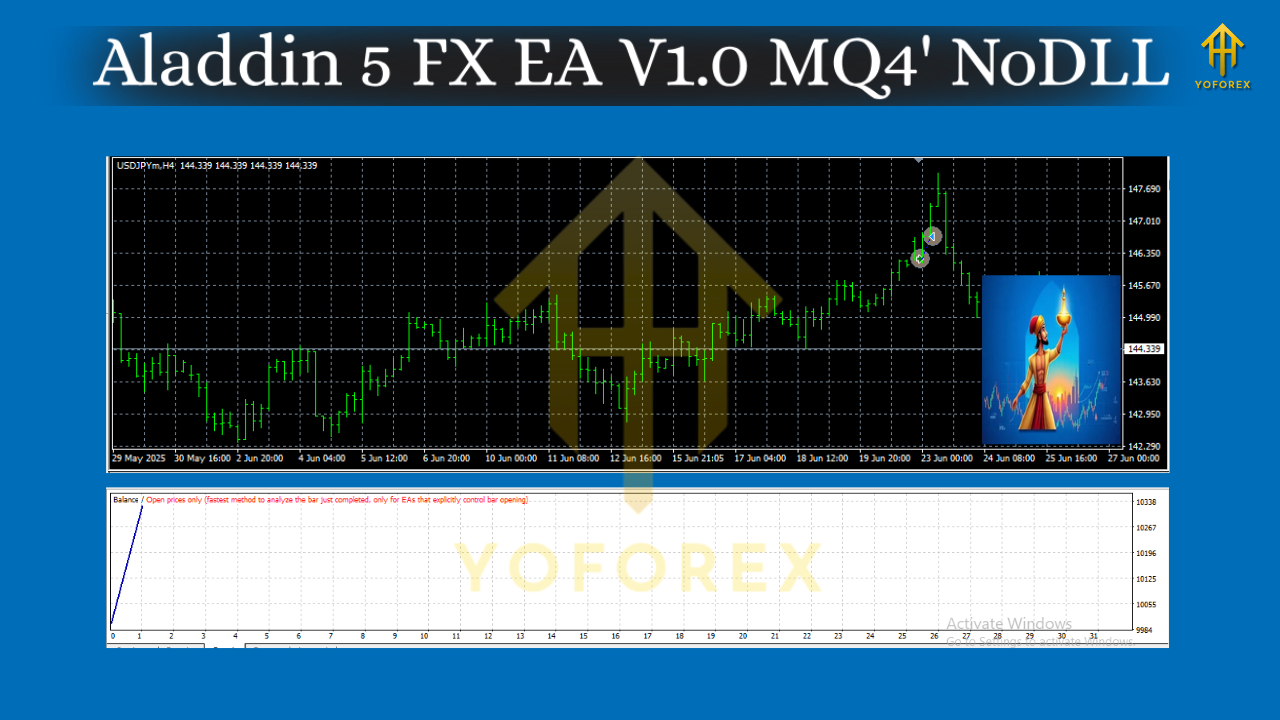
How the Strategy Sees the Market
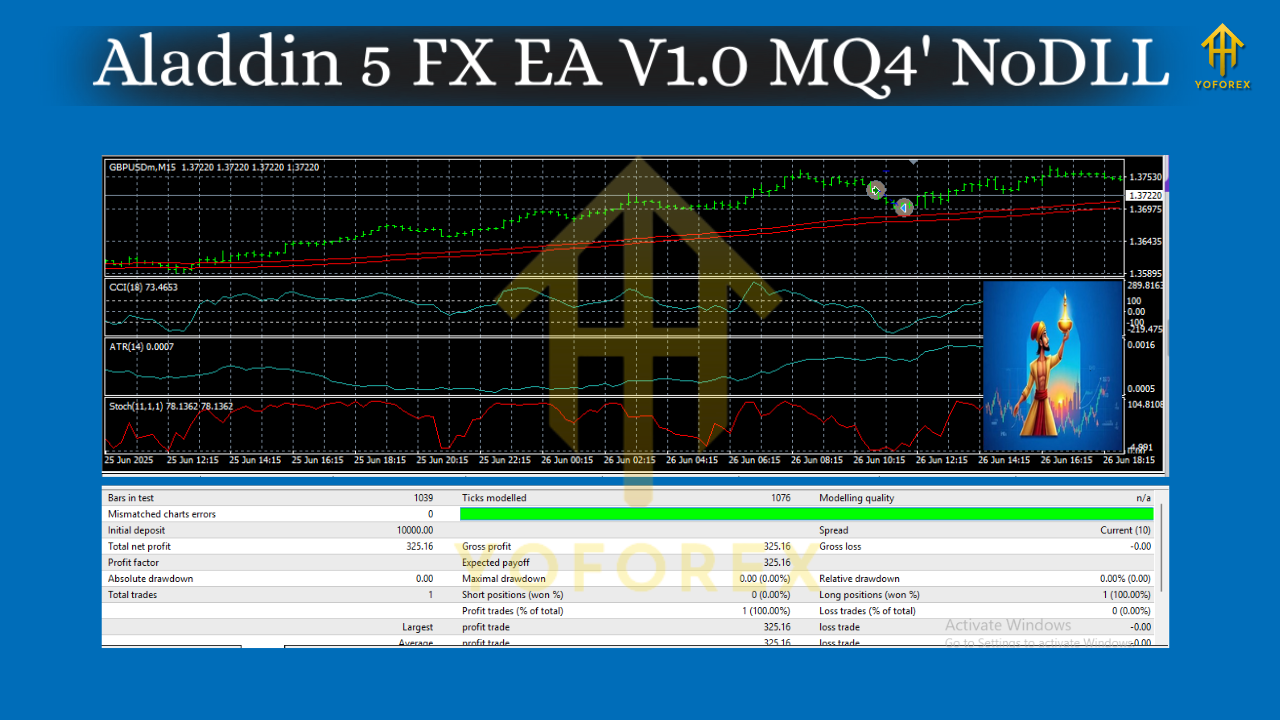
On GBPUSD M15, Aladdin 5 FX EA typically works in structured cycles—short, focused bursts of trading when there’s a strong micro-trend. It attempts to:
- Enter only when momentum + structure align.
- Stack partial profits with dynamic take-profit logic (e.g., scale-out or full TP depending on configuration).
- Cancel signals if volatility collapses or if a reversal pattern invalidates the setup.
On USDJPY H4, the EA takes a more swing-oriented approach:
- Fewer signals, but higher average trade duration.
- Trailing stop tends to do more heavy lifting here, locking gains as the trend develops.
- The EA avoids over-optimization by relying on robust filters rather than curve-fit parameter sets.
Key Features at a Glance
- MT4-Native (MQ4): Lightweight, stable, and easy to install on any MetaTrader 4 setup.
- Pair/TF Focused: Tuned for GBPUSD M15 and USDJPY H4 out of the box.
- Trend-Following Logic: Trades with the dominant flow; no reckless counter-trend averaging.
- Adaptive Risk Controls: Dynamic stops and optional trailing logic that respond to volatility.
- No Martingale: Fixed or risk-based lot sizing—your choice.
- Event Awareness (User-Configurable): Option to pause around major news (via manual inputs or your own trading schedule).
- Equity Protections: Daily loss cap and max concurrent trades (if enabled) to limit exposure.
- Set-and-Monitor Workflow: Meant to run on a VPS or 24/5 terminal; you supervise risk and let the system do the heavy lifting.
- Clean Chart Footprint: Minimal visual noise; optional on-chart panel for status and stats.
- Backtest-Friendly: Designed to be tested with high modeling quality to validate assumptions before going live.
Recommended Setup & Environment
- Broker: ECN or low-spread brokers help, especially on M15.
- VPS: For consistent uptime and stable execution, a VPS is strongly recommended.
- Leverage: Sensible leverage like 1:100–1:500 is fine; your risk per trade should stay modest (e.g., 0.5%–1%).
- Lot Sizing: Prefer risk-based lot sizing (e.g., risk % per trade), so stops and position sizes stay proportional.
- Pairs/Timeframes:
- GBPUSD – M15
- USDJPY – H4
- Filters: Consider enabling a simple trading window if your broker’s spreads widen during rollovers.
Risk Management That Doesn’t Get in Your Way
No EA is a silver bullet—but you can keep your downside tamed:
- Per-Trade Risk: 0.25%–1% is a sensible range for most accounts.
- Daily Loss Guard: If you hit a daily loss threshold (e.g., 2%–3%), stop trading for the day—no revenge trades, no “just one more.”
- Max Concurrent Trades: Keep this tight in the beginning while you gather performance data.
- Weekend Exposure: Consider disabling new entries late Friday to avoid gaps.
Backtesting & Forward Validation Tips
To validate Aladdin 5 FX EA fairly:
- Use High-Quality Tick Data where possible (99% modeling quality).
- Run Multi-Year Tests on both pairs/timeframes—capture both trending and range-bound regimes.
- Keep Parameters Conservative—don’t curve-fit. If a tiny parameter nudge flips the equity curve, it’s too fragile.
- Walk-Forward Checks: Optimize on one period, test on the next. Repeat to ensure robustness.
- Forward Demo: Before you go live, run it on a demo or a very small live account to verify fills, spreads, and slippage with your broker.
What you’re looking for:
- Equity Curve with stair-step growth during trends and controlled stagnation in ranges.
- Max Drawdown that stays within your comfort zone (and within your risk parameters).
- Trade Distribution that matches the EA’s logic—fewer but higher-quality entries on USDJPY H4; more frequent cycles on GBPUSD M15.
Configuration Walkthrough (Quick Start)
- Install:
- Open MT4 → File → Open Data Folder.
- Drop
Aladdin5FXEA.mq4or.ex4into MQL4/Experts. - Restart MT4 or refresh the Navigator.
2. Attach to Charts:
- Open GBPUSD (M15) and USDJPY (H4) charts.
- Drag the EA onto each chart. Make sure AutoTrading is enabled.
3. Inputs (common sense defaults):
- Risk Mode: Start with a fixed lot (small) or 0.5% risk per trade.
- Max Open Trades: 1–2 per pair to begin with.
- Stop/TP Logic: Keep the default trailing logic; adjust only after demo validation.
- Trading Hours: Optional—limit entries during rollover if your spreads are volatile.
4. Monitoring:
- Check the Experts and Journal tabs for errors.
- Verify that spread conditions are acceptable.
- Let the EA run uninterrupted to avoid missing setups.
Who Is This EA For?
- Trend-biased traders who prefer structure over scalping chaos.
- Part-time traders who want automation to execute a plan while they supervise the risk.
- Prop-firm hopefuls who need consistent rules (note: always adapt to your firm’s risk rules and daily drawdown limits).
- Portfolio builders who mix multiple non-correlated systems across pairs/timeframes.
If you want a martingale or grid bot that blasts 50 orders a day… this isn’t it. Aladdin 5 FX EA is deliberate, not frantic.
Best-Practice Playbook
- Start on Demo: Two to four weeks minimum.
- Log Everything: Track trades, spreads, and slippage; small tweaks go a long way.
- Don’t Over-Ride: If you constantly interfere with exits, you’re testing your discretion—not the EA.
- Scale Carefully: Increase lot size only after you see stable metrics over a meaningful sample size.
- Stay News-Aware: While the EA can handle orderly volatility, unscheduled shocks can spike spreads and slip fills.
Final Word
Aladdin 5 FX EA V1.0 focuses on quality over quantity—GBPUSD M15 for agile trend bursts and USDJPY H4 for measured swings. It’s built to be transparent, testable, and risk-aware. Treat it like a professional system: validate it, size it modestly, and let it work. Results will vary with broker conditions and your risk settings, but the framework is solid—and that’s what wins over the long run.






Comments (1)
Launch into the expansive galaxy of EVE Online. Forge your empire today. Create alongside hundreds of thousands of players worldwide. Begin your journey
Leave a Comment