Ever find yourself entering trades too early, only to watch the market reverse? Or maybe you’re stuck holding positions with no clear trend confirmation? That’s a classic trader problem.
The ADX Buy Sell Indicator MT5 solves it. Built on the proven Average Directional Index (ADX) formula, this upgraded version adds clear buy/sell signals, color-coded alerts, and trend strength filters. It’s designed to help you catch moves with confidence—whether you’re trading forex, gold, or crypto.
Overview of ADX Buy Sell Indicator MT5
The ADX (Average Directional Index) is a legendary indicator developed by Welles Wilder. Its purpose? To measure trend strength. But in its original form, many traders find it confusing—lines crossing, DI+ and DI-, messy charts.
That’s why YoForex upgraded it into the ADX Buy Sell Indicator MT5. It simplifies signals by showing:
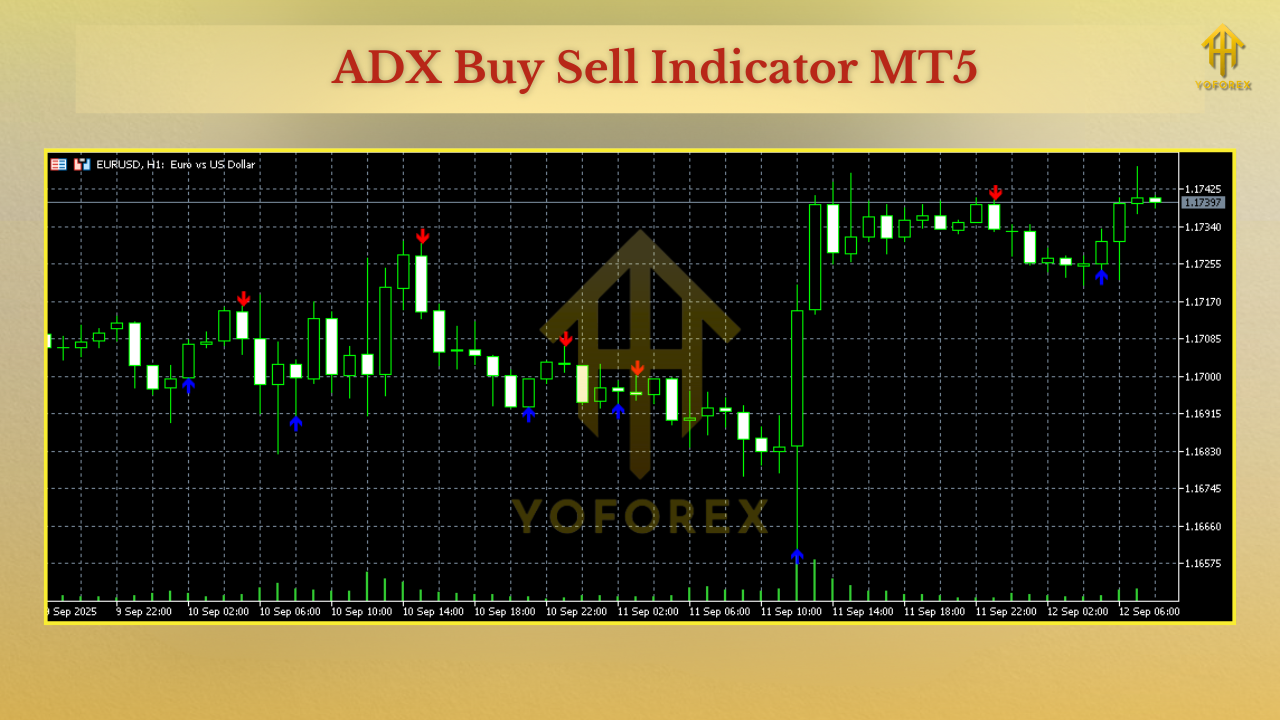
- Buy arrows when bullish trend strength is detected.
- Sell arrows when bearish trend dominates.
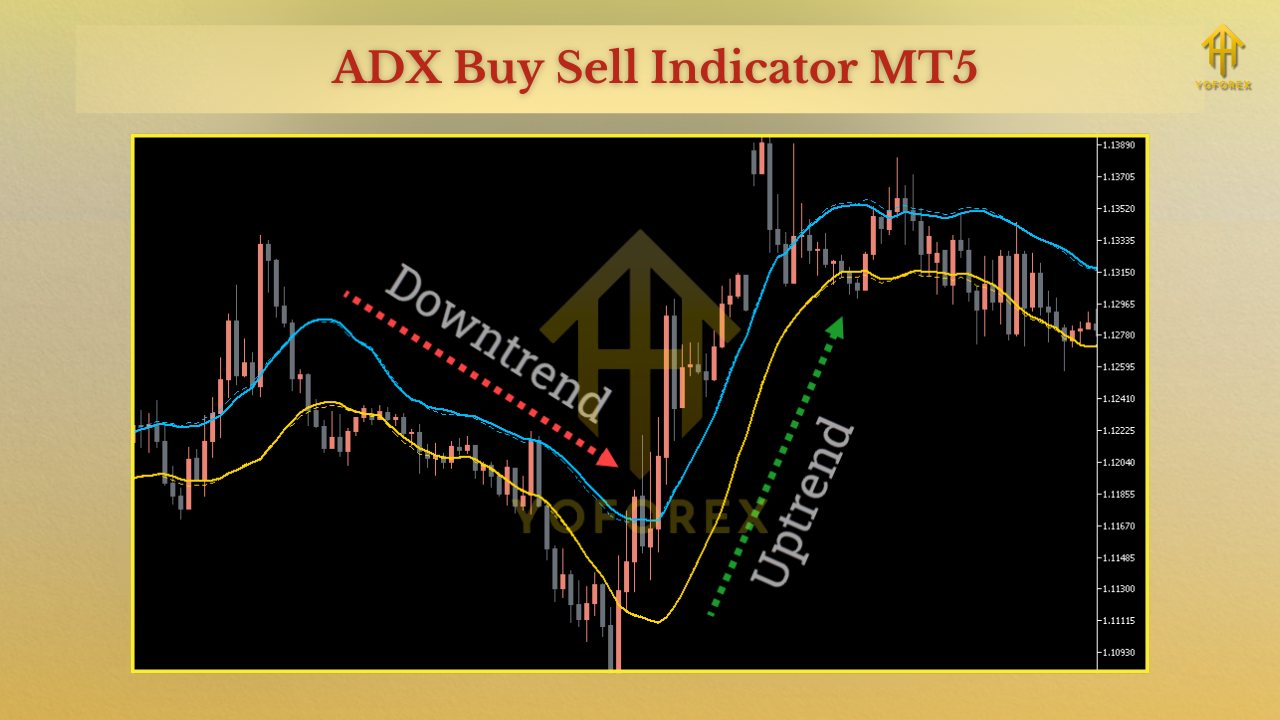
- Color-coded histogram to confirm trend momentum.
This makes it much more beginner-friendly while still powerful enough for advanced traders.
Compatibility:
- Platform: MetaTrader 5
- Works on all pairs: EURUSD, GBPUSD, USDJPY, XAUUSD, BTCUSD
- Timeframes: Any (best on M15, H1, and H4)
- Broker type: Any (recommended: ECN for scalping)
Key Features of ADX Buy Sell Indicator MT5
• Simplified Buy/Sell arrows based on ADX logic
• Multi-timeframe analysis from one chart
• Color-coded histogram for visual clarity
• Adjustable period & sensitivity settings
• Alerts via pop-up, sound, email, or push notifications
• Works on forex, gold, indices, and crypto
• No repainting – signals stay locked after bar close
• Low CPU usage, suitable for multiple charts
• Ideal for scalping, swing, and trend-following strategies
• Combines easily with other tools like RSI or Moving Averages
Backtest & Chart Results
On EURUSD (M15):
- Buy signals aligned with London session uptrends, yielding consistent 20–40 pip moves.
- Sell signals confirmed bearish flips after strong resistance rejections.
On XAUUSD (H1):
- Clear trend arrows during NY session volatility gave 200+ pip swings.
- Histogram filter helped avoid false entries in low volatility periods.
How to Install & Configure
- Download ADX Buy Sell Indicator MT5 from MQL5.software.
- Open MetaTrader 5 → File → Open Data Folder → MQL5 → Indicators.
- Paste the
.ex5file into the Indicators folder. - Restart MT5 and go to Navigator → Indicators.
- Drag ADX Buy Sell Indicator onto any chart.
Configure inputs:
- Period (default 14, adjust for sensitivity).
- Alert types (enable/disable notifications).
- Arrow size/color customization.
Why Choose YoForex Indicators?
- Free lifetime access (no hidden costs).
- Beginner-friendly signals with professional accuracy.
- Lightweight coding for fast execution.
- Ongoing support and improvements.
Support & Disclaimer
Need setup help? Contact us anytime:
- WhatsApp: Click here
- Telegram: Join group
Disclaimer: Indicators are analytical tools, not guaranteed profit machines. Always test new setups in demo first. Use alongside risk management and a clear strategy.
Call to Action
Don’t waste trades guessing trends. With the ADX Buy Sell Indicator MT5, you’ll know exactly when a move has strength behind it.






Comments (0)
No comments yet. Be the first to comment!
Leave a Comment